1. Click the Network, Volume, or Battery icon on the taskbar.
Quick Settings appears.
2. Click [Cast].
If [Cast] does not appear, click the Edit Quick Settings icon (pen icon) in Quick Settings,
and then click [Add] and select [Cast].
When using the shortcut keys, press the "Windows logo key" (Start key) and the "K" key on
the keyboard at the same time.
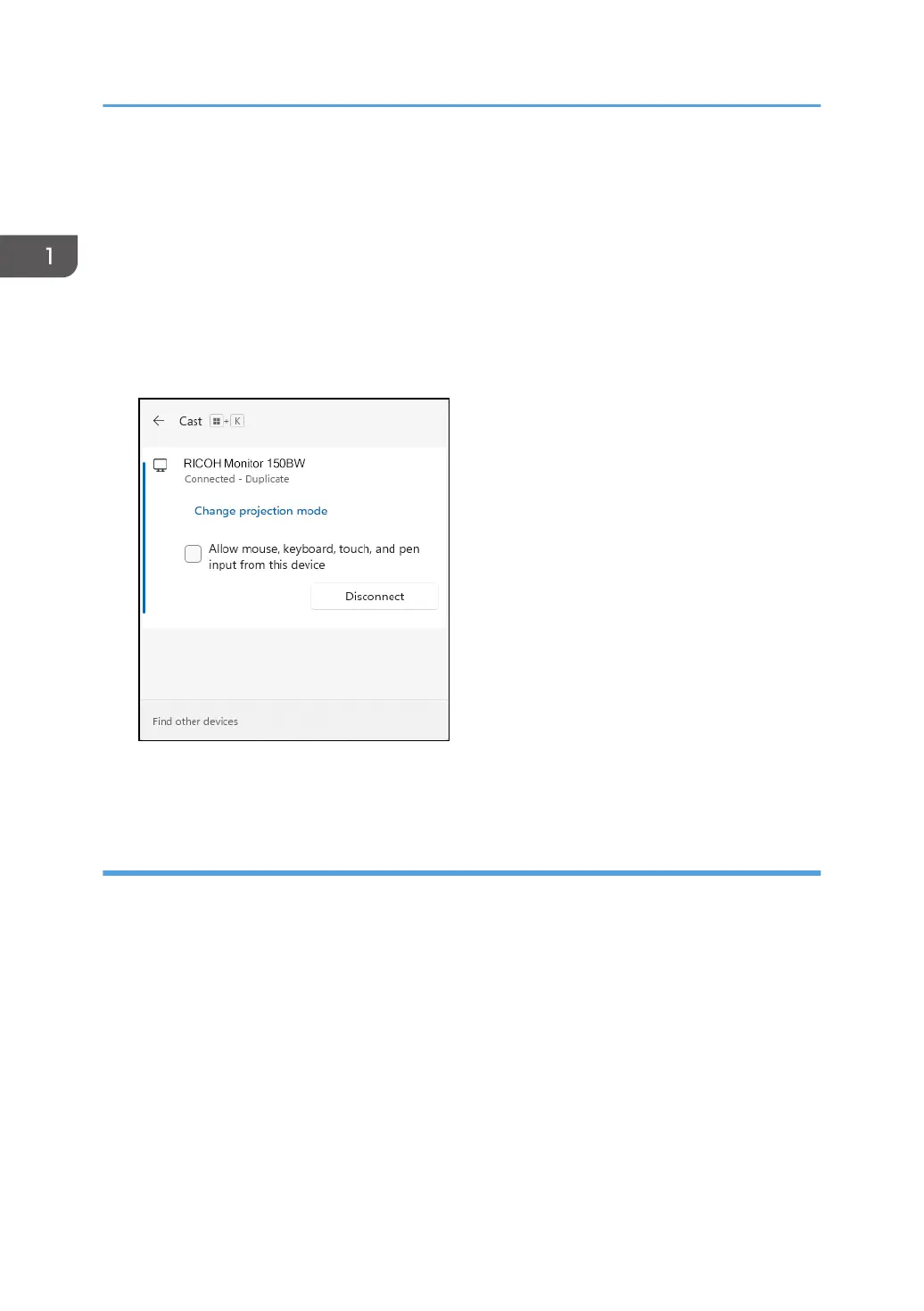
2. Click [Disconnect].
The disconnection message is displayed on the machine and the Waiting to Connect screen
appears.
Disconnecting from Android
This section uses Android 12 as an example of the procedure.
1. Connecting the Device via Wireless Connection
48



 To Next Page