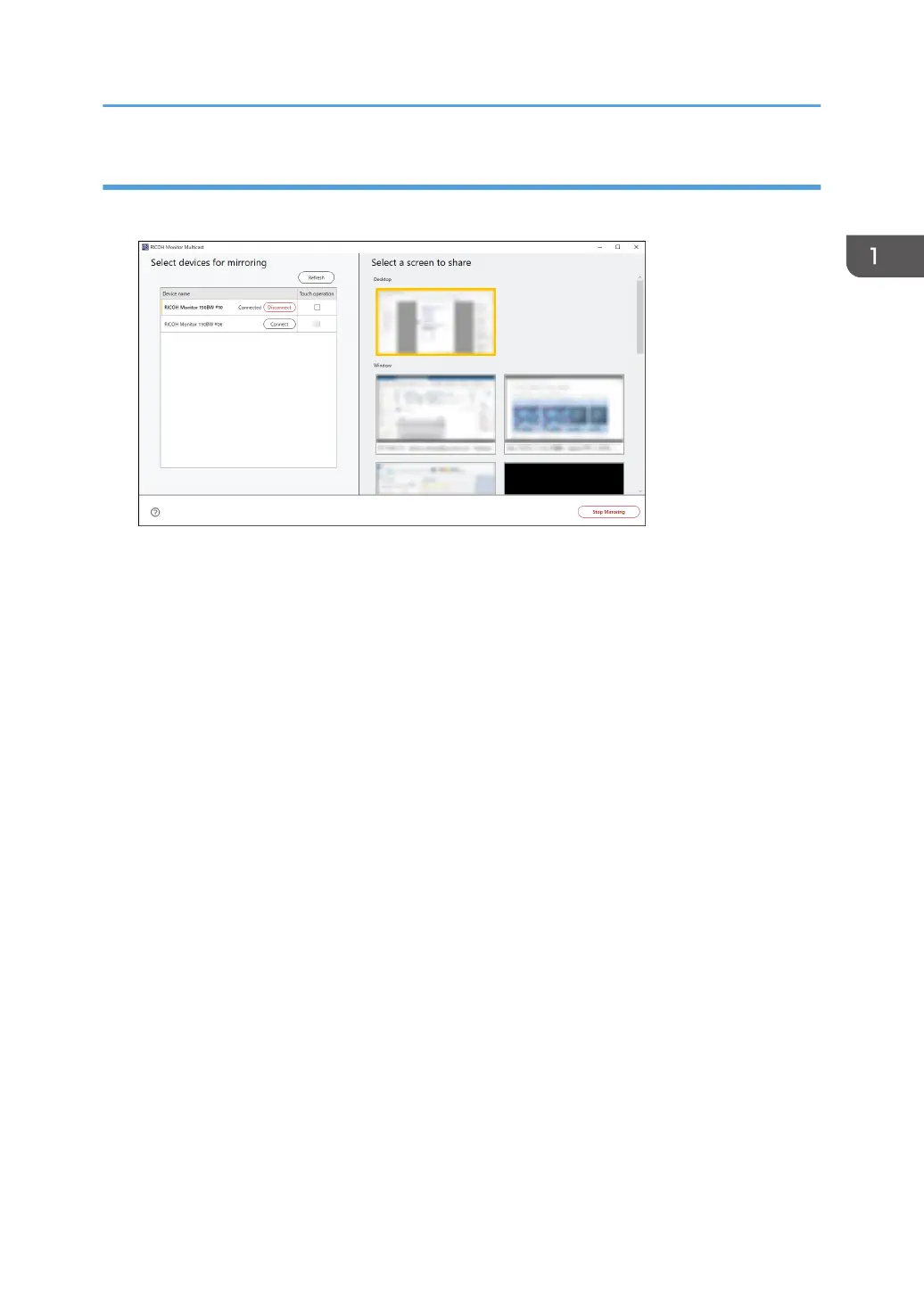
Disconnecting from RICOH Monitor Multicast for Windows
1. Click [Stop Mirroring].
The disconnection message is displayed on each RICOH Monitor, and the Waiting to Connect
screen is displayed.
When the connection is disconnected from the RICOH Monitor side and when there is no more
connected RICOH Monitor, it switches to stop mirroring automatically.
Ending a Connection
51



 To Next Page