EasyManua.ls Logo

Ricoh 5100WD - User Manual

Ricoh 5100WD
144 pages
Print Icon
To Next Page IconTo Next Page
Loading...
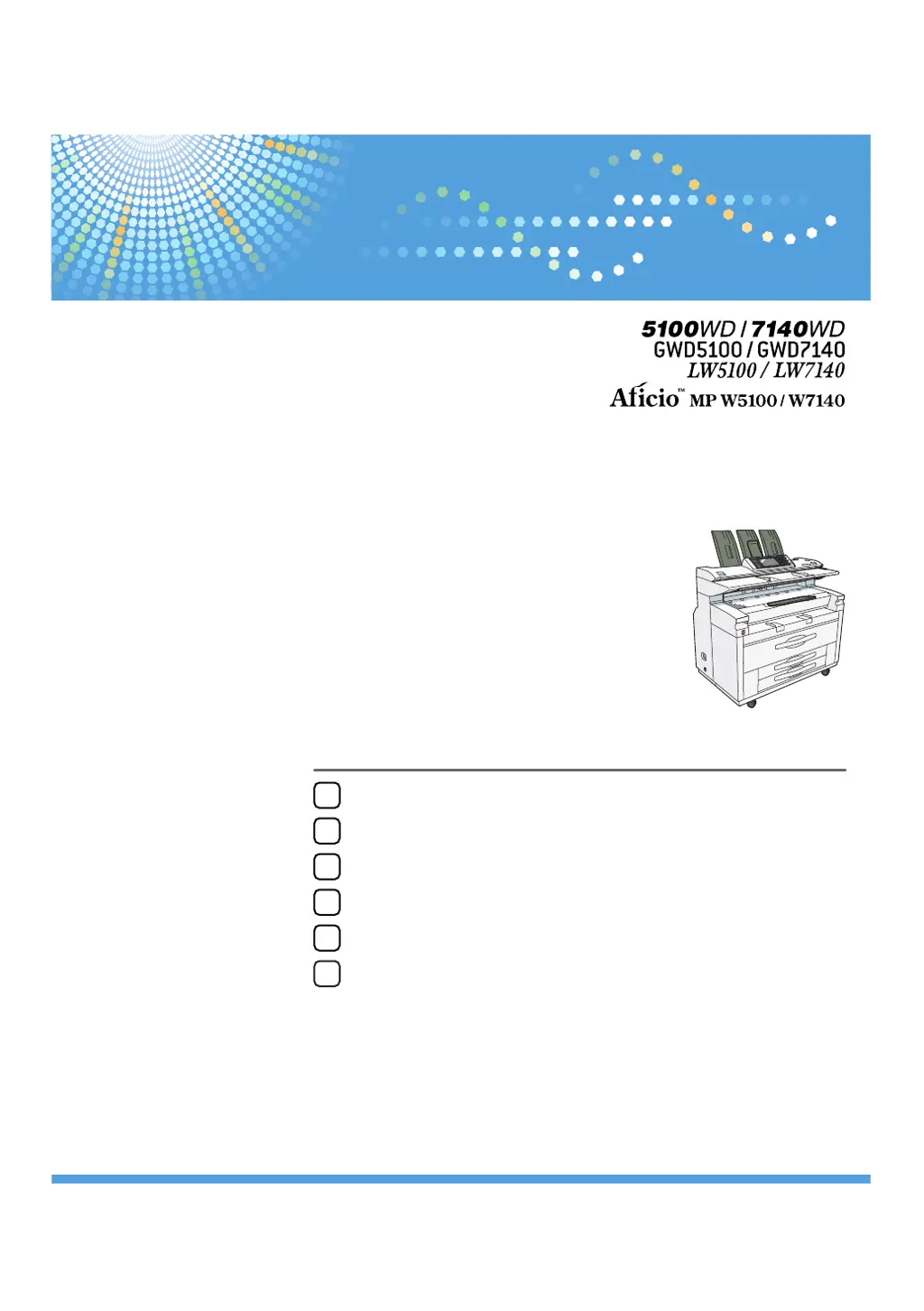
Read this manual carefully before you use this machine and keep it handy for future reference. For safe and correct use, be sure to read the Safety Information
in "About This Machine" before using the machine.
10
8
9
11
Preparing the Machine
Setting Up the Printer Driver
Other Print Operations
Printing GL/2 and TIFF Files
Saving and Printing Using the Document Server
Appendix
1
2
3
4
5
6
7
Operating Instructions
Printer Reference

Table of Contents

Other manuals for Ricoh 5100WD

Questions and Answers

  • X
    xloveAug 6, 2025
    Why does my Ricoh 5100WD say I don't have privileges?
    • V
      vhunterAug 6, 2025
      This issue occurs because the authority to use the function is not specified. If this appears when trying to use a function, it means the function is not specified in the Address Book Management setting as being available. The user administrator must decide whether to authorize the use of the function and then assign the authority. If this appears when trying to specify a default setting, the administrator differs depending on the default settings you wish to specify. Using the list of settings, the administrator responsible must decide whether to authorize the use of the function.

Ricoh 5100WD Specifications

General IconGeneral
Printer TypeLaser
Print TechnologyLaser
FunctionalityPrint, Copy, Scan, Fax
Max Print Resolution1200 x 1200 dpi
Duplex PrintingYes
RAM2 GB
Maximum Paper SizeA4
Supported Paper SizesA4, A5, A6, B5, Legal, Letter
ConnectivityEthernet
Scan Resolution600 dpi
Operating System CompatibilityWindows, macOS, Linux

Related product manuals