EasyManua.ls Logo

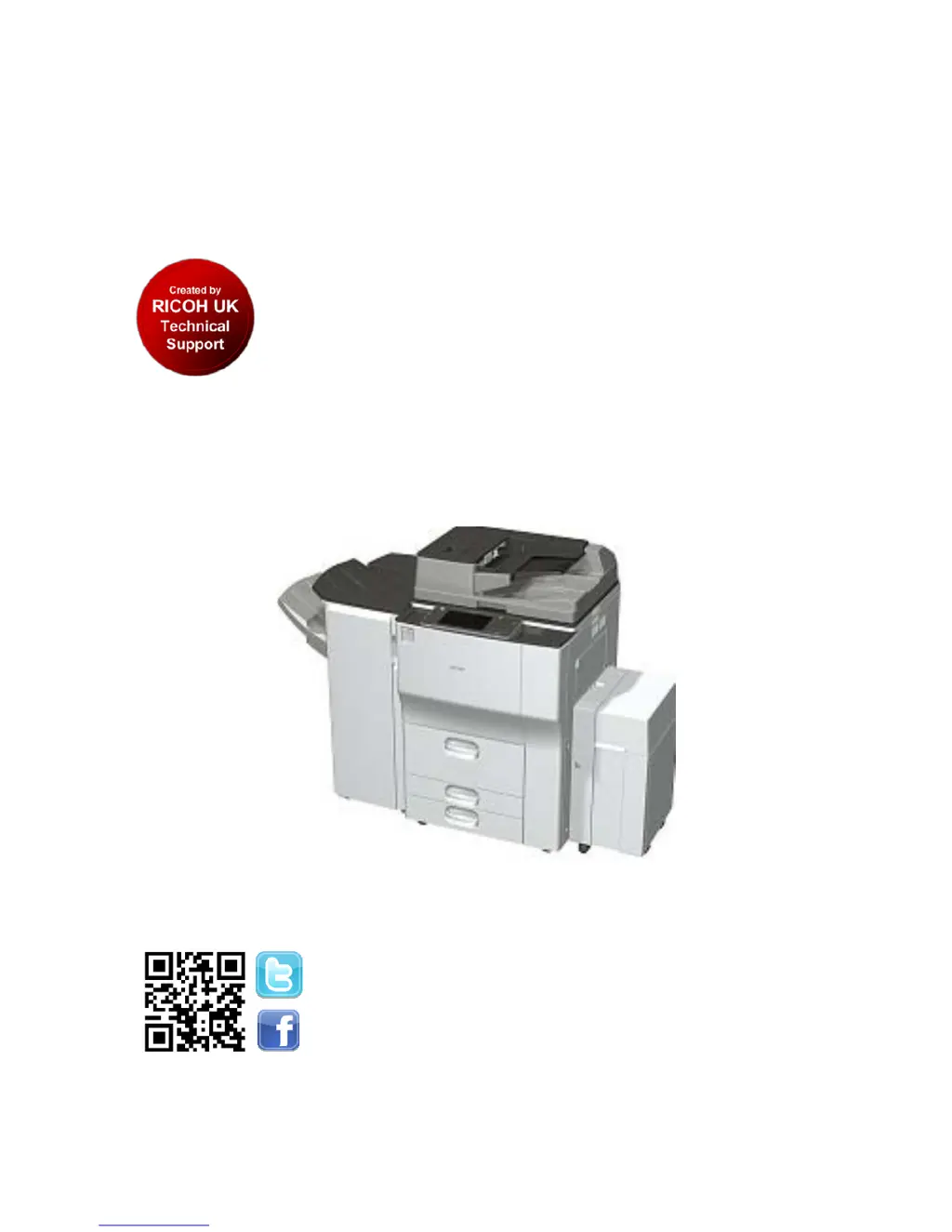
Ricoh Aficio MP 9002 - User Manual

Ricoh Aficio MP 9002
47 pages
Print Icon
To Next Page IconTo Next Page
Loading...
Version: 1.0 Classification: Ricoh Family Group Internal Use Only
Created by: Technical Support Department Page 1 of 47 Last Printed: 15-Jun-12
Technician Version R
Date: 4
th
June 2012
Aficio MP 6002 (SP)
Aficio MP 7502 (SP)
Aficio MP 9002 (SP)
Technician Technical
Launch Information
www.ricohtechnical.co.uk
follow RUKTechSupport

Table of Contents

Other manuals for Ricoh Aficio MP 9002

Questions and Answers

  • P
    Patrick HarveySep 23, 2025
    Why can't I use Web Image Monitor to print documents stored in Document Server on my Ricoh All in One Printer?
    • M
      Michelle MorrisSep 23, 2025
      You cannot use Web Image Monitor to print documents stored in Document Server on your Ricoh All in One Printer because, when print volume limits are specified, users cannot print beyond their print volume limit. Print jobs selected by users who have reached their print volume limits will be canceled.
  • R
    Ricky GonzalezAug 25, 2025
    Why are documents not printing from my Ricoh Aficio MP 9002 All in One Printer?
    • A
      Anna GoodwinAug 25, 2025
      If documents and reports are not printing from your Ricoh All in One Printer, it could be because the paper output tray is full. Remove the prints from the tray. Another reason could be that there is no paper left. Load paper into the printer.
  • V
    Victor SchwartzAug 25, 2025
    What to do if my Ricoh All in One Printer says "Paper size and type are mismatched"?
    • G
      Geoffrey RamirezAug 26, 2025
      This issue with your Ricoh All in One Printer can occur if the printer driver settings are incorrect or the tray does not contain paper of the size or type selected in the printer driver. Check that the printer driver settings are correct, and then load paper of the size selected in the printer driver into the input tray. You can also select the tray manually to continue printing, or cancel a print job.
  • S
    sewingAug 27, 2025
    What to do if my Ricoh Aficio MP 9002 says "Paper size of n is mismatched"?
    • S
      Stephen WatkinsAug 27, 2025
      The size of the paper in the tray of your Ricoh All in One Printer does not match the paper size specified in the printer driver. Select a tray containing paper that is the same size as the specified paper size.
  • A
    April HessAug 27, 2025
    What to do if an error has occurred on my Ricoh All in One Printer?
    • W
      William ElliottAug 27, 2025
      An error has occurred on your Ricoh All in One Printer because a function which has the status "Error Occurred" in the [Check Status] screen is defective. Press [Check] in the function where the error occurred, then check the displayed message, and take appropriate action.
  • E
    emccoySep 14, 2025
    What does “Authentication has failed” mean on my Ricoh All in One Printer?
    • D
      Daniel CastilloSep 14, 2025
      This message appears on your Ricoh All in One Printer because the entered login user name or login password is not correct, or the machine cannot perform authentication.
  • R
    ricardo91Sep 12, 2025
    Why is the user code entry screen displayed on my Ricoh Aficio MP 9002 All in One Printer?
    • M
      Michael WilsonSep 12, 2025
      The user code entry screen is displayed on your Ricoh All in One Printer because users are restricted by User Code Authentication.
  • H
    Holly OrtizSep 13, 2025
    Why does the Authentication screen appear on my Ricoh Aficio MP 9002?
    • S
      Savannah Landry PhDSep 13, 2025
      The Authentication screen appears on your Ricoh All in One Printer because Basic Authentication, Windows Authentication, LDAP Authentication or Integration Server Authentication is set. Enter your login user name and user password.
  • K
    Katrina DeanSep 5, 2025
    What does "Load following paper in n" mean on my Ricoh Aficio MP 9002 All in One Printer?
    • A
      Abigail HaydenSep 5, 2025
      This message appears on your Ricoh All in One Printer if the printer driver settings are incorrect or the tray does not contain paper of the size selected in the printer driver. Check that the printer driver settings are correct, and then load paper of the size selected in the printer driver into the input tray.
  • M
    Mary DuffySep 2, 2025
    What does “Please wait” mean on my Ricoh All in One Printer?
    • L
      Larry LeeSep 2, 2025
      This message appears on your Ricoh All in One Printer when you press the [Energy Saver] key, when the machine is warming up, or when you change the toner cartridge. Wait for a while. If the machine does not get ready in five minutes, contact your service representative. Also, wait until the message disappears and do not turn off the main power switch while the message is showing.

Ricoh Aficio MP 9002 Specifications

General IconGeneral
BrandRicoh
ModelAficio MP 9002
CategoryAll in One Printer
LanguageEnglish

Related product manuals