EasyManua.ls Logo

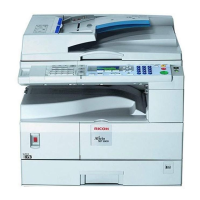
Ricoh Aficio MP 1600 - User Manual

Ricoh Aficio MP 1600
710 pages
Print Icon
To Next Page IconTo Next Page
Loading...
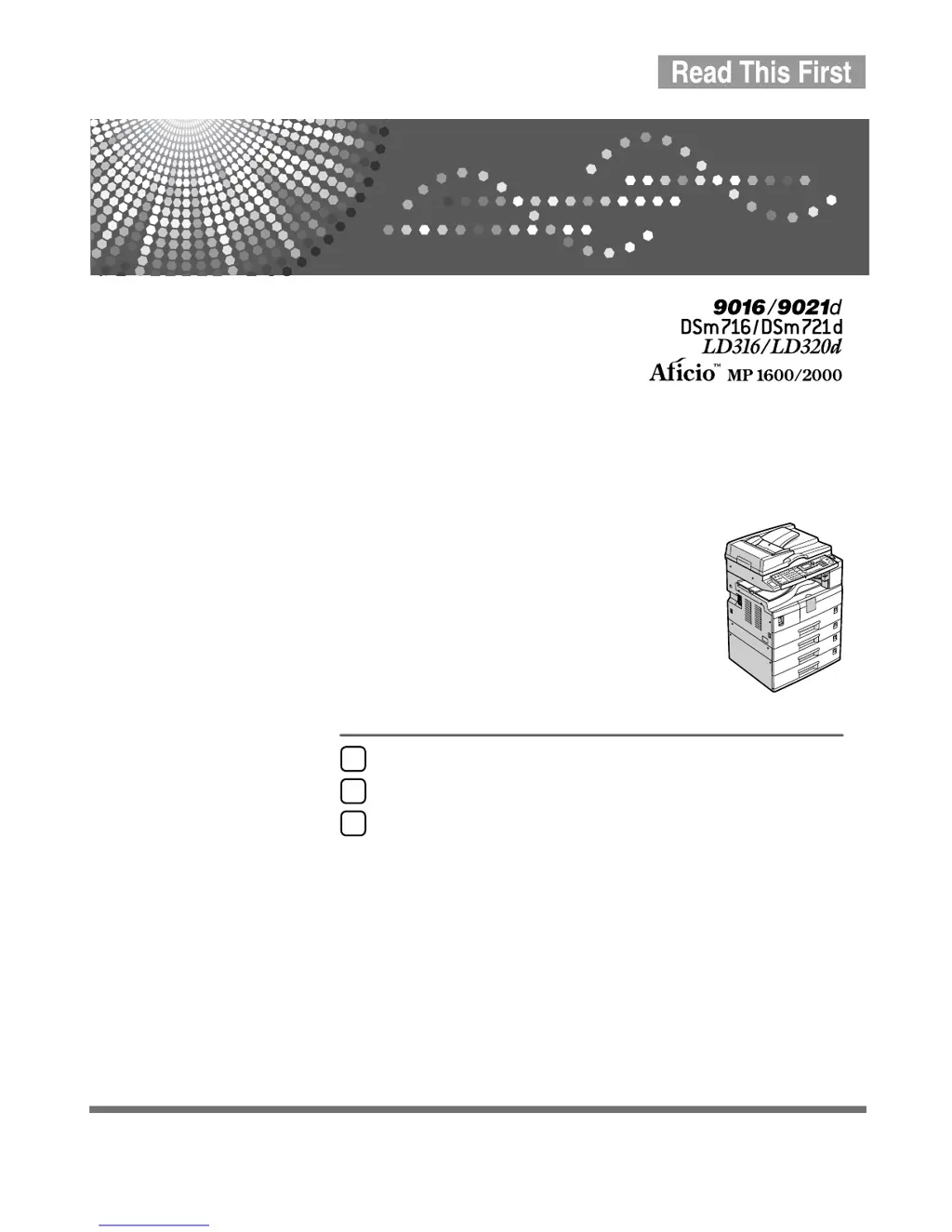
Operating Instructions
About This Machine
Read this manual carefully before you use this machine and keep it handy for future reference. For safe and correct use, be sure to read the
Safety Information in this manual before using the machine.
Getting Started
Entering Text
Appendix
1
2
3

Table of Contents

Other manuals for Ricoh Aficio MP 1600

Questions and Answers

  • M
    martinjamesJul 31, 2025
    Why does my Ricoh Printer say 'Authentication failed'?
    • E
      Eddie GatesJul 31, 2025
      If the Ricoh Printer displays 'Authentication failed', it could be due to an incorrect login user name or password. Ensure you are using the correct credentials. If you are unsure, ask your administrator for the correct login details. Alternatively, the printer might be unable to access the authentication server. In this case, you should also contact your administrator.
  • J
    John SheltonAug 7, 2025
    What to do if my Ricoh Printer says 'Cannot copy. Original is being scanned by another function'?
    • J
      jacobloweAug 7, 2025
      This Ricoh Printer message indicates that the scanner function is currently in use by another process. To resolve this, cancel the current scan job by pressing the {Clear/ Stop} key on the scanner screen. When the message “Clear/Stop key was pressed. Stop scanning?” appears, press [Stop].
  • T
    Tara WilliamsAug 13, 2025
    What does 'Max. number of sets is nn' mean on my Ricoh Printer?
    • S
      Sandra WilkersonAug 13, 2025
      This Ricoh Printer message appears when the number of copies you have selected exceeds the maximum copy quantity allowed. You can adjust the maximum copy quantity setting. Consult the “Copier Features” section in the General Settings Guide for instructions.
  • J
    Joseph MilesAug 19, 2025
    What to do if my Ricoh Printer says 'You do not have privileges to use this function'?
    • R
      rmartinAug 19, 2025
      This Ricoh Printer message indicates that you do not have the necessary permissions to use the function you are trying to access. The use of this function is restricted to authenticated users only. Contact your administrator to get appropriate privileges.
  • M
    Mariah HillOct 25, 2025
    How to fix 'Cannot detect original size' on Ricoh Printer?
    • R
      Robert JenningsOct 25, 2025
      If your Ricoh Printer cannot detect the original size, ensure the original is placed correctly. Try manually selecting the paper size instead of using the Auto Paper Select function, and avoid using the Auto Reduce/Enlarge function. If you're using a non-standard size, input both the horizontal and vertical dimensions. For proper placement, refer to the “Originals” section in the Copy Reference. Also, ensure that you have placed the original and that it is in the correct orientation. If you press the {Start} key, copy will start onto the selected paper. If Rotate Sort is not available, select a proper paper size. If you are in Duplex mode, make sure that you have selected one of the available paper sizes for this mode: A3L, B4 JISL, A4KL, B5 JISKL, A5KL, 11"×17"L, 81/"×14"L, 2 81/"×14"L, 8...

Ricoh Aficio MP 1600 Specifications

General IconGeneral
Print TechnologyLaser
Print Speed16 ppm
Max Print Resolution600 x 600 dpi
Copy Resolution600 x 600 dpi
FunctionsCopier, Printer, Scanner
Copy Speed16 ppm
Scan Resolution600 dpi
InterfaceUSB
Multiple CopyUp to 99
Paper Input Capacity250 sheets
Operating System CompatibilityWindows

Related product manuals