To Next Page

D
diane72Aug 27, 2025
How to fix Ricoh Digital Camera when images do not appear on the LCD Monitor?
- MmorrisjustinAug 27, 2025
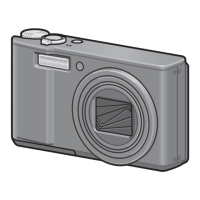
If images do not appear on the LCD Monitor of your Ricoh Digital Camera, first, ensure that the power is turned on and that the LCD Monitor is not set to be too dark; adjust the brightness if needed. Check if the VIDEO/AV cable is connected and disconnect it. If the screen display status is in [SYNCHRO-MONITOR MODE], press the DISP. button to switch the display. Finally, check if [Power-Save] is enabled and set it to off.
 General
 Weight and Dimensions