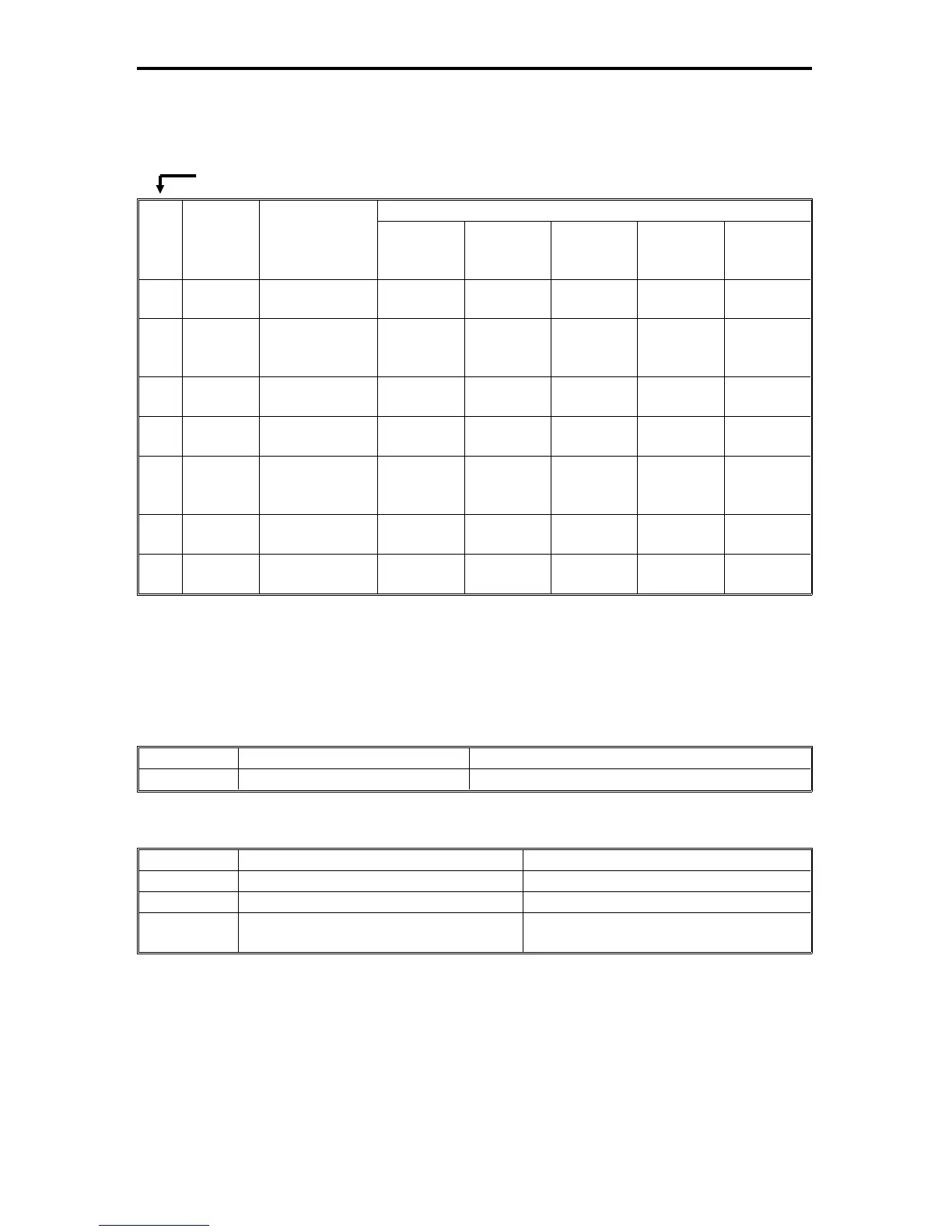
3. PRACTICAL SP MODE USE TABLE
3.1 REPLACEMENT AND CLEANING
The following table shows the SP modes that must be done, and the order in
which they must be done when the listed items are replaced or cleaned.
No.
SP Mode
No.
Description
Replaced or Cleaned Item
Developer
OPC Drum
(replaced)
ID sensor
ADS
Sensor
Exposure
Lamp/
Optics
1
2-214
(2-215)
TD Sensor
Initial Setting
O
2
3-123
(3-106)
(7-203)
Drum Initialize
O
3
3-001
(3-002)
ID Sensor
Initial Setting
OO
4
3-112
(3-111)
Forced V
R
Detection
OO
5
4-001
(4-002)
Exposure
Lamp Voltage
Adjustment
OO
6
4-201
(4-202)
Auto ADS Gain
Adjustment
OOO
7
3-105
(3-106)
Forced V
L
Detection
OO
( ): SP Number to display the adjusted value.
3.2 MAJOR ADJUSTMENTS
The following table shows SP modes for major adjustments in the field:
TONER DENSITY (Detect Supply Mode)
Mode No. Description Settings
SP2-222 Toner Supply Ratio 1: 7%, 2: 15%, 3: 30%, 4: 60%
IMAGE DENSITY
Mode No. Description Settings
SP5-106 ADS Data Correction 0: Dark, 1: Normal, 2: Light
SP4-001 Exposure Lamp Voltage Adjustment 50 ~ 75V (See the NOTE.)
SP2-201-002 Lightest ID Level Development Bias (ID
Level 7)
1: –40V, 2: ±0V, 3: –80V, 4: –120V
NOTE: After adjusting the Lamp Voltage, be sure to perform the Auto ADS Gain
Adjustment (SP4-201) and the Forced VL Detection (SP3-105).
(Priority Number)
FSM 4-51 FT5535/4527/4522













 To Next Page