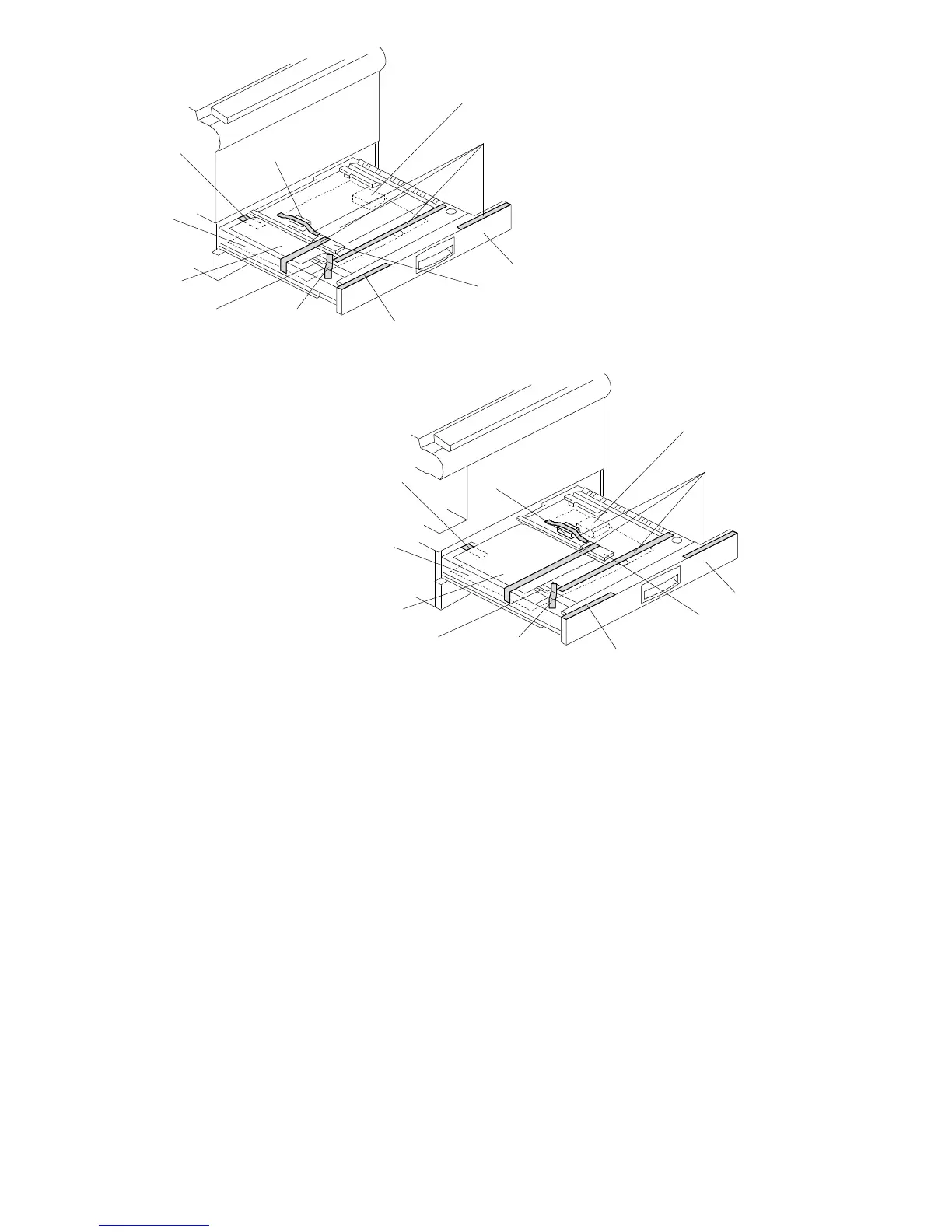
4. A156/A160 copiers only:
1) Pull out the duplex tray [A] and remove the strips of tape [B].
2) Remove the guide roller stopper [C] and a sheet of paper [D].
3) Open the upper duplex guide plate [E] and remove the strips of tape [F].
4) Open the lower duplex guide plate [G], and remove the styrofoam support
[H] and the sheet of paper [I].
5) Install the duplex tray in the copier.
[F]
[I]
[G] [B]
[H]
[C]
[B]
[A]
[F]
[E]
[D]
- A156 copier -
[F]
[I]
[G] [B]
[C]
[B]
[A]
[F]
[E]
[D]
- A160 copier -
FT5535/4527/4522 3-6 FSM













 To Next Page