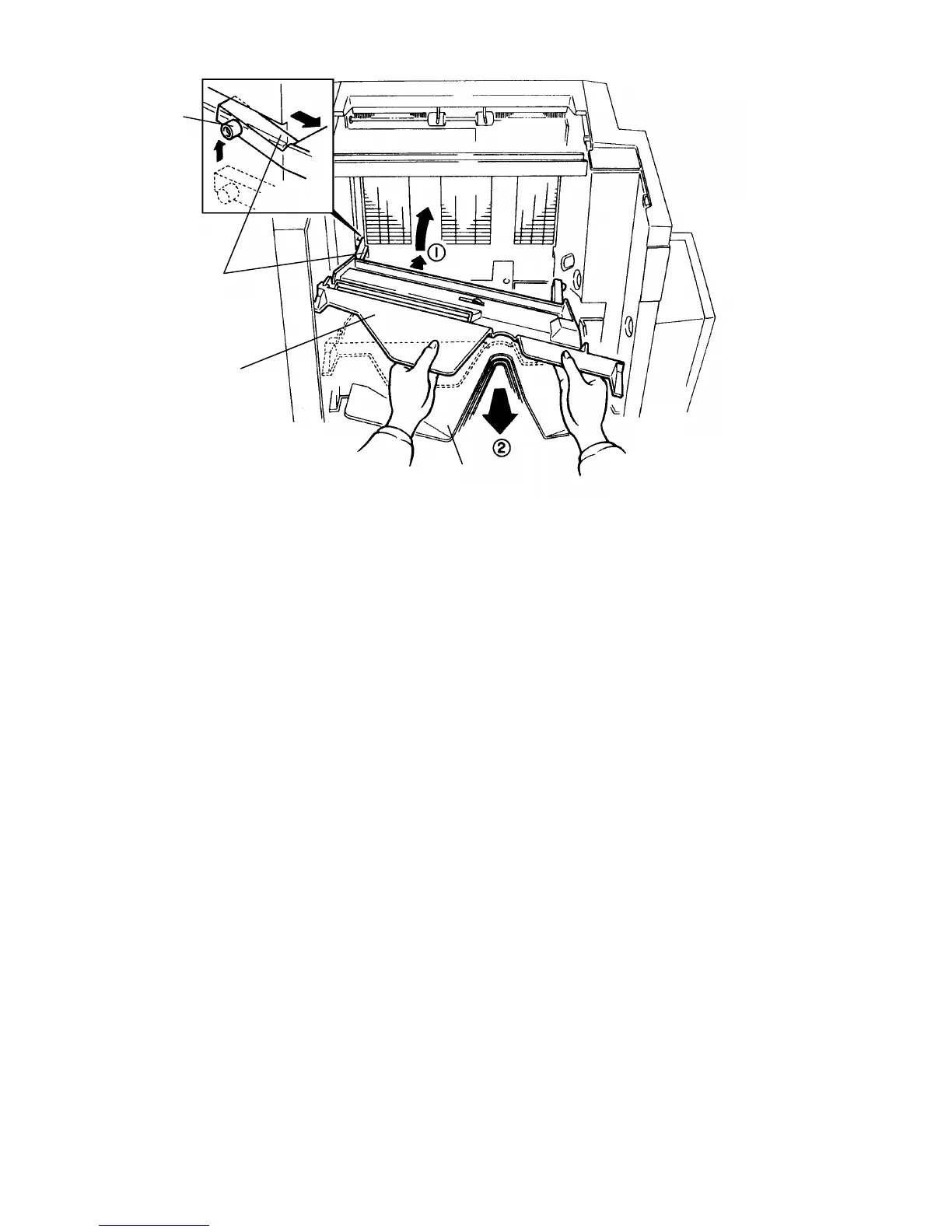
5. Remove the support bin [A] and the bins [B] one by one.
(1) Hold the bin [A or B] with both hands.
(2) Push the bin forward until the wheels [C] reach the bend in the track.
(3) Push the left side of the bin forward and pull that side up.
(4) As you pull the left side up, the right wheel will leave its track.
(5) When the left wheel reaches the slot [D], pull the bin out.
[A]
[C]
[D]
[B]
FT5535/4527/4522 10-18 FSM













 To Next Page