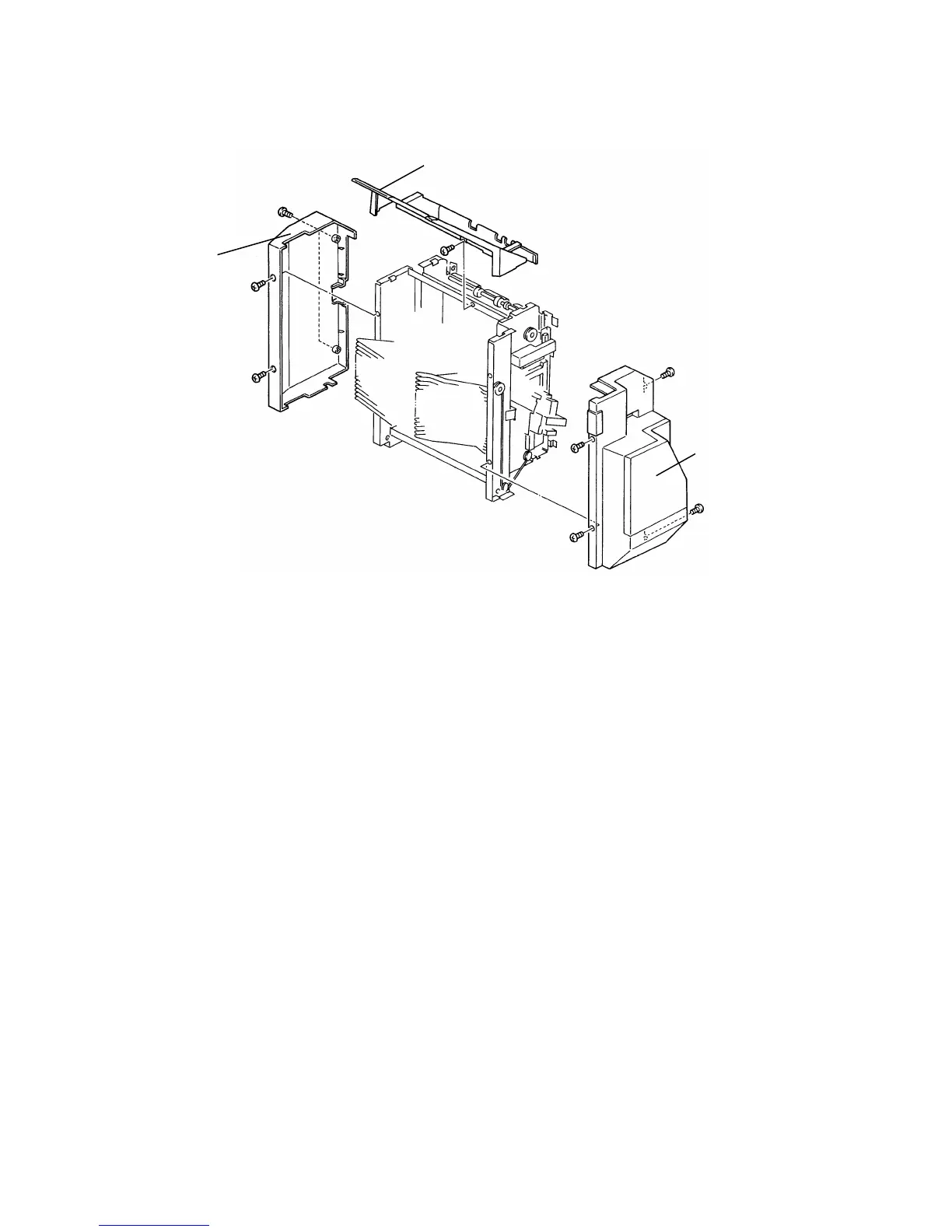
6.4 BIN LIFT WIRE REPLACEMENT
6.4.1 Wire Removal
1. Remove the sorter stapler from the copier.
2. Remove the following parts:
• Proof Tray [A] (1 screw).
• Front Cover [B] (loosen 2 screws and remove 2 screws)
• Rear Cover [C] (4 screws)
3. Turn the bin lift drive belt so that the bin lift gear/pulley component rotates
counterclockwise. Continue this until the rear bin lift wire becomes loose
enough to remove the wire.
[A]
[C]
[B]
FT5535/4527/4522 10-20 FSM













 To Next Page