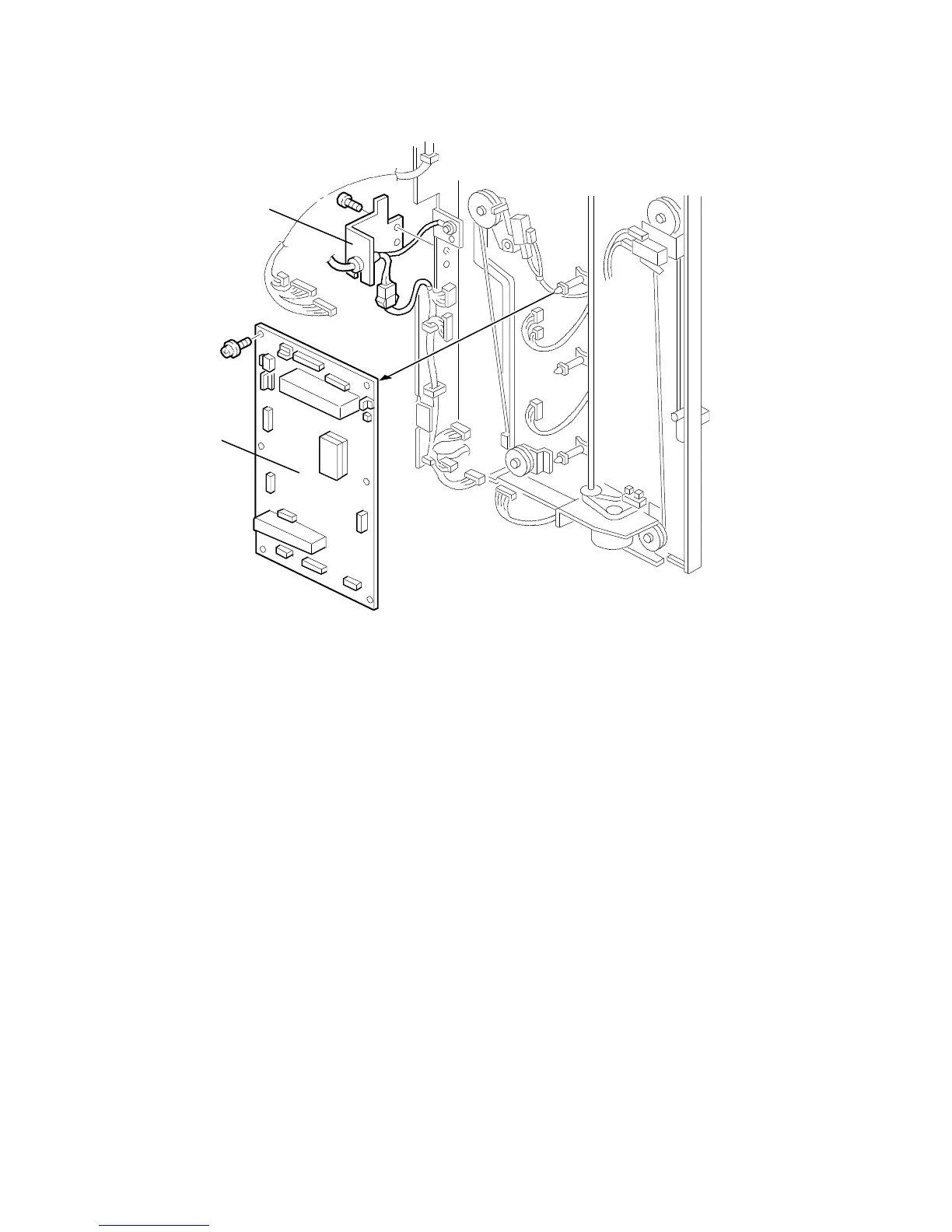
6.6 MAIN CONTROL BOARD REPLACEMENT AND
ADJUSTMENT
6.6.1 Main Control Board Replacement
1. Remove the proof tray, the rear cover, and the power cord bracket [A].
2. Disconnect the main control board connectors and fiber cable.
3. Replace the main control board [B] and connect the connectors.
4. Turn on the copier main switch.
5. Adjust the bin sensor (see the next page).
6. Turn off the main switch.
[B]
[A]
FT5535/4527/4522 10-26 FSM













 To Next Page