2.3 SERVICE PROGRAM MODE TABLE
1. A "†" after the mode name means that copies can be made while in this SP
mode.
2. A "‡" after the default setting in the "Settings" column means that the actual
factory setting for this is written on the data sheet in the front cover.
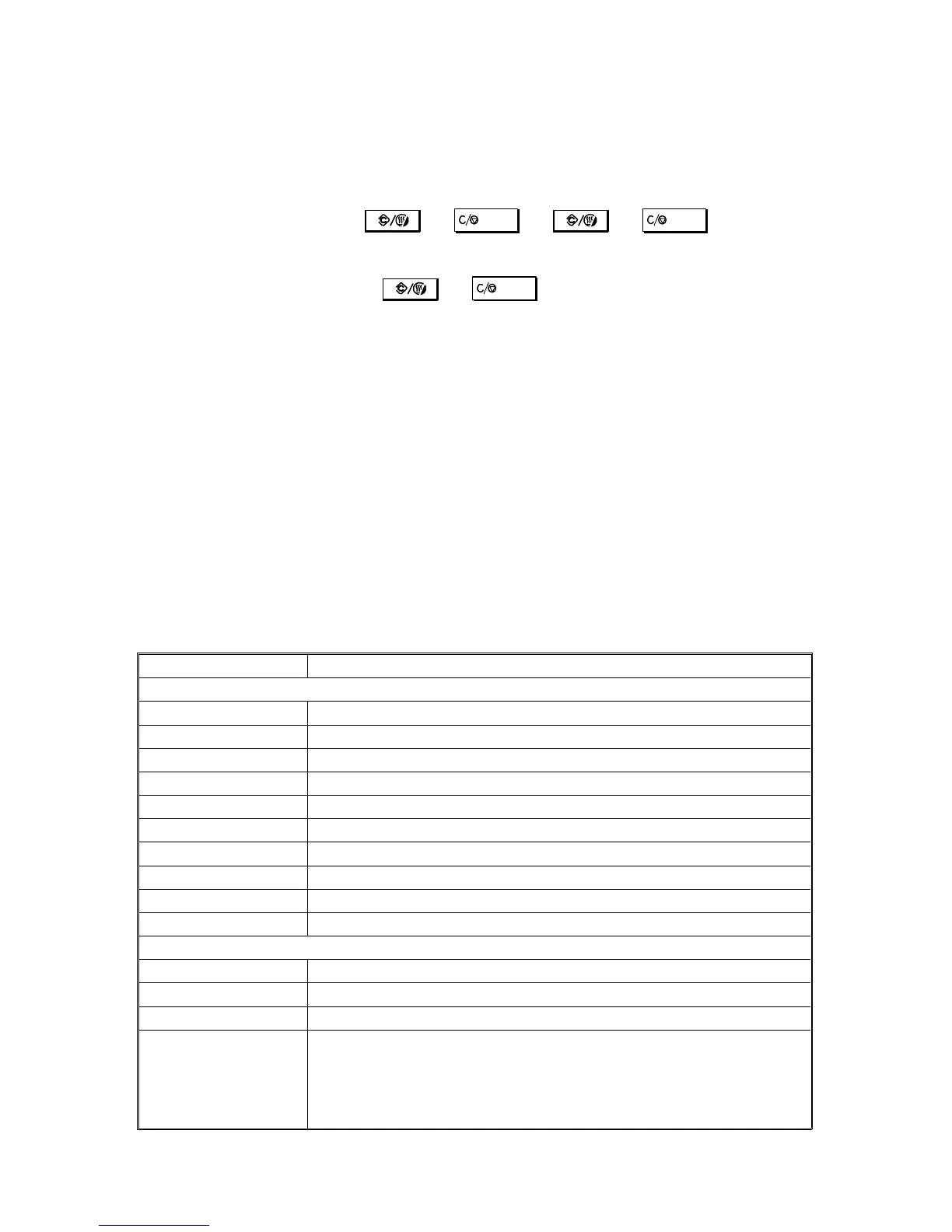
3. A "°" before the mode number means that this mode can be accessed by
sales representatives (
→ → →
).
4. A "
•
" before the mode number means that this mode can be accessed by
users using a UP mode (
→ ). See "UP Mode/SP Mode
Cross Reference Table".
5. In the Function column, comments (extra information) are in italics.
6. In the Settings column, the default values are printed in bold letters.
7. "RDS" means Remote Diagnostic System (not available in these models)
"CSS" means Customer Support System (only available in Japan)
8. Type 1 = A153, A155, and A156 copiers
Type 2 = A157, A159, and A160 copiers
2.3.1 Quick Reference
The following is a quick reference list of the SP Modes.
Mode No. Function
Paper Feed/Paper Transport/Fusing
1-001 Registration †
1-003-xxx Paper Feed Timing †
1-008 Misfeed Detection †
1-103 Fusing Idling †
°1-104 Fusing Temperature Control †
1-105-xxx Fusing Temperature Adjustments †
1-106 Fusing Temperature Display †
1-108 Forced Start †
1-902 Jogger Span Adjustment (Side Fence) †
1-905 Jogger Span Adjustment (End Fence) †
Around the Drum
2-001 Drum Charge Voltage Adjustment (for copying)
2-002-xxx Drum Charge Voltage Display †
2-003 Drum Charge Voltage Adjustment (for making V
SP patterns)
2-101-xxx Leading/Trailing Edge Erase Margin Adjustment †
FT5535/4527/4522 4-14 FSM













 To Next Page