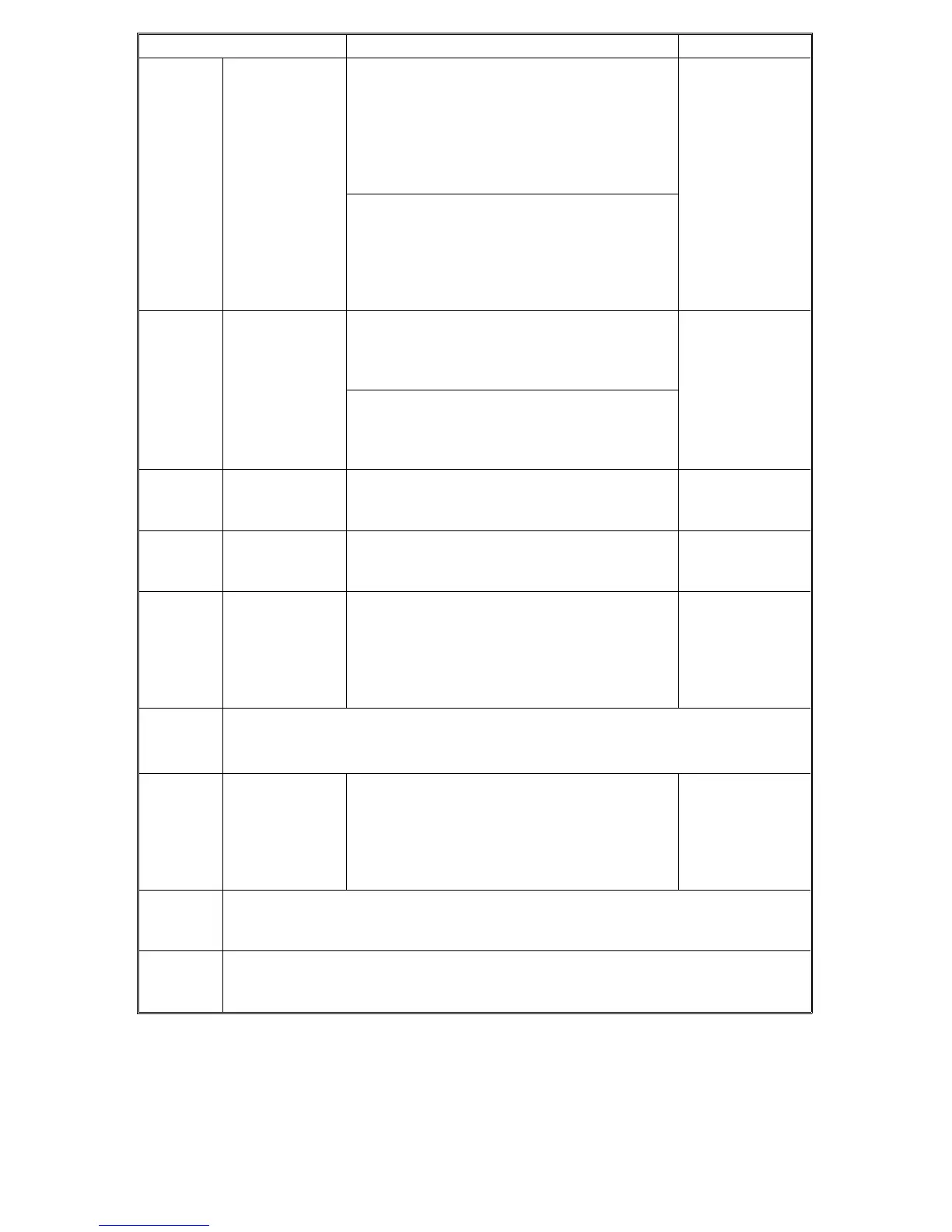
Mode No. Function Settings
5-801 Memory All
Clear †
Resets all the correction data for process
control and all software counters, and returns
all modes and adjustments to the default
settings.
See Service Tables - section 2.2.4 for how to
perform this SP mode.
Normally, this SP mode should not be
performed.
This SP mode is required only when replacing
the RAM board, or when the copier
malfunctions due to a damaged RAM board.
5-802-001
to
5-802-002
Free Run Mode Performs the free run
SP5-802-001: Continuous free run
SP5-802-002: One time free run
Before starting, close the platen or ARDF.
Press the "Start" key to start the free run.
Press the "Clear/Stop" key to stop the free run.
5-803 Input Check
Mode †
Displays the data received from sensors and
switches.
For details, see
Service Tables
section 2.5.
5-804 Output Check
Mode
Turns on the electrical components
individually for test purposes.
For details, see
Service Tables -
section 2.6.
°5-810 SC Reset † Resets any service call condition that was
caused by a level A error (see the
Troubleshooting section).
After doing SP5-810, turn the copier main
switch off and on.
5-811 Machine Serial No. Input †
For use with features that are available in Japan only
°5-812 Telephone
Number Input †
(A156 copier
only)
Use this to input the telephone number of the
service representative (this is displayed when
a service call condition occurs.) Maximum 16
digits. Press the "
•" key to input a pause (–).
Press the "Clear/mode" key to delete the input
telephone number.
°5-816 RDS/CSS Function Setting †
For use in Japan only. Do not change the factory setting.
5-817 Repair Time Transmission †
For use in Japan only. Do not change the factory setting.
Rev. 7/95
FT5535/4527/4522 4-32 FSM













 To Next Page