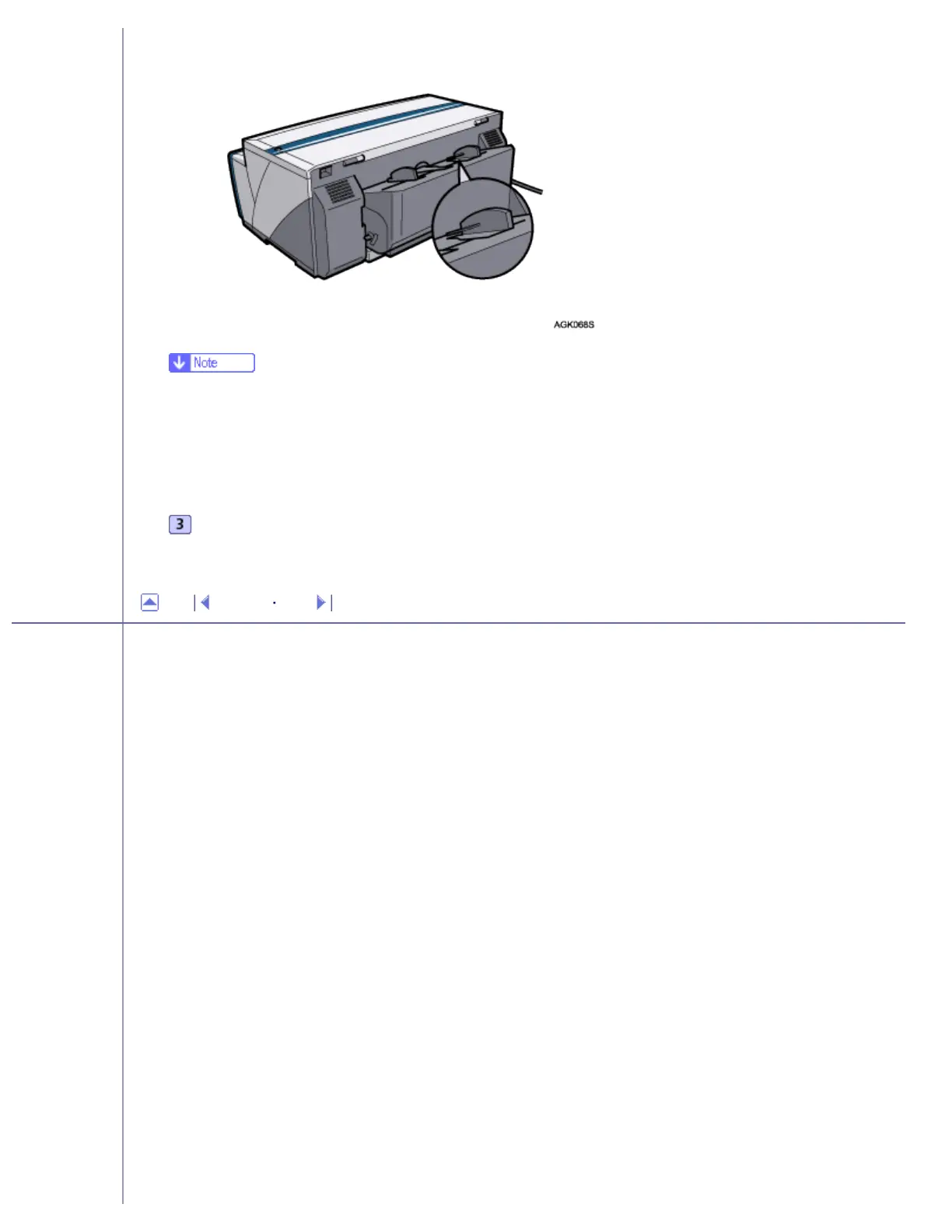
● Paper can only be inserted one sheet at a time.
● Support the sheet with your hands to keep it from sliding out and dropping.
● Insert the sheet straight into the bypass tray.
Press the [Resume] key, and then push the sheet a little way into the printer.
Top Previous Next
Copyright © 2005 All rights reserved.
file:///E|/shared/pdf-work/newfiles/pp2w/Op_Guide/int/t0019.htm (2 of 2)2005/10/05 12:05:21



 To Next Page