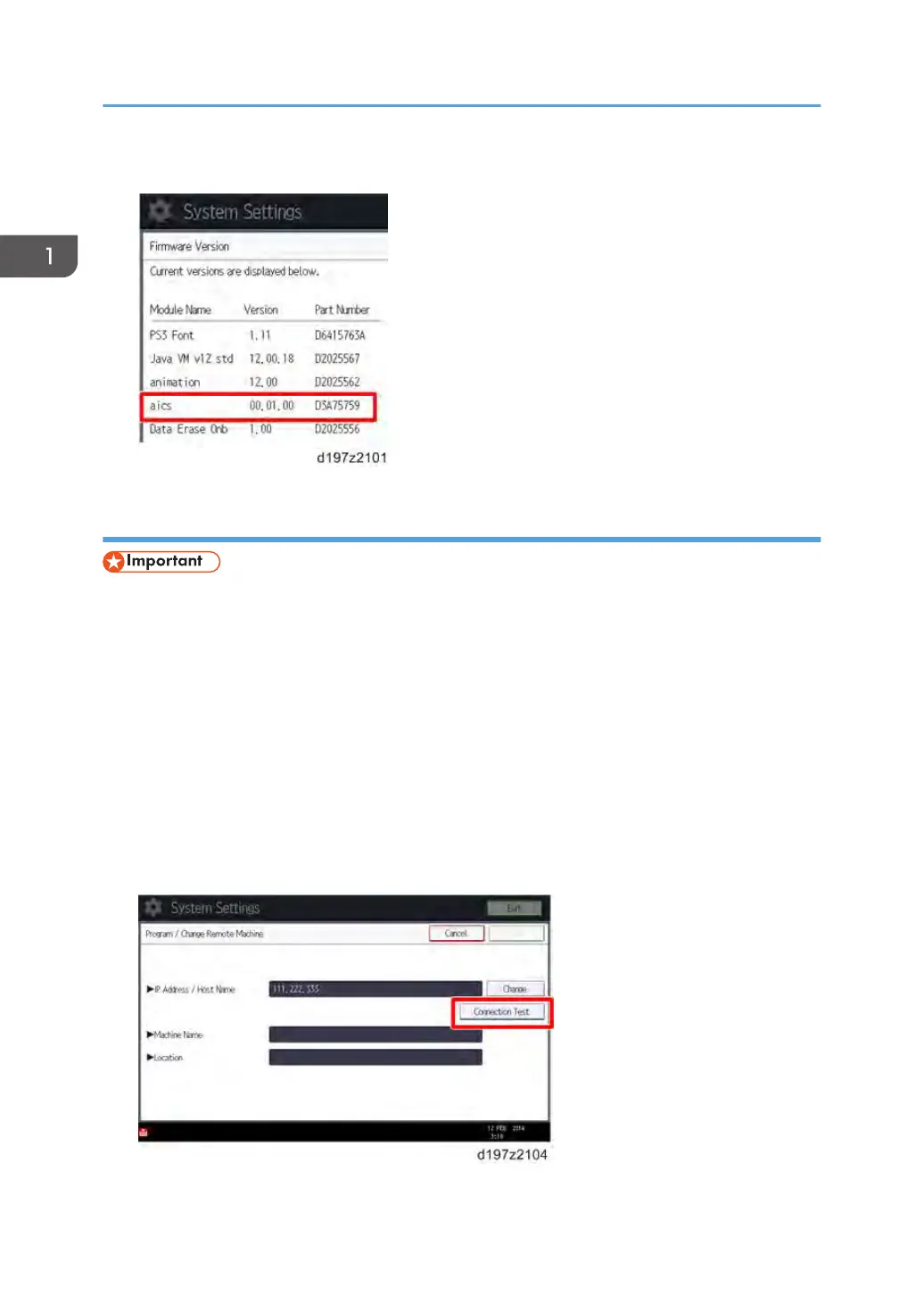
9. Check whether the aics version is displayed.
Registering the Client-side Machine(s)
• Do not register the Remote Machine in the Client-side machine before the Client-side Machine is
registered in the Remote Machine. Otherwise, registering the Remote Machine fails.
On the Remote Machine:
1. Press [User Tools/Counter] on the operation panel.
2. Press [System Settings].
3. Press [Administrator Tools].
4. Press [Program/Change/Delete Remote Machine].
5. Press one of the machine registration lines, and then enter the IP address or host name of
one of the Client-side Machines.
6. Press [Connection Test] to check the connection with the client-side machine.
1. Installation
14



 To Next Page