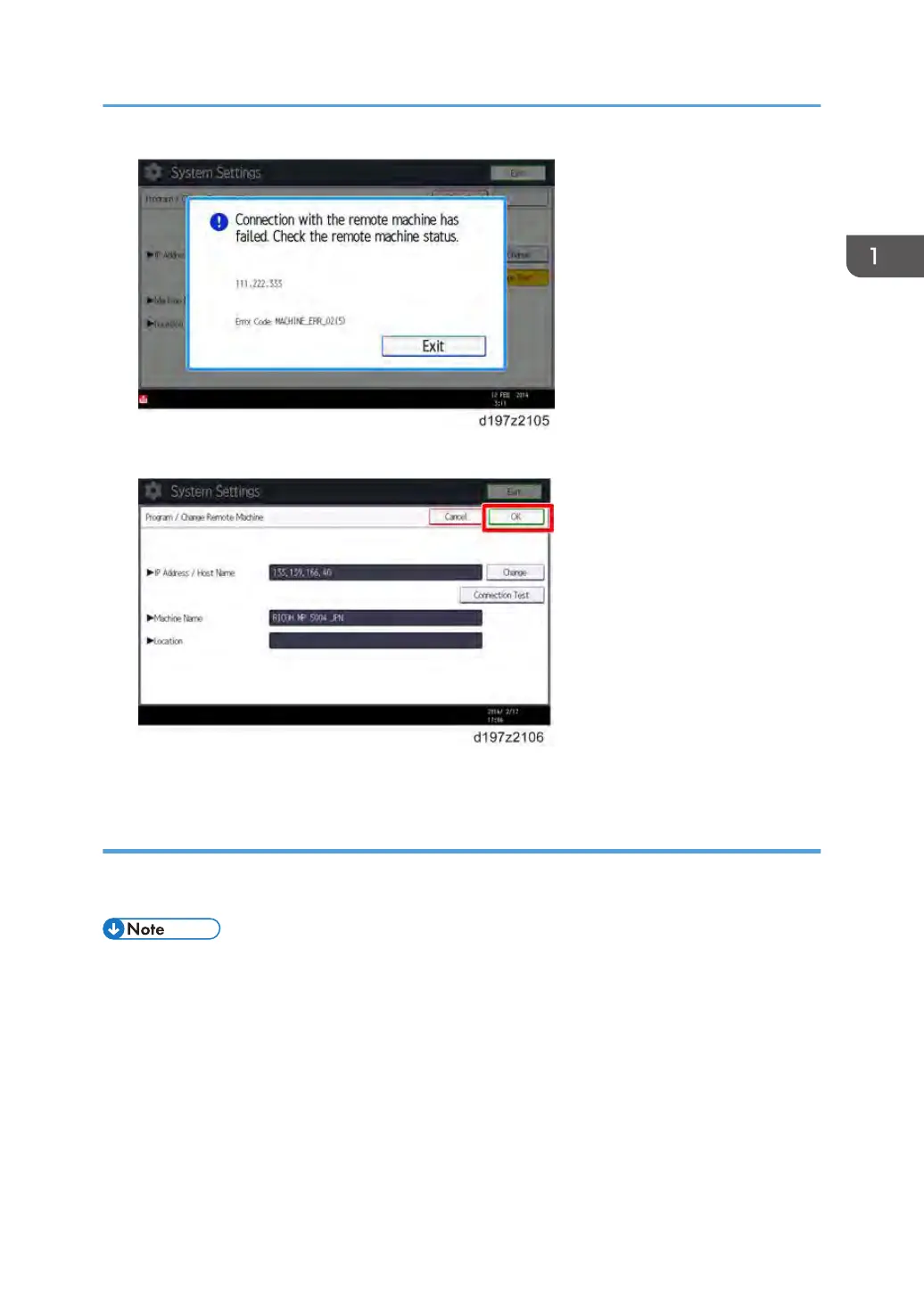
8. Press [OK] after “Connection Test” has been successfully done.
9. Press [User Tools/Counter] key on the operation panel to terminate the System Settings.
Configuring the Remote Reception Settings
Do the following procedure to enable the Client-side Machine(s) to receive faxes via the Remote
Machine. You can forward or route received documents per line or special sender.
• By performing procedures described above (Installing the application in the Remote Machine and
Client-side Machine, Registering the Client-side Machine(s), Registering the Remote Machine), the
Client-side Machines can send faxes via the Remote Machine. The procedures shown below are
necessary to enable the Client-side Machines to receive faxes
On the Remote Machine:
1) If you use "Remote Reception Setting per Line"
1. Press [Facsimile Features].
2. Press [Remote Reception Setting per Line] in [Reception Settings].
Fax Unit Options
17



 To Next Page