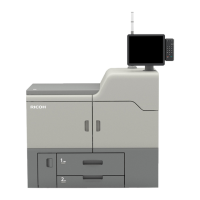
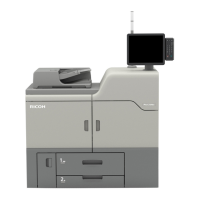
5. Front right cover
Open to remove paper jams.
6. Paper trays (Trays 1–2)
Load paper here. Tray 1 is a tandem tray where paper on the left side automatically moves to the right when
paper there has run out.
An indicator on the front left side of the tray lights while paper is feeding.
7. Front lower left cover
Open to replace the waste toner bottle.
8. AC power switch
Press to completely turn off the power of the machine. The AC power switch must be kept on in normal use.
The switch is inside the front left cover. For details, see page 157 "Dos and Don'ts".
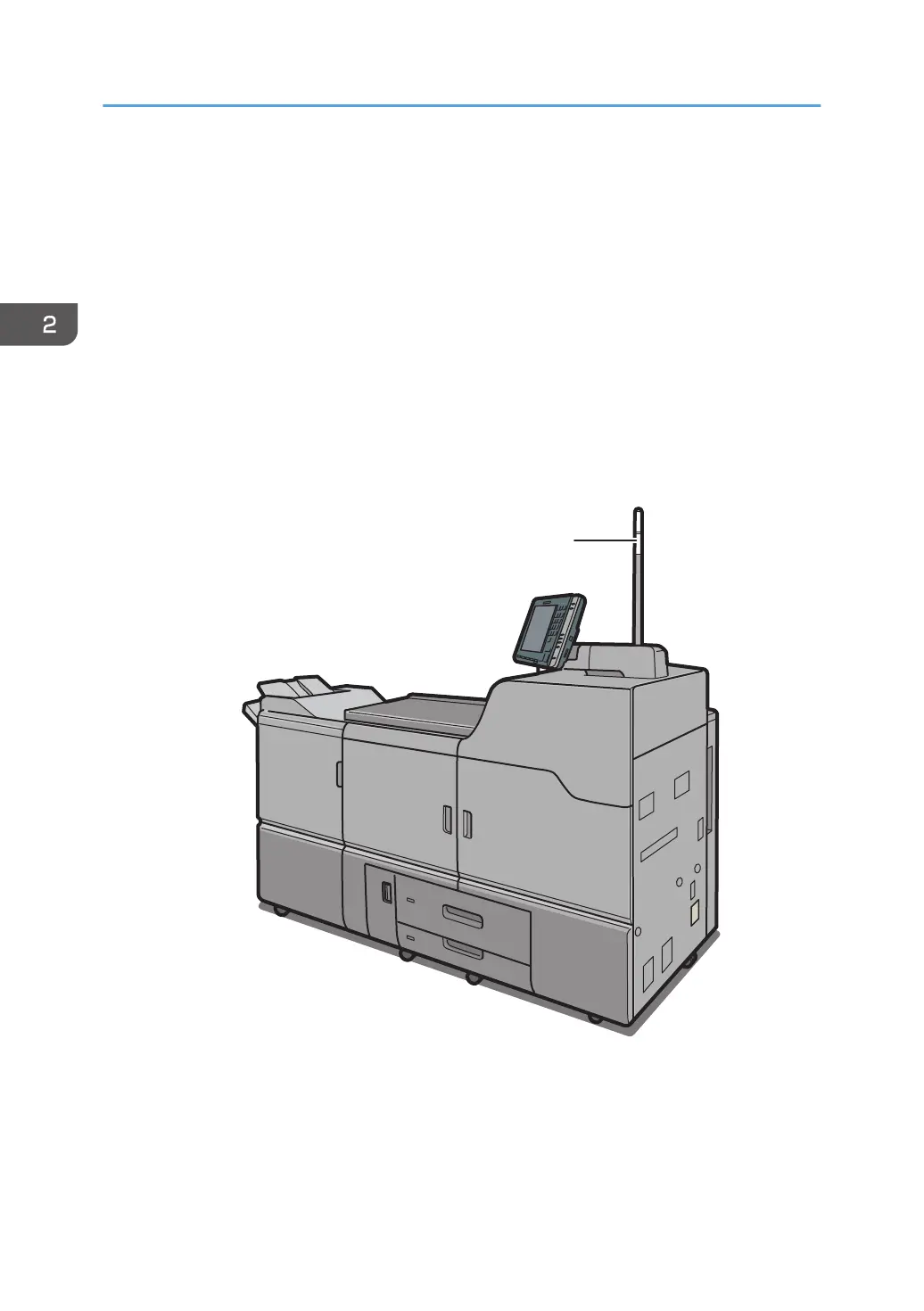
Front and right view
1. Attention light
See page 20 "Guide to Functions of the Attention Light".
2. Getting Started
18



 To Next Page