EasyManua.ls Logo

Ricoh Soleil-PJ2.5 - User Manual

Ricoh Soleil-PJ2.5
66 pages
Print Icon
To Next Page IconTo Next Page
Loading...
1
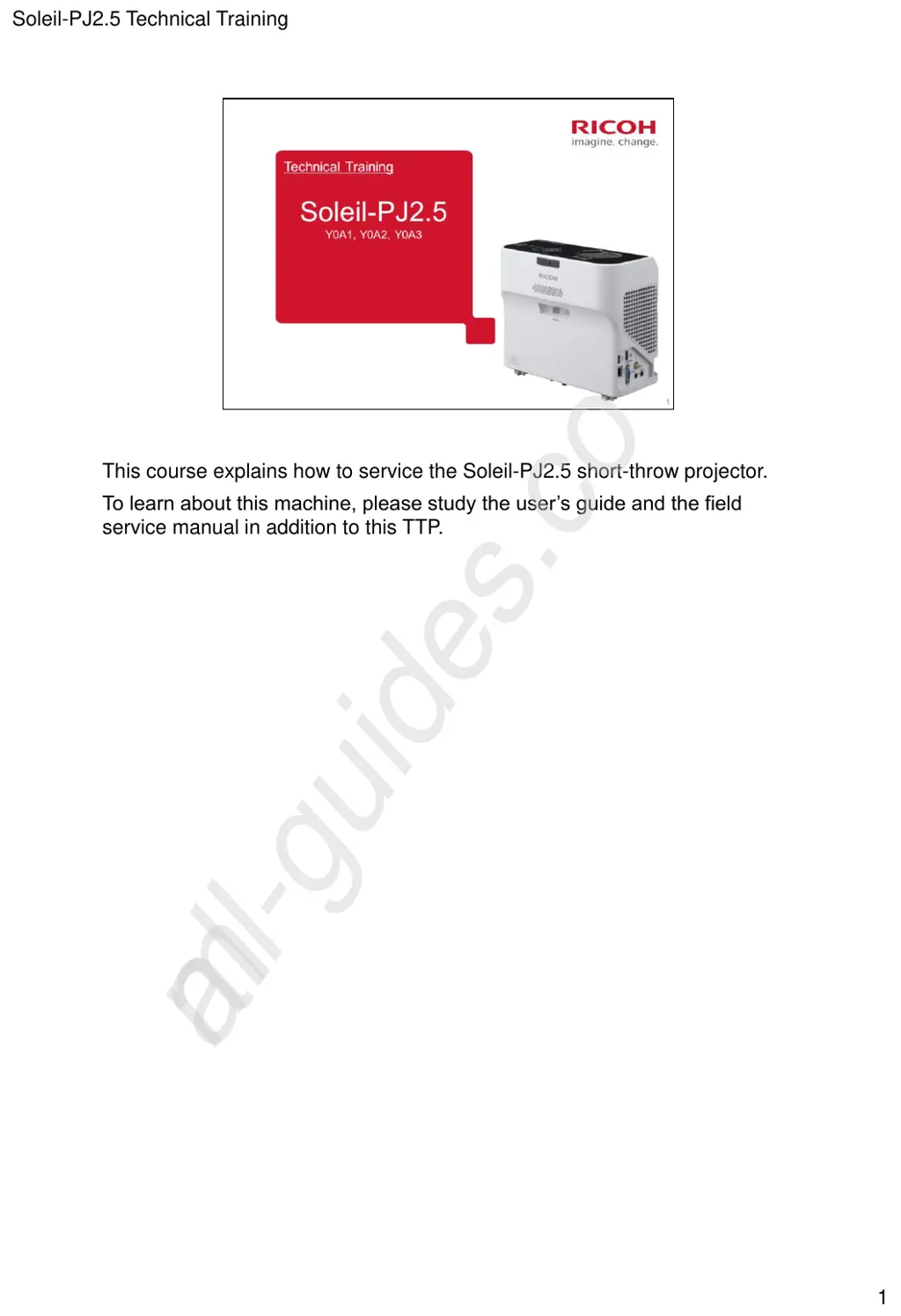
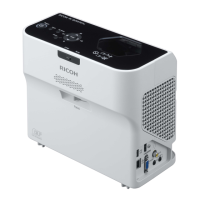
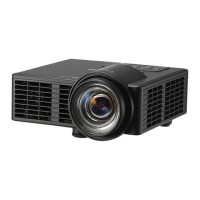
This course explains how to service the Soleil-PJ2.5 short-throw projector.
To learn about this machine, please study the users guide and the field
service manual in addition to this TTP.
Soleil-PJ2.5 Technical Training
All manuals and user guides at all-guides.com
all-guides.com

Questions and Answers

  • A
    Ashley VasquezSep 8, 2025
    Why is the Ricoh Soleil-PJ2.5 Projector's display language unknown?
    • K
      kathleenbryantSep 9, 2025
      To change the display language, press the [Menu] button, and then select the display language in [Language / XXX] (where XXX indicates the current display language) on the [ ] tab.
  • C
    chad68Aug 23, 2025
    Why does my Ricoh Projector turn off during use?
    • N
      Nichole StewartAug 23, 2025
      The projector may be turning off during use because the environment is not within the acceptable temperature range or the vents are blocked. Ensure that the projector is used within the appropriate temperature range and that the vents are not obstructed.
  • N
    nicholspatrickAug 25, 2025
    What to do if the Ricoh Soleil-PJ2.5 remote control does not respond?
    • D
      Daniel BrownAug 25, 2025
      First, ensure that the ID assigned to the remote control matches the setting in [Remote Control ID] within [Default Settings 2]. Next, check the batteries to ensure they are not dead and are correctly loaded. Also, make sure the remote control is within its effective range and that there are no obstructions between the remote and the projector. Finally, ensure the remote control receiver is not exposed to strong light.
  • K
    Kayla CurryAug 27, 2025
    What to do if Ricoh Soleil-PJ2.5 Projector shows 'Temperature Error'?
    • F
      fburnsAug 27, 2025
      If a 'Temperature Error' is displayed and the Ricoh projector turns off, it may be overheating or being used in a high-temperature environment. Ensure the intake and exhaust vents are not blocked. Disconnect the power cord, wait a while, and then try turning the projector on again. Alternatively, press and hold the [Power] button on the remote control or the control panel for two seconds.
  • B
    Brittany RiveraAug 27, 2025
    How to fix a dark image on Ricoh Soleil-PJ2.5 Projector?
    • B
      Brooke MuellerAug 27, 2025
      To brighten a dark image, check the [Brightness] and [Contrast] settings in the [Image Adjustment] menu. Also, ensure the lamp is not nearing the end of its service life. Verify the [RGB Input Range] settings in [Image Adjustment] and confirm that [3D Projection] in [Display Settings] is set to [Off].
  • G
    Gregory GrossSep 22, 2025
    What to do if Ricoh Printer has light on the power button and LED indicator, and makes a beep sound?
    • J
      Jason WilsonSep 22, 2025
      Check the status of the indicator. Refer to the “Error list” table.
  • S
    Sharon BlairSep 16, 2025
    What to do if Ricoh Soleil-PJ2.5 Projector does not turn on?
    • P
      Phillip MorganSep 16, 2025
      If the projector does not turn on, disconnect the power cord, and contact your service representative.
  • R
    richardcampbellSep 18, 2025
    What to do if Ricoh Projector shows 'Hardware Error'?
    • K
      kimberlymyersSep 18, 2025
      If a 'Hardware Error' is displayed and the projector turns off, disconnect the power cord, wait a while, and then turn the projector on again. You can also press and hold the [Power] button on the remote control or the control panel for two seconds. If the problem persists, contact your service representative.
  • B
    Brenda McguireSep 7, 2025
    How to fix a blurred image on Ricoh Soleil-PJ2.5 Projector?
    • J
      joseph66Sep 7, 2025
      To fix a blurred image, ensure the lens is clean. Check the focus adjustment. Verify that the projection distance is within the projector's range. Check the installation angles of the projector and screen. Review the settings of [Sharpness] and [Phase] in [Image Adjustment].
  • M
    Mariah SmithSep 4, 2025
    What to do if Ricoh Soleil-PJ2.5 Projector shows 'Fan Error'?
    • Q
      qrodriguezSep 4, 2025
      If a 'Fan Error' is displayed and the Ricoh projector turns off, the cooling fan in the projector has malfunctioned. Disconnect the power cord, and contact your service representative.

Ricoh Soleil-PJ2.5 Specifications

General IconGeneral
BrandRicoh
ModelSoleil-PJ2.5
CategoryProjector
LanguageEnglish

Related product manuals