2.Replacement and Adjustment
81
Stapler Tray Paper Sensor (S9)
1. Remove the stapler tray (Stapler Tray).
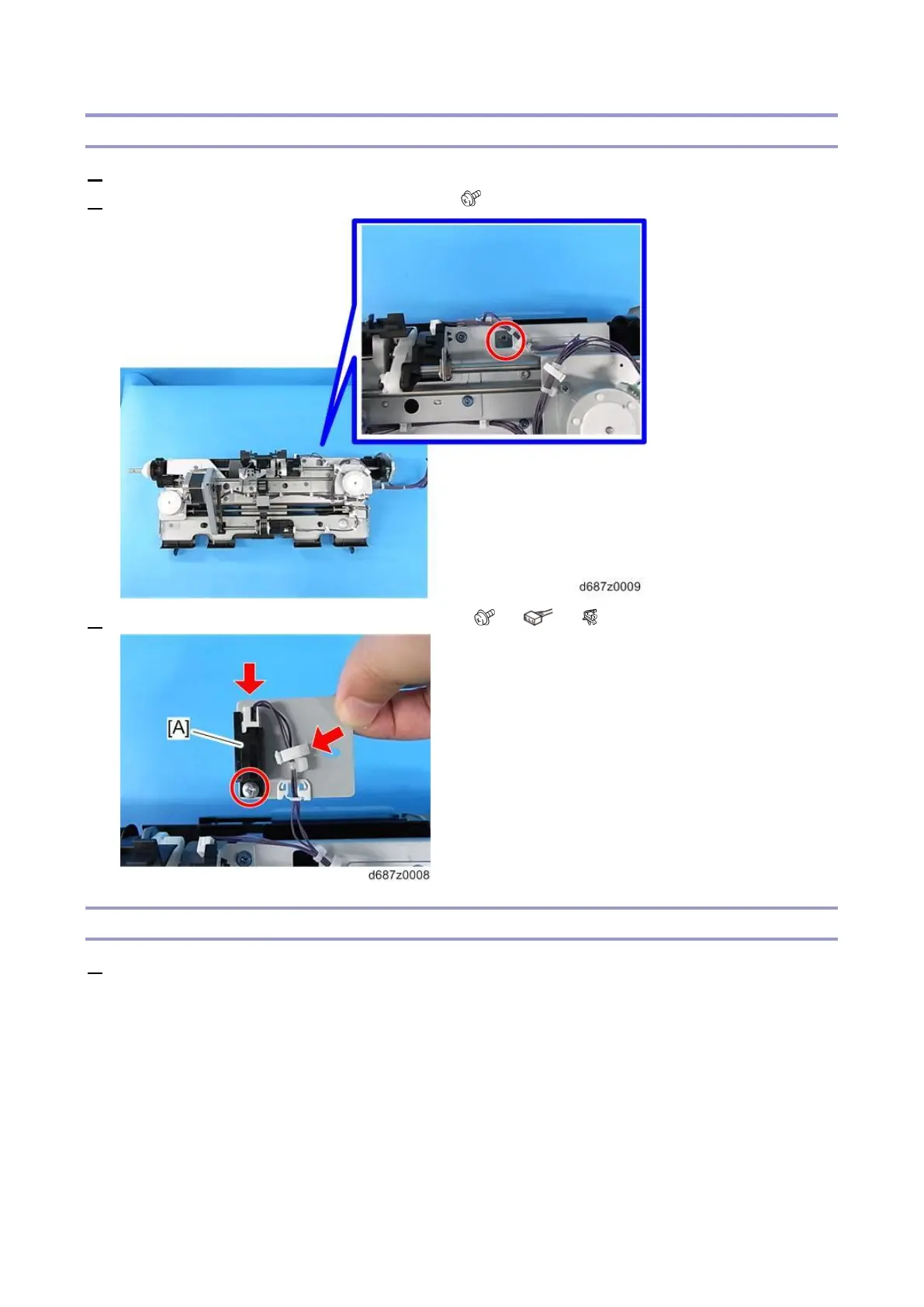
2. Remove the stapler tray paper sensor bracket ( ×1).
3. Remove the Stapler Tray Paper Sensor (S9) [A] ( x1, x1, x1).
Booklet Transport (Upper) Pressure Release HP Sensor (S8) (SR3270 Only)
1. Remove the stapler tray (Stapler Tray).



 To Next Page