Battery Disposal
For EC countries: Defective or used batteries
must be recycled according to the guideline
2012/19/EEC.
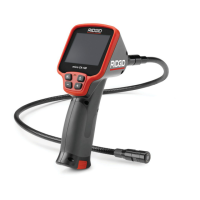
micro CA-150 Inspection Camera
10
SYMPTOM POSSIBLE REASON SOLUTION
Display turns ON, but
does not show image.
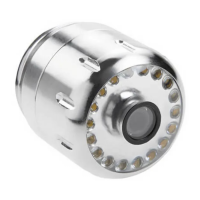
LEDs on imager head
are dim at max bright-
ness, display switches
between black and
white, color display
turns itself OFF after a
brief period.
Unit will not turn ON.
Troubleshooting
Loose cable connections.
Imager is broken.
Battery low on power.
Dead batteries.
Unit needs to be reset.
Check cable connections, clean if re-
quired. Re-attach.
Replace the Imager.
Replace batteries.
Replace batteries.
Reset unit. See “Maintenance” Section.


 To Next Page