EasyManua.ls Logo

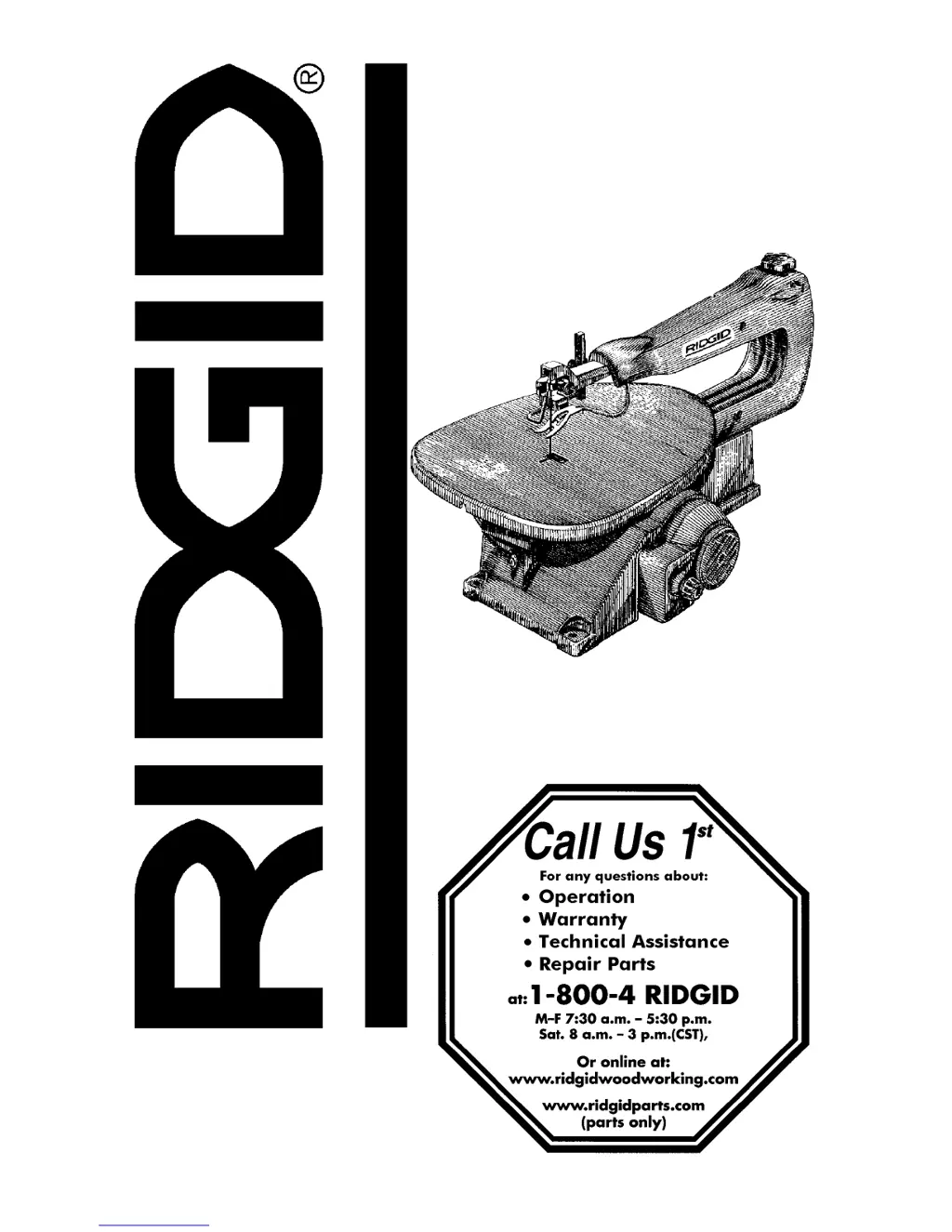
RIDGID SS1650 1 - User Manual

RIDGID SS1650 1
84 pages
Print Icon
To Next Page IconTo Next Page
Loading...
2:1(560$18$/
)RU<RXU6DIHW\
5HDGDOOLQVWUXFWLRQVFDUHIXOO\
,1&+9 $5,$%/(
63(('6&52//6$:
Part No. SP6356 Printed in U.S.A.
66

Table of Contents

Questions and Answers

  • A
    Aaron MyersAug 1, 2025
    What to do if my RIDGID SS1650 1 motor will not run?
    • D
      David LynnAug 1, 2025
      If your RIDGID Saw's motor isn't running, there could be a damaged cord or plug. In this case, replace the damaged parts before using the saw again. Alternatively, the motor or control board might be damaged, requiring you to consult an Authorized Service. Note that any attempt to repair the motor or control board yourself could be hazardous unless performed by a qualified service technician.
  • C
    Cynthia RivasAug 9, 2025
    Why does the blade slip in the clamp of my RIDGID SS1650 1?
    • C
      Cheryl PerezAug 9, 2025
      If the plain end blade slips within the blade clamp of your RIDGID Saw, first ensure that the blade clamp is tightened. If the issue persists, the finger knob threads may be dirty; try cleaning and oiling them. Also, check the blade position in the holder, ensuring it extends 1/8" beyond the top and is at the front end of the blade holder.
  • C
    Carla PowellAug 15, 2025
    How to reduce vibration in my RIDGID Saw?
    • D
      Dr. Carol GlennAug 15, 2025
      If you are experiencing excessive vibration with your RIDGID Saw, several factors could be the cause. First, make sure the saw is properly mounted. An unsuitable mounting surface can also cause vibration—a heavier workbench will reduce vibration compared to a lighter one like plywood. Check if the table lock knob is loose and tighten it. Also, ensure the motor mounting screws are tightened. Finally, try a different speed setting to address resonance.
  • J
    Justin BarkerAug 25, 2025
    Why are my RIDGID Saw blades breaking?
    • R
      Rebecca ReidAug 25, 2025
      Blade breakage in your RIDGID Saw can occur due to several reasons. Ensure the blade tension is correctly adjusted. Reduce the feed rate to avoid overworking the blade. Use narrow blades for cutting thin wood and wider blades for thicker wood. Avoid applying side pressure on the blade to prevent twisting it in the wood.

Summary

Installation and Moving Safety

Pre-Use Safety Checks

Inspections, signal words, and steps before operating the saw.

Operational Safety Procedures

Whenever Saw Is Running

Critical safety precautions to observe while the scroll saw is in operation.

Freeing Jammed Material

Procedure to safely remove jammed material from the saw.

Getting to Know Your Scroll Saw

Speed Control and Lockout Feature

Operating the Speed Control Knob

How to turn the saw on/off and adjust speed.

Lockout Feature for Safety

Using a padlock to prevent unauthorized or accidental startup.

Blade and Work Hold-down Adjustments

Blade Tensioning Guidelines

Information on proper blade tension to prevent breakage and ensure performance.

Basic Saw Operations Safety

Pre-Operation Safety Checks

Inspections and maintenance before using the saw.

Material Cutting Restrictions

Warnings against cutting ferrous metals and handling non-ferrous metals.

Personal Protective Equipment

Requirements for eye protection, clothing, and hearing protection.

Safe Operation Practices

Workpiece Handling and Operation

Guidelines for workpiece manipulation, saw operation, and jam clearing.

Basic Saw Operations

Pre-Operation and Post-Operation Safety

Procedures for before leaving the saw and general operational safety.

General Operating Instructions

Fundamental guidance on how to use the scroll saw effectively.

Maintenance

Troubleshooting

Breaking Blades

Diagnosing and fixing common causes of blade breakage.

RIDGID SS1650 1 Specifications

General IconGeneral
BrandRIDGID
ModelSS1650 1
CategorySaw
LanguageEnglish

Related product manuals