18
4.0 Use
fIrst commIssIonIng
4.1
startIng up4.2
stoppIng4.3
usE
Riedex B.V.
Hoofdstraat 17
8811 HD Ried
The Netherlands
info@riedex.nl
1
3
2
STOP/
AUTO
START/
HAND
ABREINIGUNG
Control switch
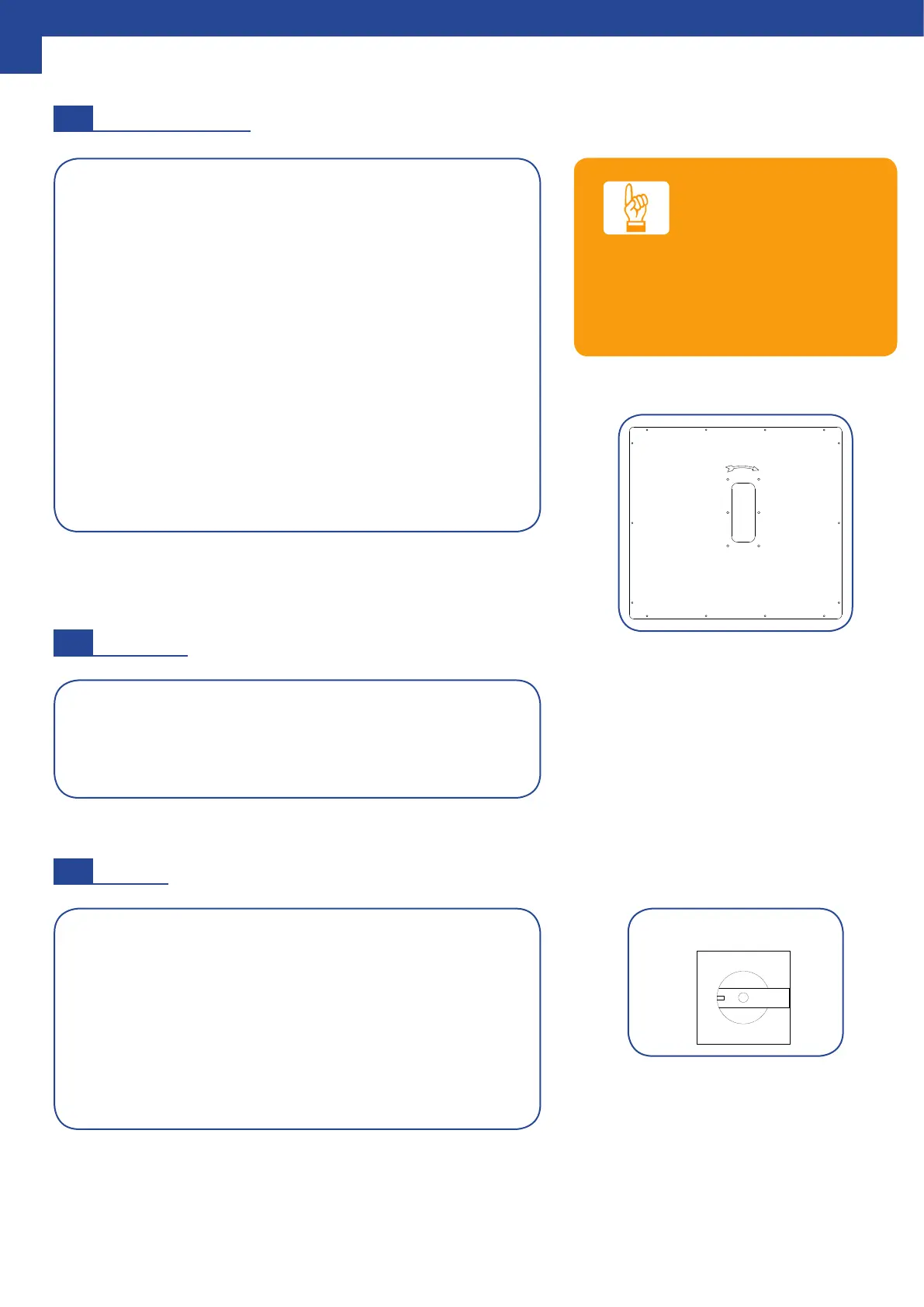
Viewing window to check the
direction of rotation
The following steps must be carried out during the ini-
tial commissioning of the extraction unit:
• Check the direction of rotation of the fan. This must
match the arrow stickers. A wrong direction of rota-
tion can be recognized by a very low suction power.
• If the direction of rotation is wrong, it must be re-
versed. This can be done with the help of the CEE
phase exchanger.
• Turn 2 of the plug pins with a screwdriver. Both pins
are recognizable by the black circle on which they
turn.
• Check that there are no unwanted leaks. (A leak
may be identied by a whistle).
The extraction unit will start when the mode switch is set
to the Hand-start position. The full suction power is imme-
diately available after starting the extraction unit.
The extraction unit stops immediately when the mode
switch is set to the Stop-Auto position.
Note: After each shutdown
a cleaning cycle takes place.
If automatic switch-on is used, the position switch is set
to the Stop-Auto position: See the relevant manual.
DIRECTION OF ROTATION
Stop the machine immediately if a
wrong direction of rotation is detec-
ted, to prevent excessive heating.
NOTE


 To Next Page