EasyManua.ls Logo

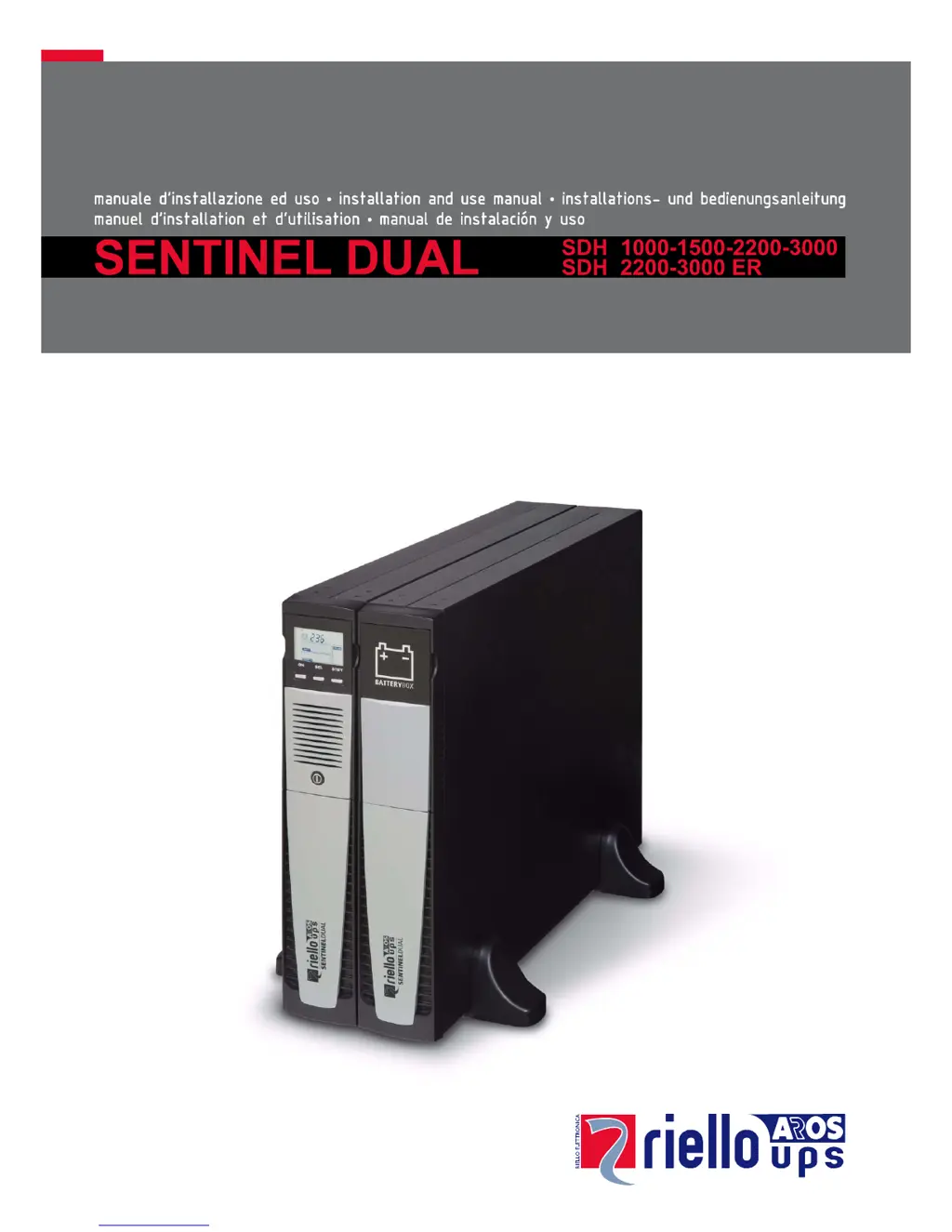
Riello Sentinel Dual SDH 1000 - User Manual

Riello Sentinel Dual SDH 1000
32 pages
Print Icon
To Next Page IconTo Next Page
Loading...

Other manuals for Riello Sentinel Dual SDH 1000

Questions and Answers

Summary

Display Panel View

Display Panel Overview

Explains the layout of the UPS display panel, including icons, buttons, and measurement areas.

Installation

Use

Connections and Switching On

Guides the user through initial setup, connections, and powering on the UPS for the first time.

UPS Status Messages

Explains the meaning of various icons and their statuses displayed on the UPS panel.

Measurement Display Area

Describes how to view different operating parameters and measurements on the UPS display.

Operating Modes and Bypass

Covers configuring operating modes and performing manual bypass operations.

Software

Battery Pack Replacement

Battery Pack Replacement Procedure

Step-by-step instructions for safely replacing the UPS battery pack, including precautions.

Troubleshooting

Alarm Codes Explained

Categorizes and explains various alarm codes (Fault, Lock) indicating UPS anomalies or critical issues.

Fault Codes

Lists and describes "minor" fault codes (Axx, Fxx) that reduce performance but don't lock the UPS.

Lock Codes

Lists and describes critical "lock" codes (Lxx) that may cause the UPS to power off or malfunction.

Technical Data

Riello Sentinel Dual SDH 1000 Specifications

General IconGeneral
BrandRiello
ModelSentinel Dual SDH 1000
CategoryUPS
LanguageEnglish

Related product manuals