EasyManua.ls Logo

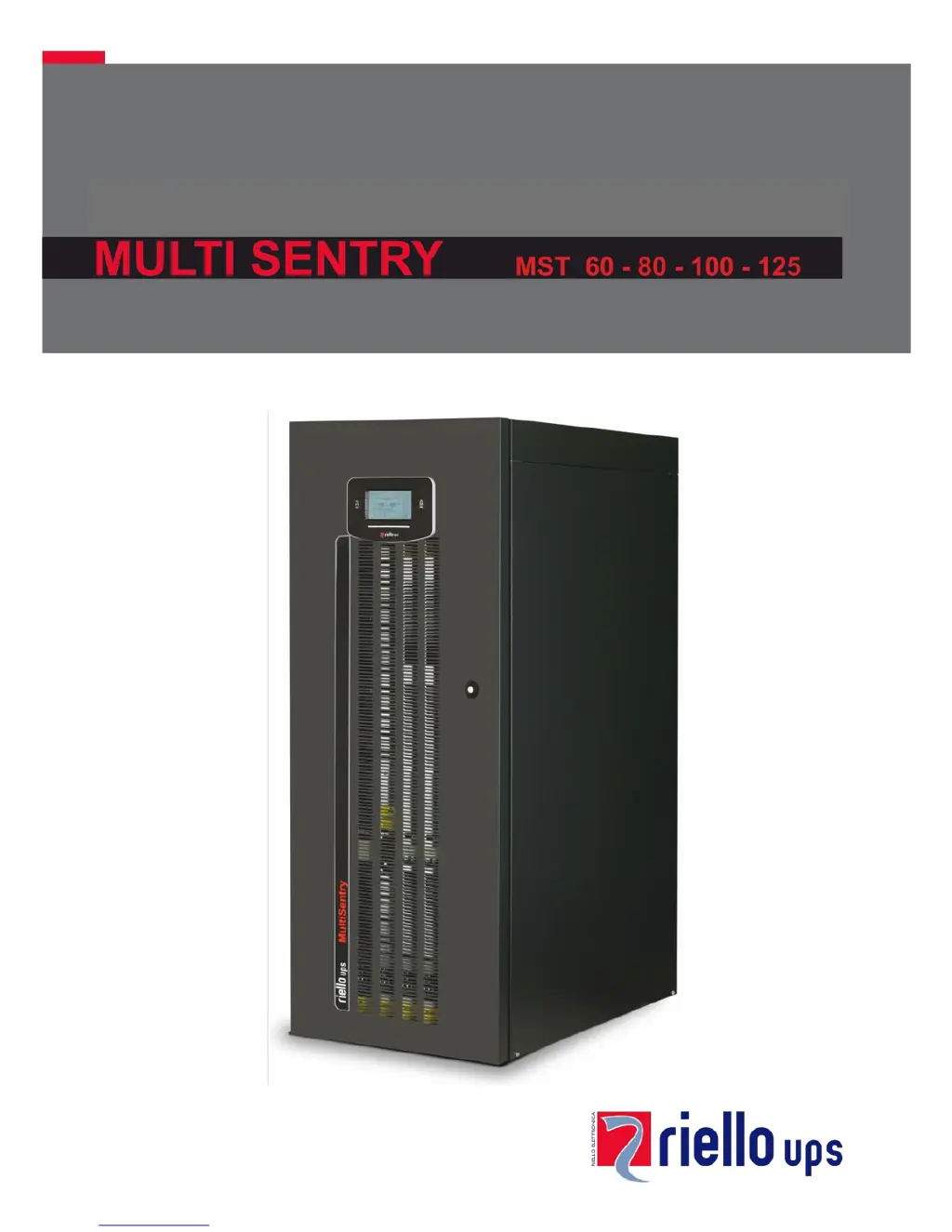
Riello MULTI SENTRY MST 125 - User Manual

Riello MULTI SENTRY MST 125
56 pages
Print Icon
To Next Page IconTo Next Page
Loading...

Table of Contents

Questions and Answers

Summary

PRESENTATION

COMMUNICATIONS AREA VIEW

SWITCHES VIEW

CONTROL PANEL VIEW

Control Panel Layout and Indicators

Explains the display, LEDs, and function keys of the control panel.

UPS CONNECTIONS VIEW

SEPARATE BYPASS INPUT (OPTIONAL FOR MST 60-80-100)

INSTALLATION

INSTALLATION SET-UP

Provides initial setup instructions and warnings for qualified personnel.

REMOVING THE UPS FROM THE PALLET

Unpacking and Removal Instructions

Step-by-step instructions for safely removing the UPS from its packaging.

ELECTRICAL CONNECTIONS

CONNECTION CABLES SECTION

Table detailing required cable cross-sections for power connections.

PRELIMINARY OPERATIONS FOR CONNECTION

Pre-Connection Safety Checks

Essential checks and safety precautions before making electrical connections.

HOOKUP INSTRUCTIONS

Electrical Connection Steps

Step-by-step guide for connecting power cables to the UPS.

ELECTRICAL SYSTEM CONNECTION DIAGRAMS

UPS with Separate Bypass Input

Separate Bypass on Separate Lines

PROTECTION DEVICES

INPUT LINE THERMAL MAGNETIC SWITCHES

Recommendations for external AC input protection devices.

BATTERY LINE PROTECTION

Guidance on surge protectors and fuses for the battery line.

DIFFERENTIAL

OUTPUT LINE FUSES;THERMAL MAGNETIC SWITCHES

REMOTE MAINTENANCE BYPASS

Maintenance Bypass Installation Diagram

Diagram illustrating the installation of a maintenance bypass.

USE

FIRST START-UP AND ADDITIONAL SETTINGS

Initial Setup and Configuration Steps

Step-by-step guide for the initial power-on and configuration.

SWITCHING ON FROM THE MAINS

SWITCHING ON FROM THE BATTERY

Procedure for starting the UPS using battery power.

SHUTDOWN PROCEDURE

Instructions for safely shutting down the UPS.

GRAPHIC DISPLAY

DISPLAY MENU

OPERATING MODE

MANUAL BYPASS (SWMB)

Instructions for operating the manual bypass switch.

UPS CONFIGURATION

Configurable Parameters

Lists configurable parameters via control panel and software.

COMMUNICATION PORTS

ACOUSTIC SIGNAL (BUZZER)

SOFTWARE

MONITORING AND CONTROL SOFTWARE

Details the PowerShield³ software for UPS management.

CONFIGURATION SOFTWARE

Mentions software for advanced UPS parameter configuration.

TROUBLESHOOTING

Common Problem Solutions

Provides solutions for common UPS operational problems.

STATUS; ALARM CODES

UPS Status Codes

Lists codes for different UPS operating statuses.

ANOMALY CODES

FAULT CODES

Critical Problem Codes

Lists codes for critical problems that can cause UPS malfunction.

LOCK CODES

UPS Inhibition Codes

Lists codes indicating UPS inhibition due to failure or alarm.

TECHNICAL DATA

MODE AND EFFICIENCY

Summary

PRESENTATION

COMMUNICATIONS AREA VIEW

SWITCHES VIEW

CONTROL PANEL VIEW

Control Panel Layout and Indicators

Explains the display, LEDs, and function keys of the control panel.

UPS CONNECTIONS VIEW

SEPARATE BYPASS INPUT (OPTIONAL FOR MST 60-80-100)

INSTALLATION

INSTALLATION SET-UP

Provides initial setup instructions and warnings for qualified personnel.

REMOVING THE UPS FROM THE PALLET

Unpacking and Removal Instructions

Step-by-step instructions for safely removing the UPS from its packaging.

ELECTRICAL CONNECTIONS

CONNECTION CABLES SECTION

Table detailing required cable cross-sections for power connections.

PRELIMINARY OPERATIONS FOR CONNECTION

Pre-Connection Safety Checks

Essential checks and safety precautions before making electrical connections.

HOOKUP INSTRUCTIONS

Electrical Connection Steps

Step-by-step guide for connecting power cables to the UPS.

ELECTRICAL SYSTEM CONNECTION DIAGRAMS

UPS with Separate Bypass Input

Separate Bypass on Separate Lines

PROTECTION DEVICES

INPUT LINE THERMAL MAGNETIC SWITCHES

Recommendations for external AC input protection devices.

BATTERY LINE PROTECTION

Guidance on surge protectors and fuses for the battery line.

DIFFERENTIAL

OUTPUT LINE FUSES;THERMAL MAGNETIC SWITCHES

REMOTE MAINTENANCE BYPASS

Maintenance Bypass Installation Diagram

Diagram illustrating the installation of a maintenance bypass.

USE

FIRST START-UP AND ADDITIONAL SETTINGS

Initial Setup and Configuration Steps

Step-by-step guide for the initial power-on and configuration.

SWITCHING ON FROM THE MAINS

SWITCHING ON FROM THE BATTERY

Procedure for starting the UPS using battery power.

SHUTDOWN PROCEDURE

Instructions for safely shutting down the UPS.

GRAPHIC DISPLAY

DISPLAY MENU

OPERATING MODE

MANUAL BYPASS (SWMB)

Instructions for operating the manual bypass switch.

UPS CONFIGURATION

Configurable Parameters

Lists configurable parameters via control panel and software.

COMMUNICATION PORTS

ACOUSTIC SIGNAL (BUZZER)

SOFTWARE

MONITORING AND CONTROL SOFTWARE

Details the PowerShield³ software for UPS management.

CONFIGURATION SOFTWARE

Mentions software for advanced UPS parameter configuration.

TROUBLESHOOTING

Common Problem Solutions

Provides solutions for common UPS operational problems.

STATUS; ALARM CODES

UPS Status Codes

Lists codes for different UPS operating statuses.

ANOMALY CODES

FAULT CODES

Critical Problem Codes

Lists codes for critical problems that can cause UPS malfunction.

LOCK CODES

UPS Inhibition Codes

Lists codes indicating UPS inhibition due to failure or alarm.

TECHNICAL DATA

MODE AND EFFICIENCY

Riello MULTI SENTRY MST 125 Specifications

General IconGeneral
BrandRiello
ModelMULTI SENTRY MST 125
CategoryUPS
LanguageEnglish

Related product manuals