EasyManua.ls Logo

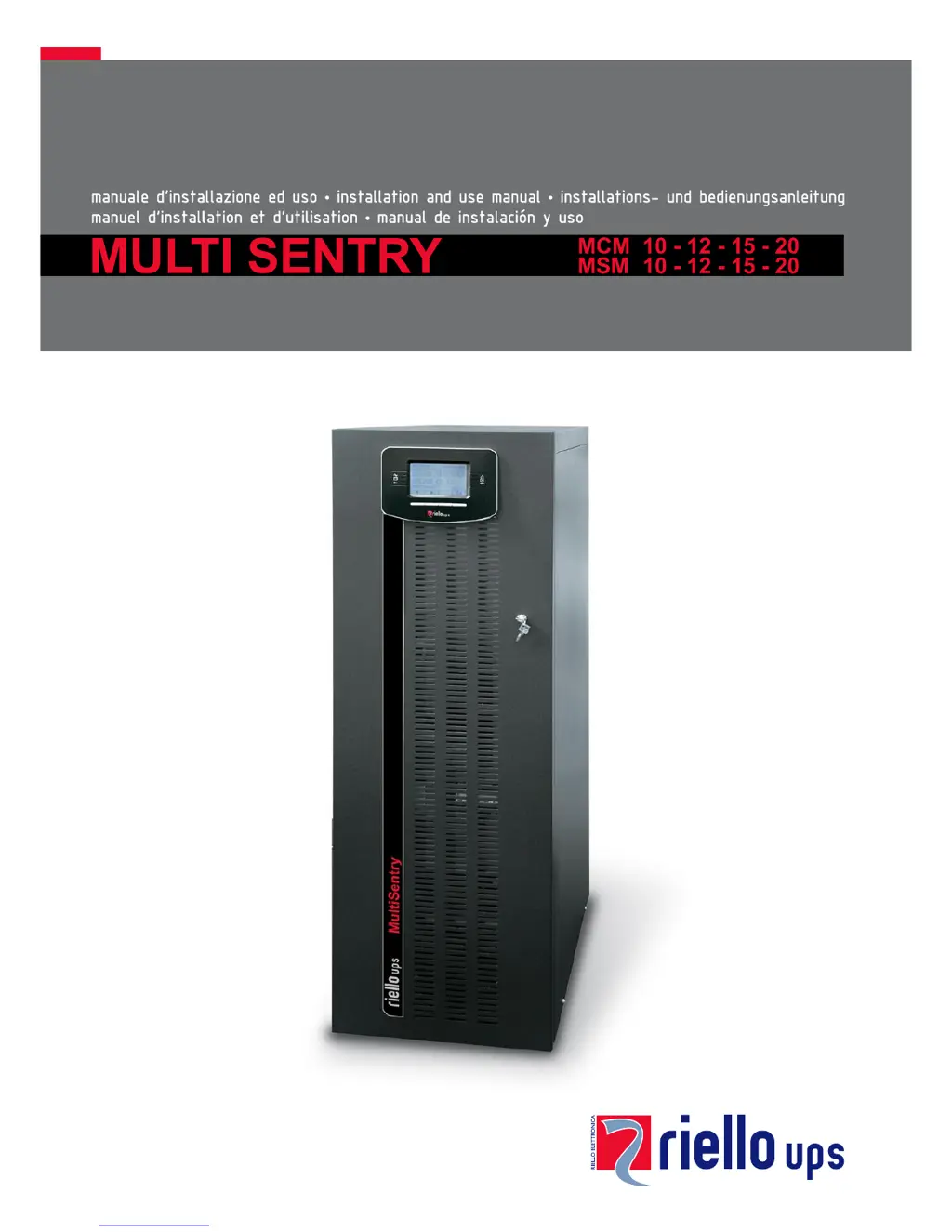
Riello MSM 15 - User Manual

Riello MSM 15
59 pages
Print Icon
To Next Page IconTo Next Page
Loading...

Table of Contents

Questions and Answers

Summary

Product Overview

Multi Sentry UPS Series

Introduction to the Multi Sentry UPS range and its advanced technology.

MCM UPS Views and Components

MSM UPS Views and Components

MCM Connection Points

MSM Connection Points

Control Panel Interface

Internal Batteries Safety Precautions

Electrical Connections Guide

Wiring Diagrams for Electrical System

Schematic diagrams illustrating various UPS connection configurations to the electrical system.

Internal Protective Devices

Short Circuit and Backfeed Protection

Details on internal UPS protection against short circuits and backfeed.

External Protective Devices

Magnetothermal and Differential Protection

Recommendations for external magnetothermal and differential protection devices for UPS installation.

Remote and External Signals

R.E.P.O. Functionality

How to use the Remote Emergency Power Off (R.E.P.O.) for remote shutdown.

Remote Maintenance Bypass Installation

UPS Usage

Description of UPS Function

Explains the fundamental purpose of a UPS in providing stable power supply.

First Time Power-On Procedure

Graphic Display Overview

Display Menu Navigation

UPS Operating Modes

Operating Mode Selection

Description of different operating modes like ON LINE, ECO, SMART ACTIVE, and STAND-BY OFF.

Maintenance Bypass (SWMB)

Procedure for using the maintenance bypass for UPS servicing without interrupting load power.

UPS Configuration and Load Management

Configuring UPS Parameters

User-configurable UPS settings accessible via the control panel.

Communication Ports and Interfaces

RS232 and USB Connectors

Pinout and usage details for RS232 and USB communication ports.

AS400 Port Functionality

UPS Software Management

Monitoring and Control Software

Using PowerShield³ software for UPS monitoring, control, and event management.

Configuration Software

Utilizing special software to configure key UPS operational parameters.

Troubleshooting Guide

Status and Alarm Codes

Status Codes

Codes indicating the current operating status of the UPS unit.

Command Codes

Codes indicating that a specific command has been activated on the UPS.

Anomaly Codes

Fault Codes

Lock Codes

Technical Data

Summary

Product Overview

Multi Sentry UPS Series

Introduction to the Multi Sentry UPS range and its advanced technology.

MCM UPS Views and Components

MSM UPS Views and Components

MCM Connection Points

MSM Connection Points

Control Panel Interface

Internal Batteries Safety Precautions

Electrical Connections Guide

Wiring Diagrams for Electrical System

Schematic diagrams illustrating various UPS connection configurations to the electrical system.

Internal Protective Devices

Short Circuit and Backfeed Protection

Details on internal UPS protection against short circuits and backfeed.

External Protective Devices

Magnetothermal and Differential Protection

Recommendations for external magnetothermal and differential protection devices for UPS installation.

Remote and External Signals

R.E.P.O. Functionality

How to use the Remote Emergency Power Off (R.E.P.O.) for remote shutdown.

Remote Maintenance Bypass Installation

UPS Usage

Description of UPS Function

Explains the fundamental purpose of a UPS in providing stable power supply.

First Time Power-On Procedure

Graphic Display Overview

Display Menu Navigation

UPS Operating Modes

Operating Mode Selection

Description of different operating modes like ON LINE, ECO, SMART ACTIVE, and STAND-BY OFF.

Maintenance Bypass (SWMB)

Procedure for using the maintenance bypass for UPS servicing without interrupting load power.

UPS Configuration and Load Management

Configuring UPS Parameters

User-configurable UPS settings accessible via the control panel.

Communication Ports and Interfaces

RS232 and USB Connectors

Pinout and usage details for RS232 and USB communication ports.

AS400 Port Functionality

UPS Software Management

Monitoring and Control Software

Using PowerShield³ software for UPS monitoring, control, and event management.

Configuration Software

Utilizing special software to configure key UPS operational parameters.

Troubleshooting Guide

Status and Alarm Codes

Status Codes

Codes indicating the current operating status of the UPS unit.

Command Codes

Codes indicating that a specific command has been activated on the UPS.

Anomaly Codes

Fault Codes

Lock Codes

Technical Data

Riello MSM 15 Specifications

General IconGeneral
Frequency50/60 Hz
Power Rating15 kVA
Battery TypeVRLA
Backup TimeDepending on battery configuration
EfficiencyUp to 96%
TopologyOnline Double Conversion
Communication InterfaceRS232, USB, dry contacts
Operating Temperature0 ÷ +40 °C

Related product manuals