EasyManua.ls Logo

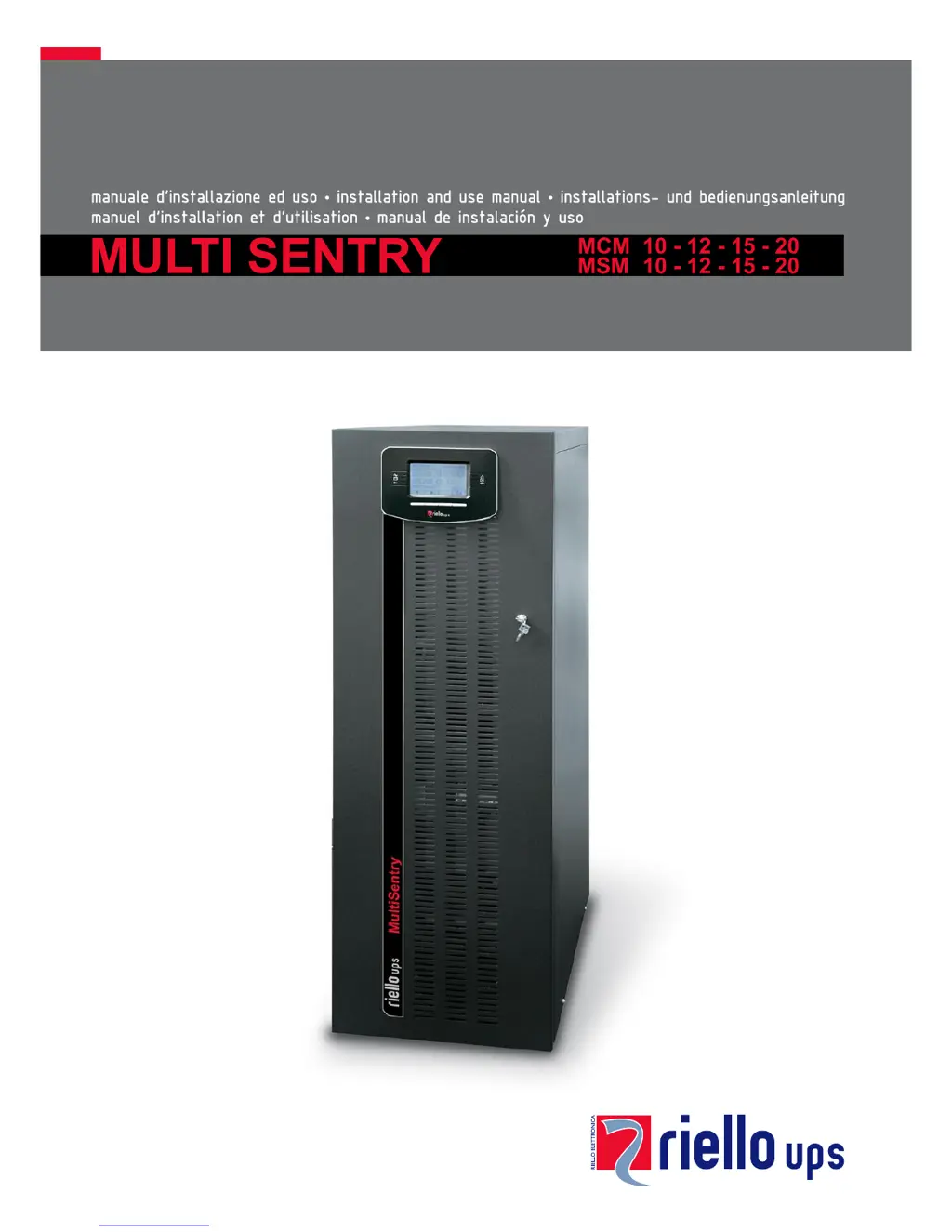
Riello MSM 15 - User Manual

Riello MSM 15
59 pages
Print Icon
To Next Page IconTo Next Page
Loading...

Table of Contents

Questions and Answers

  • R
    Robin CookSep 9, 2025
    What does C01 mean on the display of my Riello MSM 15?
    • O
      ojohnsonSep 9, 2025
      If the Riello UPS display shows the code C01, it means that the jumper is missing from the R.E.P.O. connector (J13) or is not inserted correctly. Mount the jumper or check that it is inserted correctly.
  • P
    prestonsheltonSep 7, 2025
    What does C05 mean on my Riello MSM 15 display?
    • J
      Jennifer RobertsSep 8, 2025
      If the Riello UPS display shows the code C05, it may be due to the SWMB maintenance bypass switch being closed. Open the SWMB switch located behind the door. Another cause could be the jumper missing from the terminals for the remote maintenance bypass (J10). In this case, insert the jumper.
  • M
    Michael RodriguezAug 22, 2025
    What to do if my Riello MSM 15 display shows A22, F23, or L23 indicating a high load?
    • J
      John CohenAug 22, 2025
      To resolve this, reduce the load connected to the Riello UPS until it is within the 100% threshold, or the specified load threshold if code A22 is displayed.
  • K
    Kelly SmithSep 5, 2025
    What should I do if my Riello MSM 15 displays F09 or F10?
    • J
      jimenezmatthewSep 5, 2025
      If the Riello UPS display shows one or more of the following codes: F09, F10, it may indicate a malfunction at the UPS input stage. Activate the maintenance bypass (SWMB), switch the UPS off and then on again, and exclude the maintenance bypass. If the problem persists, contact the nearest service centre. It is also possible that phase 1 has a much lower voltage than the other two phases. Open the SWIN, start up the UPS using the batteries, wait until the sequence ends, and then close SWIN.
  • T
    Thomas CastroSep 4, 2025
    Why won't my Riello MSM 15 UPS start up and shows A30, A32, A33, or A34?
    • D
      Douglas SandersSep 4, 2025
      If the Riello UPS display shows one or more of the following codes: A30, A32, A33, A34 and the UPS does not start up, the environmental temperature may be below 0°C. Heat the environment and wait until the temperature of the heat sink rises above 0°C before switching on the UPS. Alternatively, there could be a malfunction of the temperature sensor on the heat sink. In that case, activate the maintenance bypass (SWMB), switch the UPS off and then on again, and exclude the maintenance bypass. If the problem persists, call the nearest service centre.
  • B
    Barbara Castillo MDSep 2, 2025
    What to do if my Riello MSM 15 displays F37 or L37?
    • J
      jlawrenceSep 3, 2025
      If the Riello UPS display shows one or more of the following codes: F37, L37, it could be due to ambient temperature exceeding 40°C, heat sources near the UPS, obstructed ventilation slits, or a fault in the temperature probe or battery charger cooling system. Eliminate the cause of the overtemperature. Open the battery fuse holder isolators (SWBATT) and wait for the battery charger heat sink to cool down. Close the battery fuse holders. If the problem recurs, contact your local service centre. Never open the SWBATT fuse holders during battery operation.
  • L
    Lydia MayoSep 1, 2025
    What does it mean when my Riello MSM 15 UPS displays F11, F14, F17, L06, L07, L08, L09, L14, L17, or L20?
    • M
      Michael PerezSep 1, 2025
      If the Riello UPS display shows one or more of the following codes: F11, F14, F17, L06, L07, L08, L09, L14, L17, L20, this could be due to faulty loads. Disconnect the load. Insert the maintenance bypass (SWMB), switch the UPS off and then on again. Exclude the maintenance bypass. If the problem still persists, call the nearest service centre. Another cause may be a malfunction at the UPS input or output stage. Activate the maintenance bypass (SWMB), switch the UPS off and then on again and exclude the maintenance bypass. If the problem persists, call the nearest service centre.
  • D
    David GuzmanAug 31, 2025
    Why is my Riello UPS displaying F34, F35, F36, L34, L35, or L36?
    • J
      Jason BeanAug 31, 2025
      If the Riello UPS display shows one or more of the following codes: F34, F35, F36, L34, L35, L36, it may be due to ambient temperature exceeding 40°C, heat sources near the UPS, or obstructed ventilation slits. Activate the maintenance bypass (SWMB) without powering off the UPS to cool the heat sink more quickly. Eliminate the cause of the overtemperature and wait for the heat sink to cool down. Then, exclude the maintenance bypass. The issue may also be due to a fault in the temperature probe or UPS cooling system. Insert the maintenance bypass (SWMB) without turning off the UPS to allow the fans to cool the heat sink, then turn the UPS off and on again. Exclude the maintenance bypass. If the problem persists, contact your local service centre.
  • C
    Christine MorrisAug 30, 2025
    What should I do if my Riello MSM 15 displays F03, F04, F05, A08, A09, or A10?
    • B
      Brian CarrilloAug 30, 2025
      If the Riello UPS display shows one or more of the following codes: F03, F04, F05, A08, A09, A10, check the connections to the terminals. Also, verify that the short circuit bar is present for input single-phase connection, following the instructions in the paragraph on single-phase connections. If the internal protection fuses on the phases or the input relay have blown, contact the nearest service centre.
  • T
    Tammy GomezAug 28, 2025
    What to do if my Riello MSM 15 UPS has no power to the load?
    • W
      wellswhitneyAug 28, 2025
      If no power reaches the load connected to the Riello UPS, verify the connection to the output terminals. Also, check if the SWOUT switch located behind the door is open and close it. Ensure that the UPS is not in standby mode by running the start-up sequence. Check if 'Stand-by OFF' mode has been selected. This mode is used to power the loads only during blackouts. If none of these solutions work and there is a malfunction of the UPS and automatic bypass out of use, insert the maintenance bypass (SWMB) and contact the nearest service centre.

Summary

Product Overview

Multi Sentry UPS Series

Introduction to the Multi Sentry UPS range and its advanced technology.

MCM UPS Views and Components

MSM UPS Views and Components

MCM Connection Points

MSM Connection Points

Control Panel Interface

Internal Batteries Safety Precautions

Electrical Connections Guide

Wiring Diagrams for Electrical System

Schematic diagrams illustrating various UPS connection configurations to the electrical system.

Internal Protective Devices

Short Circuit and Backfeed Protection

Details on internal UPS protection against short circuits and backfeed.

External Protective Devices

Magnetothermal and Differential Protection

Recommendations for external magnetothermal and differential protection devices for UPS installation.

Remote and External Signals

R.E.P.O. Functionality

How to use the Remote Emergency Power Off (R.E.P.O.) for remote shutdown.

Remote Maintenance Bypass Installation

UPS Usage

Description of UPS Function

Explains the fundamental purpose of a UPS in providing stable power supply.

First Time Power-On Procedure

Graphic Display Overview

Display Menu Navigation

UPS Operating Modes

Operating Mode Selection

Description of different operating modes like ON LINE, ECO, SMART ACTIVE, and STAND-BY OFF.

Maintenance Bypass (SWMB)

Procedure for using the maintenance bypass for UPS servicing without interrupting load power.

UPS Configuration and Load Management

Configuring UPS Parameters

User-configurable UPS settings accessible via the control panel.

Communication Ports and Interfaces

RS232 and USB Connectors

Pinout and usage details for RS232 and USB communication ports.

AS400 Port Functionality

UPS Software Management

Monitoring and Control Software

Using PowerShield³ software for UPS monitoring, control, and event management.

Configuration Software

Utilizing special software to configure key UPS operational parameters.

Troubleshooting Guide

Status and Alarm Codes

Status Codes

Codes indicating the current operating status of the UPS unit.

Command Codes

Codes indicating that a specific command has been activated on the UPS.

Anomaly Codes

Fault Codes

Lock Codes

Technical Data

Riello MSM 15 Specifications

General IconGeneral
Frequency50/60 Hz
Power Rating15 kVA
Battery TypeVRLA
Backup TimeDepending on battery configuration
EfficiencyUp to 96%
TopologyOnline Double Conversion
Communication InterfaceRS232, USB, dry contacts
Operating Temperature0 ÷ +40 °C

Related product manuals