EasyManua.ls Logo

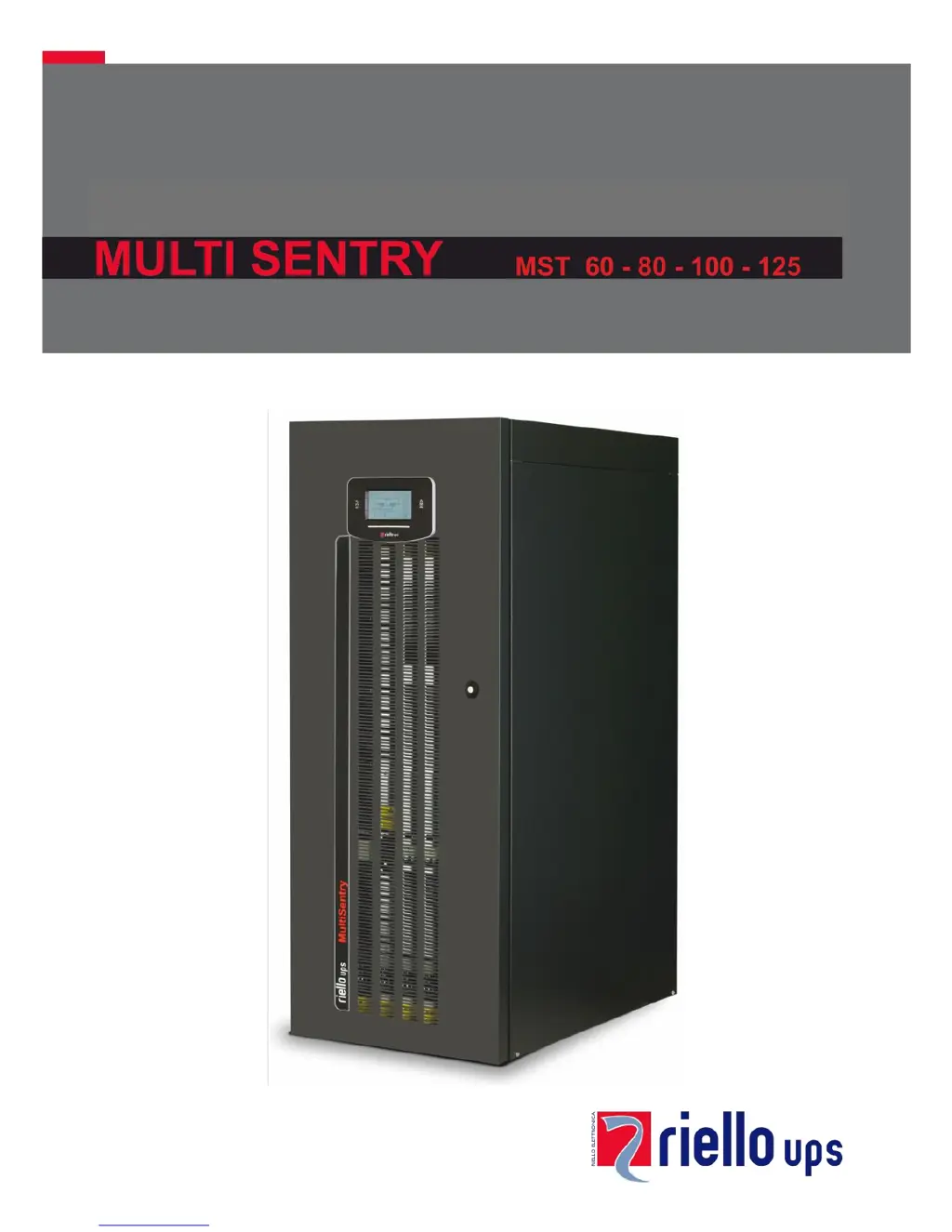
Riello MULTI SENTRY MST 80 - User Manual

Riello MULTI SENTRY MST 80
56 pages
Print Icon
To Next Page IconTo Next Page
Loading...

Table of Contents

Questions and Answers

  • E
    Elizabeth GayDec 1, 2025
    What do error codes F34, F35, F36, L34, L35, L36 mean on my Riello MULTI SENTRY MST 80 UPS?
    • L
      Lee JonesDec 1, 2025
      If the display of your Riello UPS shows one or more of the codes F34, F35, F36, L34, L35, L36, it could be due to: * Ambient temperature exceeding 40°C * Sources of heat near the UPS * Obstructed ventilation slits or slits too close to walls To resolve this, activate manual bypass (SWMB) without switching off the UPS to allow the fans to cool the dissipator more quickly. Remove the cause of over-temperature and wait for the dissipator temperature to lower before excluding manual bypass. It may also indicate a temperature sensor or UPS cooling system malfunction. In this case, insert manual bypass (SWMB) without switching off the UPS so that fans can cool the dissipator more quickly. Wait for dissipator temperature to lower. Switch off and then re-start the UPS. Exclude manual bypas...
  • M
    Melissa MejiaAug 25, 2025
    What to do if Riello UPS does not go into standby mode with mains power?
    • N
      Natasha SmithAug 25, 2025
      If your Riello UPS doesn't enter standby mode despite mains power, check the following: * Ensure the mains are correctly connected to the input terminals as per the installation instructions. * Verify the neutral connection is present, as the UPS requires it to operate. Failure to connect the neutral can damage the UPS or the load. * Confirm the switch behind the door (SWIN) is closed. * Check for a blackout; verify the presence of mains voltage. If there is no mains voltage, switch on via batteries to power the load. * Check for upstream protection intervention and reset the protection, ensuring there is no output overload or short to the UPS.
  • A
    Ann SandovalAug 25, 2025
    What to do if there is no load voltage arriving from my Riello UPS?
    • J
      johnsonsharonAug 26, 2025
      If there is no load voltage from your Riello UPS, consider these possibilities: 1. Check that the load is properly connected to the output terminals. 2. Ensure that the switch behind the door (SWOUT) is closed. 3. Verify that the UPS is not in standby mode. If it is, perform the startup sequence. 4. Confirm that the Stand-by OFF mode is not selected, as this mode only powers loads during blackouts. 5. If the UPS has malfunctioned and the automatic bypass isn't working, insert the manual bypass (SWMB) and contact the nearest service center.
  • R
    Richard HurstAug 27, 2025
    What does it mean when my Riello UPS shows codes A39, A40 and the replace batteries LED is on?
    • P
      Peter HowardAug 27, 2025
      If your Riello UPS displays codes A39 or A40 and the red "Replace Batteries" LED is on, it means the batteries haven't passed their periodic efficiency test. It's recommended to replace the batteries, as they may no longer provide sufficient autonomy. Battery replacement must be performed by qualified personnel.
  • M
    Marie MorrowAug 27, 2025
    What does code S07 mean on my Riello MULTI SENTRY MST 80?
    • D
      Danny MyersAug 27, 2025
      If your Riello UPS displays code S07, it indicates that the batteries are flat and the UPS is waiting for the battery voltage to exceed the set threshold. You can either wait for the batteries to recharge or manually force power-on via the “ON” menu.
  • L
    Lisa Harrington DVMSep 16, 2025
    What do error codes L01, L10, L38, L39, L40, L41 mean on my Riello MULTI SENTRY MST 80?
    • D
      dixonamandaSep 16, 2025
      If your Riello UPS displays one or more of the following codes: L01, L10, L38, L39, L40, L41, it indicates a malfunction of the temperature sensor, UPS cooling system, main auxiliary power, or static bypass switch. To resolve this, activate manual bypass (SWMB), switch off and re-start the UPS. Exclude manual bypass Contact the nearest service centre if this problem persists.
  • A
    Angela CurtisSep 14, 2025
    What do error codes L11, L12, and L13 mean on my Riello UPS?
    • A
      Anthony AlexanderSep 14, 2025
      If your Riello UPS displays codes L11, L12, or L13, it indicates a static bypass breakage or malfunction. To address this, activate manual bypass (SWMB), switch off the UPS, wait one minute, and then re-start the UPS. Exclude manual bypass. Contact the nearest service centre if this problem persists.
  • I
    ipetersonSep 15, 2025
    What do error codes F06, F07, F08 mean on my Riello UPS?
    • J
      Jennifer MoralesSep 15, 2025
      If your Riello UPS displays one or more of the following codes: F06, F07, F08, it indicates that the input contactor is blocked. To resolve this, activate manual bypass (SWMB), switch off the UPS, open the SWIN and contact the nearest service centre (Attention: once the SWIN is open, it will no longer be possible to close it again before Service intervenes).
  • T
    Travis HollandSep 6, 2025
    Why won't my Riello UPS start up and shows codes A30, A32, A33, A34?
    • P
      Paula RodriguezSep 6, 2025
      If your Riello UPS displays codes A30, A32, A33, A34 and won't start, it could be due to the ambient temperature being below 0°C. Heat up the room, wait for the dissipater temperature to exceed 0°C, and then start up the UPS. Alternatively, there may be a temperature sensor malfunction on the dissipator. In this case, activate manual bypass (SWMB), switch off the UPS, re-start the UPS and exclude manual bypass. Call the nearest service centre if this problem persists.
  • P
    Peter FoxSep 4, 2025
    What do error codes F11, F14, F15, F16, F17, L06, L07, L08, L09, L14, L15, L16, L17, L18, L19, L20, L21, L22 mean on my Riello UPS?
    • P
      Patrick DelgadoSep 4, 2025
      If your Riello UPS shows one or more of the following codes: F11, F14, F15, F16, F17, L06, L07, L08, L09, L14, L15, L16, L17, L18, L19, L20, L21, L22, it may be due to the insertion of abnormal loads. Remove the load. Insert manual bypass (SWMB), switch off and re-start the UPS. Exclude manual bypass Call the nearest service centre if this problem persists. Another possibility is a UPS input or output stage malfunction. Activate manual bypass (SWMB), switch off and re-start the UPS. Exclude manual bypass Contact the nearest service centre if this problem persists.

Summary

CONTROL PANEL VIEW

UPS CONNECTIONS VIEW

MST 60-80-100 CONNECTIONS

Terminal board layout and connection points for MST 60-80-100 models.

MST 125 CONNECTIONS

INSTALLATION

INSTALLATION SET-UP

Initial steps and requirements for setting up the UPS installation.

INSTALLATION ENVIRONMENT

REMOVING THE UPS FROM THE PALLET

UPS POSITIONING

ELECTRICAL CONNECTIONS

CONNECTION CABLES SECTION

Table specifying cable sizes for input, output, and battery connections.

PRELIMINARY OPERATIONS FOR CONNECTION

HOOKUP INSTRUCTIONS

ELECTRICAL SYSTEM CONNECTION DIAGRAMS

PROTECTION DEVICES

SHORT-CIRCUIT PROTECTION

How the UPS protects against short-circuit conditions.

INPUT LINE THERMAL MAGNETIC SWITCHES

Recommendations for external AC protection devices for the input line.

BATTERY LINE

Requirements for surge protectors and fuses for the external battery line.

DIFFERENTIAL

OUTPUT LINE FUSES;THERMAL MAGNETIC SWITCHES

REMOTE MAINTENANCE BYPASS

USE

FIRST START-UP AND ADDITIONAL SETTINGS

SWITCHING ON FROM THE MAINS

SWITCHING ON FROM THE BATTERY

SHUTDOWN

GRAPHIC DISPLAY

DISPLAY MENU

OPERATING MODE

MANUAL BYPASS (SWMB)

UPS CONFIGURATION

SERVICE CONFIGURATIONS

COMMUNICATION PORTS

SOFTWARE

MONITORING AND CONTROL SOFTWARE

Introduction to the PowerShield³ software for UPS management.

TROUBLESHOOTING

STATUS AND COMMAND CODES

ANOMALY CODES

FAULT CODES

LOCK CODES

TECHNICAL DATA - INPUT STAGE

TECHNICAL DATA - MODES AND EFFICIENCY

Riello MULTI SENTRY MST 80 Specifications

General IconGeneral
BrandRiello
ModelMULTI SENTRY MST 80
CategoryUPS
LanguageEnglish

Related product manuals