EasyManua.ls Logo

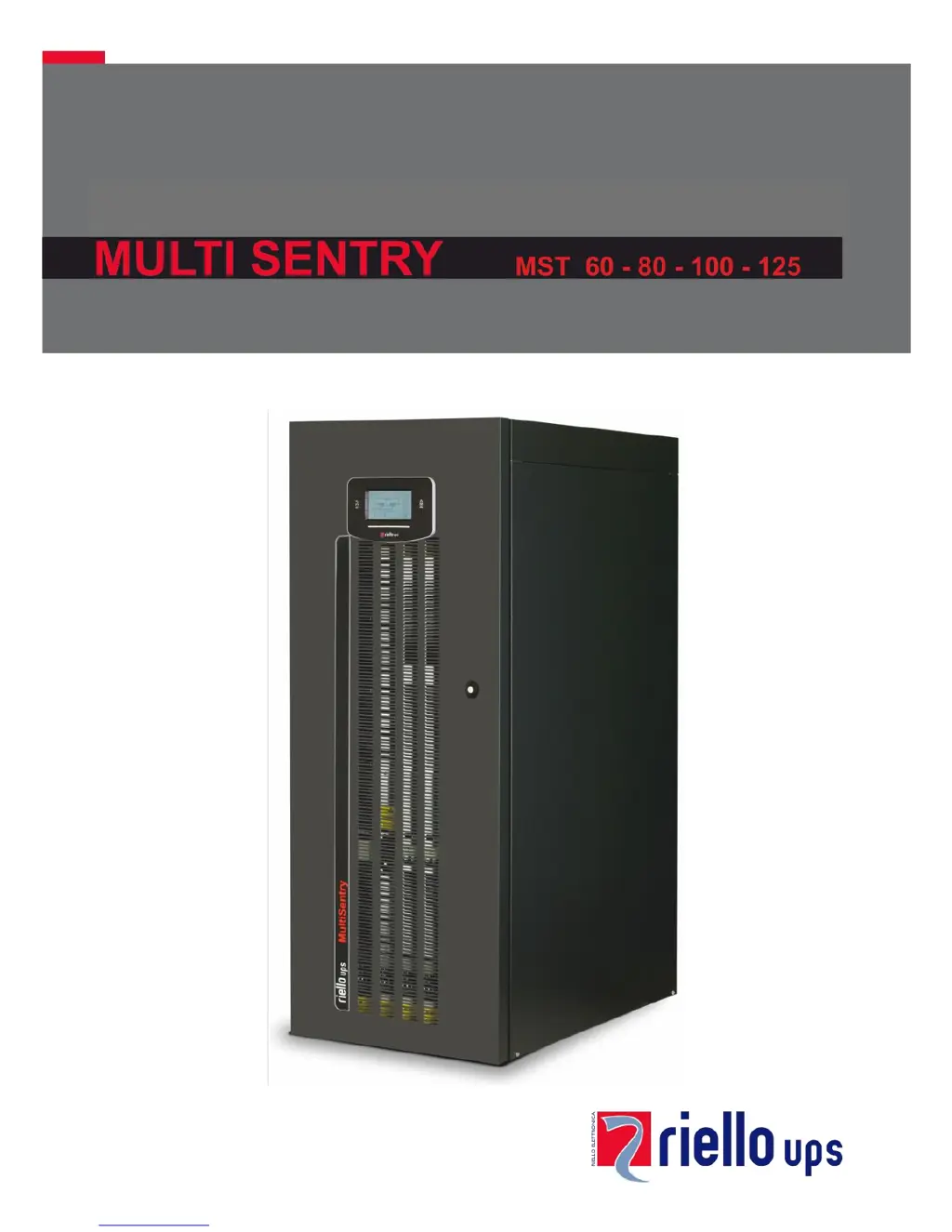
Riello MULTI SENTRY MST 80 - User Manual

Riello MULTI SENTRY MST 80
56 pages
Print Icon
To Next Page IconTo Next Page
Loading...

Table of Contents

Questions and Answers

  • C
    Christopher PerrySep 10, 2025
    What does it mean if my Riello MULTI SENTRY MST 80 display shows error codes F09, F10?
    • J
      James LopezSep 10, 2025
      If your Riello UPS displays codes F09 or F10, it could indicate a UPS input stage malfunction. To resolve this, activate manual bypass (SWMB), switch off and re-start the UPS. Exclude manual bypass Contact the nearest service centre if this problem persists. Alternatively, phase 1 may have a voltage much lower than the other two phases. In this case, open the SWIN, switch on batteries, wait for sequence completion and close the SWIN.
  • J
    justin15Sep 9, 2025
    What do the error codes F37, L37 mean on my Riello MULTI SENTRY MST 80 UPS?
    • P
      Pamela LucasSep 9, 2025
      If your Riello UPS displays codes F37, L37, it could be due to several reasons: * Ambient temperature exceeding 40°C. * Sources of heat near the UPS. * Ventilation slits obstructed or too close to walls. * Temperature sensor or battery charger cooling system malfunction. Remove the cause of over-temperature. Insert manual bypass (SWMB) without switching off the UPS and wait for battery charger temperature to lower. Exclude manual bypass. Contact the nearest service centre if this problem persists.
  • R
    rsmithAug 22, 2025
    Why is my Riello UPS operating on battery even with mains power?
    • A
      Anthony WilliamsAug 22, 2025
      If your Riello UPS is running on battery even when mains power is available, it could be due to upstream protection intervention. In this case, reset the protection, checking for any output overload or short circuit in the UPS. Alternatively, the input voltage may be outside the acceptable range. If so, wait for the mains voltage to return within the tolerance range, and the UPS will automatically switch back to mains operation.
  • T
    Travis HollandSep 6, 2025
    Why won't my Riello UPS start up and shows codes A30, A32, A33, A34?
    • P
      Paula RodriguezSep 6, 2025
      If your Riello UPS displays codes A30, A32, A33, A34 and won't start, it could be due to the ambient temperature being below 0°C. Heat up the room, wait for the dissipater temperature to exceed 0°C, and then start up the UPS. Alternatively, there may be a temperature sensor malfunction on the dissipator. In this case, activate manual bypass (SWMB), switch off the UPS, re-start the UPS and exclude manual bypass. Call the nearest service centre if this problem persists.
  • E
    Elizabeth RaySep 5, 2025
    What does it mean when my Riello UPS displays error codes L26, L27, L28?
    • C
      Caroline SimmonsSep 5, 2025
      If your Riello UPS displays one or more of the following codes: L26, L27, L28, it indicates a short-circuit in the output. To resolve this, switch off the UPS, disconnect all utilities related to the short-circuited phase, switch the UPS back on, and then reconnect utilities once the fault has been identified.
  • P
    Peter FoxSep 4, 2025
    What do error codes F11, F14, F15, F16, F17, L06, L07, L08, L09, L14, L15, L16, L17, L18, L19, L20, L21, L22 mean on my Riello UPS?
    • P
      Patrick DelgadoSep 4, 2025
      If your Riello UPS shows one or more of the following codes: F11, F14, F15, F16, F17, L06, L07, L08, L09, L14, L15, L16, L17, L18, L19, L20, L21, L22, it may be due to the insertion of abnormal loads. Remove the load. Insert manual bypass (SWMB), switch off and re-start the UPS. Exclude manual bypass Call the nearest service centre if this problem persists. Another possibility is a UPS input or output stage malfunction. Activate manual bypass (SWMB), switch off and re-start the UPS. Exclude manual bypass Contact the nearest service centre if this problem persists.
  • T
    Taylor HuntSep 2, 2025
    What do error codes F03, F04, F05, A08, A09, A10 mean on my Riello MULTI SENTRY MST 80?
    • M
      martinfrazierSep 2, 2025
      If your Riello UPS displays one or more of the following codes: F03, F04, F05, A08, A09, A10, the cause may be a missing connection on one or more phases. In this case, verify the terminal connections. Another possible cause is broken fuses inside protections on phases or input contactor. In this case, call the nearest service centre.
  • M
    Michael CampbellSep 1, 2025
    What does it mean when my Riello MULTI SENTRY MST 80 UPS shows codes A13, A14, or A15?
    • R
      ruizthomasSep 1, 2025
      If your Riello UPS displays codes A13, A14, or A15, it indicates a problem with the bypass line. This could be due to the bypass line upstream protection being open (with separate bypass only). Reset the upstream protection, checking for any output overload or short circuit to the UPS. Alternatively, the bypass switch (SWBYP with separate bypass only) may be open. In this case, close the switch located behind the door.
  • K
    Kathleen McknightAug 30, 2025
    What does it mean if my Riello UPS display shows C05?
    • B
      bstevensonAug 30, 2025
      If your Riello UPS display shows C05, it could be due to the manual bypass switch (SWMB) being closed. If the switch (SWMB) located behind the door was not closed intentionally, open it. Alternatively, there may be no jumper on terminals for remote maintenance bypass (A3-A4, "UPS CONNECTIONS VIEW"). In this case, insert the jumper or, if an additional auxiliary contact is present, follow directions described in paragraph "Remote Maintenance Bypass".
  • K
    Kimberly CruzAug 28, 2025
    What does it mean when my Riello UPS shows error codes A22, A23, A24, F23, L23, L24, or L25?
    • C
      Christopher WoodardAug 28, 2025
      If your Riello UPS displays codes A22, A23, A24, F23, L23, L24, or L25, it means the load applied to the UPS is too high. Reduce the load to within the threshold of 100% (or the user threshold for codes A22, A23, and A24).

Summary

CONTROL PANEL VIEW

UPS CONNECTIONS VIEW

MST 60-80-100 CONNECTIONS

Terminal board layout and connection points for MST 60-80-100 models.

MST 125 CONNECTIONS

INSTALLATION

INSTALLATION SET-UP

Initial steps and requirements for setting up the UPS installation.

INSTALLATION ENVIRONMENT

REMOVING THE UPS FROM THE PALLET

UPS POSITIONING

ELECTRICAL CONNECTIONS

CONNECTION CABLES SECTION

Table specifying cable sizes for input, output, and battery connections.

PRELIMINARY OPERATIONS FOR CONNECTION

HOOKUP INSTRUCTIONS

ELECTRICAL SYSTEM CONNECTION DIAGRAMS

PROTECTION DEVICES

SHORT-CIRCUIT PROTECTION

How the UPS protects against short-circuit conditions.

INPUT LINE THERMAL MAGNETIC SWITCHES

Recommendations for external AC protection devices for the input line.

BATTERY LINE

Requirements for surge protectors and fuses for the external battery line.

DIFFERENTIAL

OUTPUT LINE FUSES;THERMAL MAGNETIC SWITCHES

REMOTE MAINTENANCE BYPASS

USE

FIRST START-UP AND ADDITIONAL SETTINGS

SWITCHING ON FROM THE MAINS

SWITCHING ON FROM THE BATTERY

SHUTDOWN

GRAPHIC DISPLAY

DISPLAY MENU

OPERATING MODE

MANUAL BYPASS (SWMB)

UPS CONFIGURATION

SERVICE CONFIGURATIONS

COMMUNICATION PORTS

SOFTWARE

MONITORING AND CONTROL SOFTWARE

Introduction to the PowerShield³ software for UPS management.

TROUBLESHOOTING

STATUS AND COMMAND CODES

ANOMALY CODES

FAULT CODES

LOCK CODES

TECHNICAL DATA - INPUT STAGE

TECHNICAL DATA - MODES AND EFFICIENCY

Riello MULTI SENTRY MST 80 Specifications

General IconGeneral
BrandRiello
ModelMULTI SENTRY MST 80
CategoryUPS
LanguageEnglish

Related product manuals