EasyManua.ls Logo

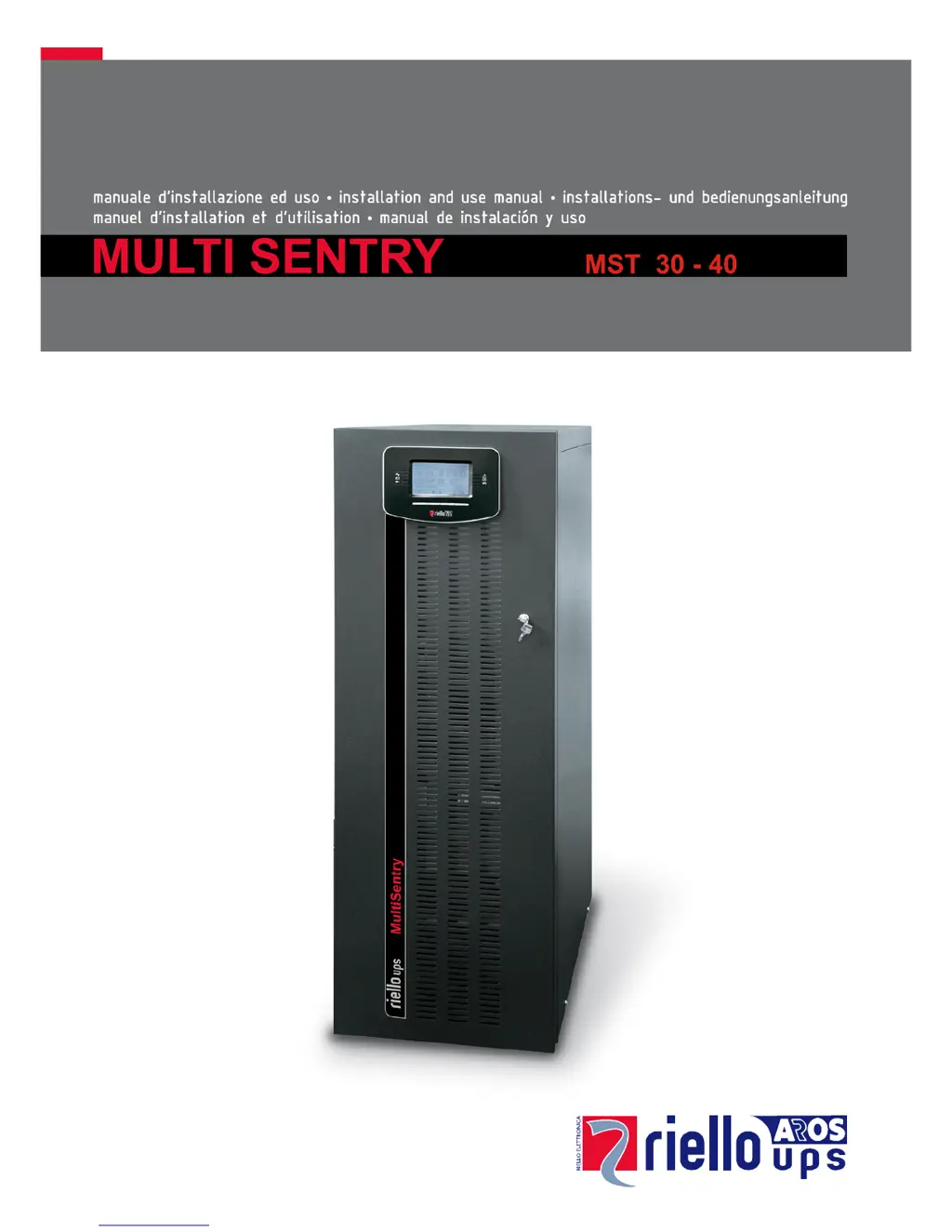
Riello MST 30 - User Manual

Riello MST 30
52 pages
Print Icon
To Next Page IconTo Next Page
Loading...

Table of Contents

Questions and Answers

Summary

Internal Batteries Safety and Handling

Internal Batteries Safety Precautions

Provides crucial safety warnings for handling internal batteries and hazardous voltages.

Battery Replacement Warning

Warns about explosion risk with incorrect battery types and provides replacement guidance.

UPS Removal and Positioning

Two-Person Operation Requirement

Highlights instructions that require two-person operation for safety and handling.

Electrical Connection Diagrams

System Requirements for Connections

Warns about the requirement for a 4-wire three-phase distribution system.

Standard Electrical Connection Diagrams

Illustrates connection diagrams for different UPS configurations without neutral modification.

UPS Internal Protections and Fault Handling

Internal Protections Overview

Details UPS isolators, battery fuses, and input/output currents.

External Protection Devices

Circuit Breaker Recommendations

Recommends circuit breakers upstream of the UPS and specifies ratings.

Cable Cross-Sections and Connections

Mandatory Neutral Connections

Emphasizes connecting the input neutral and warns against connecting output to input neutral.

Connections for Separate Bypass Models

Connection Procedures for Separate Bypass

Details connection procedures for models with separate bypass, including neutral handling.

Remote Maintenance Bypass Connection

Installing a Remote Maintenance Bypass

Details installing a bypass for UPS replacement without power interruption.

Service Bypass Terminal Connection Importance

Stresses connecting the 'SERVICE BYPASS' terminal to the auxiliary contact.

UPS Startup and Shutdown Procedures

Mains Start-Up Process

Details the procedure for starting the UPS using the mains power.

Battery Start-Up (Cold Start)

Explains how to start the UPS using only battery power.

Correct UPS Shutdown Procedure

Provides the correct steps for turning off the UPS.

UPS Operating Modes and Maintenance Bypass

Explanation of Operating Modes

Explains ON LINE, ECO, SMART ACTIVE, and STAND-BY OFF modes and their functionalities.

Maintenance Bypass (SWMB) Procedure

Details the procedure for using the maintenance bypass for safe maintenance.

Critical Maintenance Safety Warning

A critical safety warning for performing maintenance inside the UPS.

Configuring UPS Parameters

UPS Communication Ports

Available Communication Ports

Lists Serial (RS232/USB) ports and expansion slots for communication boards.

UPS Software and Configuration

Monitoring and Control Software

Introduces PowerShield³ software for UPS management and monitoring.

Configuration Software Usage

Mentions special software for configuring important UPS parameters.

Troubleshooting Common UPS Issues

UPS Not Switching to Stand-By Mode

Addresses issues where the UPS fails to enter stand-by mode.

No Power Reaching the Load

Troubleshoots scenarios where the load is not receiving power from the UPS.

UPS Operating on Battery with Mains Present

Helps resolve UPS operating on battery despite mains power availability.

Input Voltage Outside Operating Range

Addresses issues related to input voltage falling outside acceptable ranges.

Detailed Troubleshooting Codes

Startup Failures (Codes A30-A34)

Troubleshoots startup failures due to temperature or probe faults.

Phase Voltage Imbalance (Codes F09, F10)

Addresses voltage imbalance issues between input phases.

Load and Connection Faults (Codes F03-F44)

Covers faults related to anomalous loads, connections, and fuses.

Advanced Troubleshooting Scenarios

Bypass Protection and Isolator Issues

Solves issues with upstream bypass protection devices or bypass isolator.

Battery Charger and Fuse Faults

Addresses battery charger faults and blown battery fuses.

Input Relay and Load Issues

Deals with input relay locks and situations where the applied load is too high.

Output Overload and Short Circuit

Addresses output overloads and short circuits at the output.

Critical Faults and System Anomalies

Battery Replacement Recommendations (Codes A39-A40)

Indicates battery failure in efficiency tests, recommending replacement.

Temperature and Ventilation Faults

Troubleshoots high temperatures, heat sources, or obstructed ventilation slits.

Static Bypass Faults

Solves issues with static bypass rupture or fault.

Display and Power Supply Problems

Addresses issues with the UPS display or its power supply.

UPS Status and Alarm Codes Explained

UPS Anomalies and Performance Reduction

Inverter Synchronization and Frequency Anomalies

Covers inverter synchronization issues and frequency tolerance deviations.

Input Voltage and Bypass Line Anomalies

Addresses over/undervoltages on input and bypass lines.

Battery Status and Temperature Anomalies

Reports missing batteries, open fuses, and temperature probe issues.

Load and Output Status Anomalies

Covers high current peaks, load threshold breaches, and open output isolators.

Critical UPS Faults

Communication and Phase Faults

Reports internal communication errors and incorrect input phase sequences.

Input Stage Faults

Covers faults related to input fuses, relays, and precharge circuits.

Inverter and Battery Faults

Addresses inverter stage anomalies and battery over/undervoltages.

UPS Lock Conditions

Technical Data Specifications

Summary

Internal Batteries Safety and Handling

Internal Batteries Safety Precautions

Provides crucial safety warnings for handling internal batteries and hazardous voltages.

Battery Replacement Warning

Warns about explosion risk with incorrect battery types and provides replacement guidance.

UPS Removal and Positioning

Two-Person Operation Requirement

Highlights instructions that require two-person operation for safety and handling.

Electrical Connection Diagrams

System Requirements for Connections

Warns about the requirement for a 4-wire three-phase distribution system.

Standard Electrical Connection Diagrams

Illustrates connection diagrams for different UPS configurations without neutral modification.

UPS Internal Protections and Fault Handling

Internal Protections Overview

Details UPS isolators, battery fuses, and input/output currents.

External Protection Devices

Circuit Breaker Recommendations

Recommends circuit breakers upstream of the UPS and specifies ratings.

Cable Cross-Sections and Connections

Mandatory Neutral Connections

Emphasizes connecting the input neutral and warns against connecting output to input neutral.

Connections for Separate Bypass Models

Connection Procedures for Separate Bypass

Details connection procedures for models with separate bypass, including neutral handling.

Remote Maintenance Bypass Connection

Installing a Remote Maintenance Bypass

Details installing a bypass for UPS replacement without power interruption.

Service Bypass Terminal Connection Importance

Stresses connecting the 'SERVICE BYPASS' terminal to the auxiliary contact.

UPS Startup and Shutdown Procedures

Mains Start-Up Process

Details the procedure for starting the UPS using the mains power.

Battery Start-Up (Cold Start)

Explains how to start the UPS using only battery power.

Correct UPS Shutdown Procedure

Provides the correct steps for turning off the UPS.

UPS Operating Modes and Maintenance Bypass

Explanation of Operating Modes

Explains ON LINE, ECO, SMART ACTIVE, and STAND-BY OFF modes and their functionalities.

Maintenance Bypass (SWMB) Procedure

Details the procedure for using the maintenance bypass for safe maintenance.

Critical Maintenance Safety Warning

A critical safety warning for performing maintenance inside the UPS.

Configuring UPS Parameters

UPS Communication Ports

Available Communication Ports

Lists Serial (RS232/USB) ports and expansion slots for communication boards.

UPS Software and Configuration

Monitoring and Control Software

Introduces PowerShield³ software for UPS management and monitoring.

Configuration Software Usage

Mentions special software for configuring important UPS parameters.

Troubleshooting Common UPS Issues

UPS Not Switching to Stand-By Mode

Addresses issues where the UPS fails to enter stand-by mode.

No Power Reaching the Load

Troubleshoots scenarios where the load is not receiving power from the UPS.

UPS Operating on Battery with Mains Present

Helps resolve UPS operating on battery despite mains power availability.

Input Voltage Outside Operating Range

Addresses issues related to input voltage falling outside acceptable ranges.

Detailed Troubleshooting Codes

Startup Failures (Codes A30-A34)

Troubleshoots startup failures due to temperature or probe faults.

Phase Voltage Imbalance (Codes F09, F10)

Addresses voltage imbalance issues between input phases.

Load and Connection Faults (Codes F03-F44)

Covers faults related to anomalous loads, connections, and fuses.

Advanced Troubleshooting Scenarios

Bypass Protection and Isolator Issues

Solves issues with upstream bypass protection devices or bypass isolator.

Battery Charger and Fuse Faults

Addresses battery charger faults and blown battery fuses.

Input Relay and Load Issues

Deals with input relay locks and situations where the applied load is too high.

Output Overload and Short Circuit

Addresses output overloads and short circuits at the output.

Critical Faults and System Anomalies

Battery Replacement Recommendations (Codes A39-A40)

Indicates battery failure in efficiency tests, recommending replacement.

Temperature and Ventilation Faults

Troubleshoots high temperatures, heat sources, or obstructed ventilation slits.

Static Bypass Faults

Solves issues with static bypass rupture or fault.

Display and Power Supply Problems

Addresses issues with the UPS display or its power supply.

UPS Status and Alarm Codes Explained

UPS Anomalies and Performance Reduction

Inverter Synchronization and Frequency Anomalies

Covers inverter synchronization issues and frequency tolerance deviations.

Input Voltage and Bypass Line Anomalies

Addresses over/undervoltages on input and bypass lines.

Battery Status and Temperature Anomalies

Reports missing batteries, open fuses, and temperature probe issues.

Load and Output Status Anomalies

Covers high current peaks, load threshold breaches, and open output isolators.

Critical UPS Faults

Communication and Phase Faults

Reports internal communication errors and incorrect input phase sequences.

Input Stage Faults

Covers faults related to input fuses, relays, and precharge circuits.

Inverter and Battery Faults

Addresses inverter stage anomalies and battery over/undervoltages.

UPS Lock Conditions

Technical Data Specifications

Riello MST 30 Specifications

General IconGeneral
BrandRiello
ModelMST 30
CategoryUPS
LanguageEnglish

Related product manuals