SOFTWARE
MONITORING AND CONTROL SOFTWARE
PowerShield
3
software guarantees effective, intuitive UPS management, displaying all the most essential information such as
input voltage, applied load and battery capacity.
It is also able to perform shutdown operations and send e-mails, text messages and network messages automatically when certain
events, selected by the user, occur.
Notes for installation:
Download PowerShield
3
software fromwww.riello-ups.com, selecting the desired operating system.
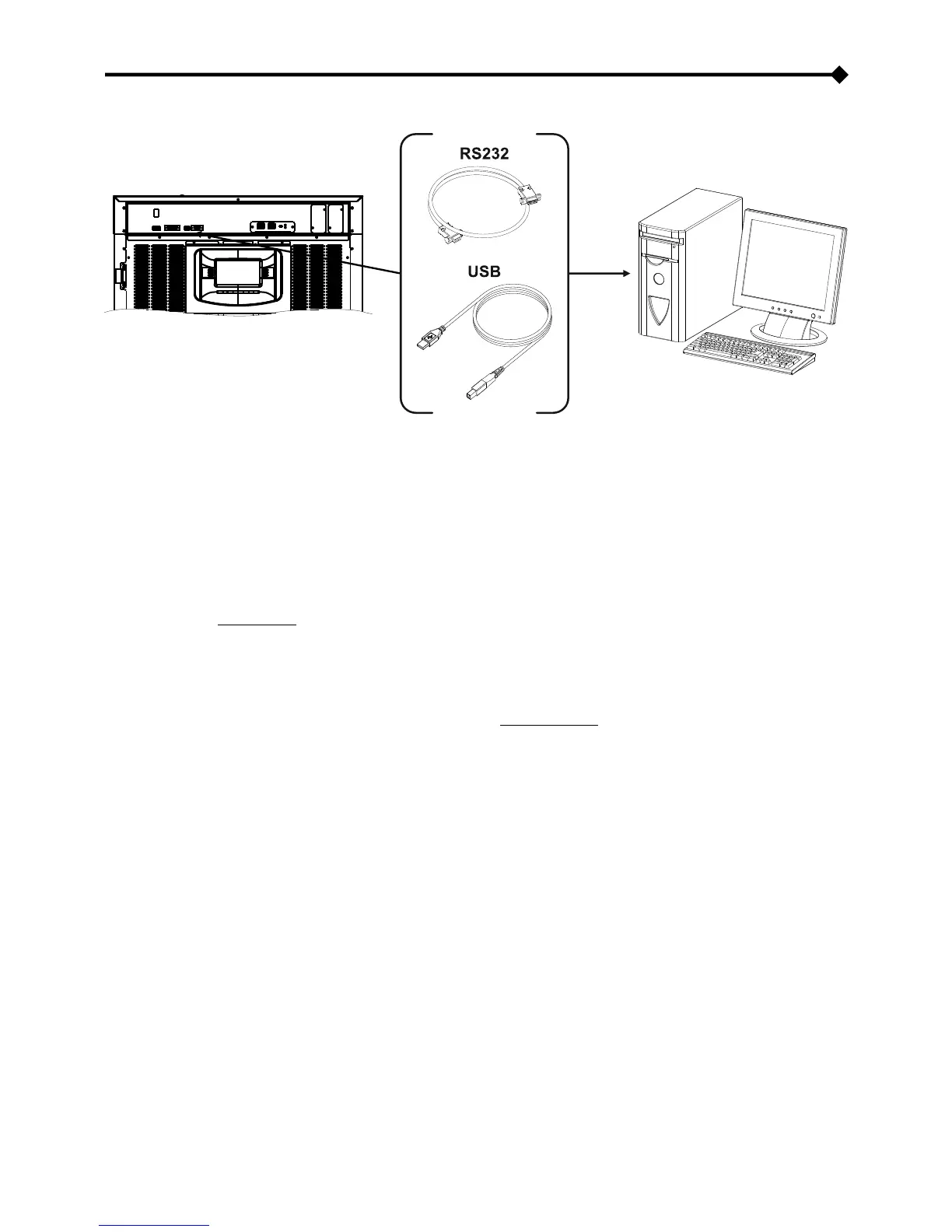
Connect the UPS RS232 communication port to a PC COM communication port by means of the supplied serial cable*
or connect the UPS USB port to a PC USB port via a standard USB cable*.
Follow the installation program instructions.
For further information regarding installation and user, consult the software manual which can be downloaded at www.riello-
ups.com.
CONFIGURATION SOFTWARE
It is possible to access the most important UPS parameter configuration by means of special software.
For a list of possible configurations, refer to paragraph UPS configuration.
* It is advisable to use a cable with length max. 3 metres









 To Next Page