EasyManua.ls Logo

Riello SDH 3000 - User Manual

Riello SDH 3000
32 pages
Print Icon
To Next Page IconTo Next Page
Loading...

Questions and Answers

Summary

Product Presentation

UPS Views

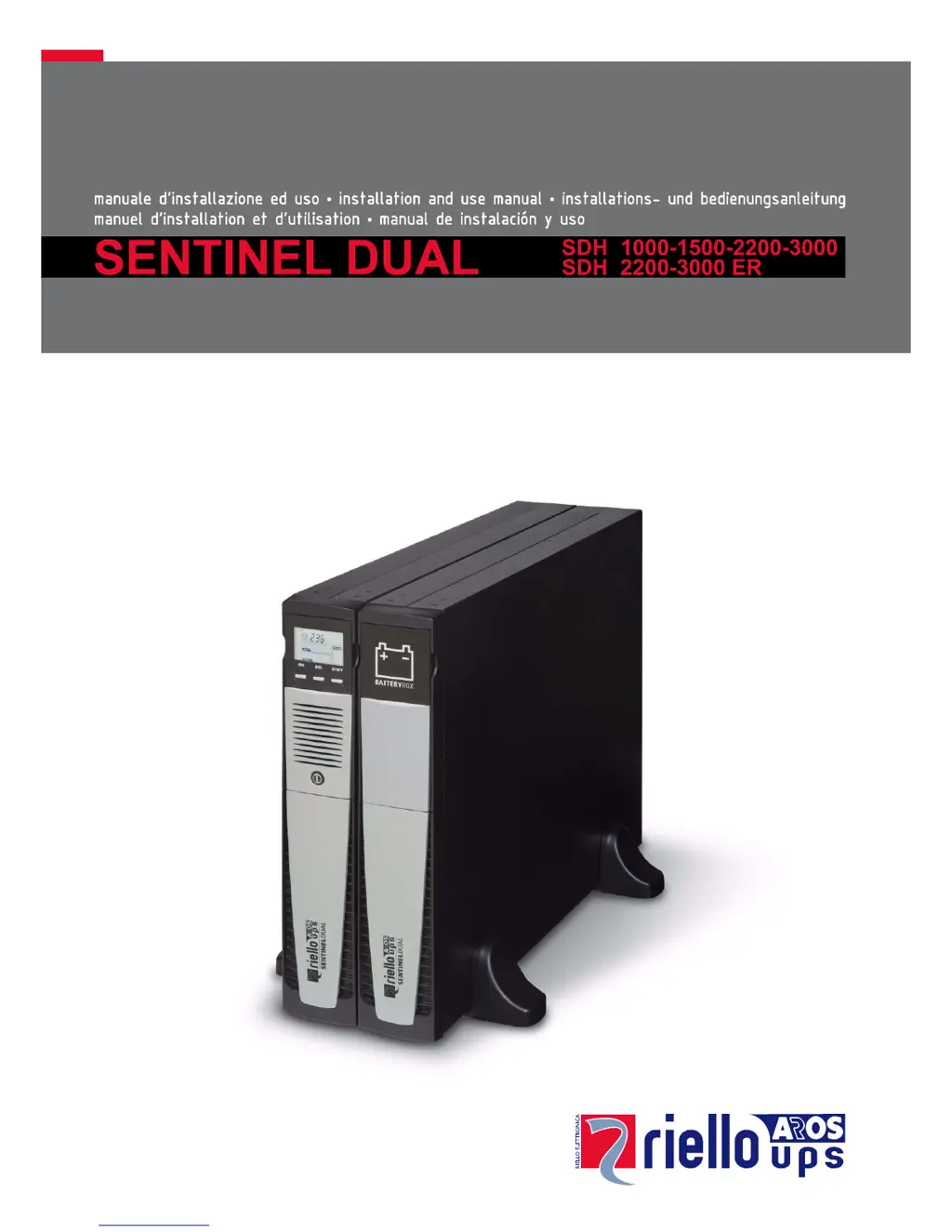
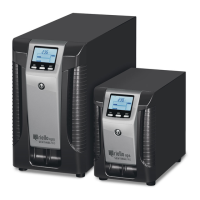
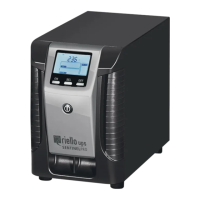
Visual overview of the UPS unit, detailing front and rear aspects.

Display Panel Overview

Panel Components and Indicators

Detailed view of the UPS front panel display, buttons, and indicators.

Battery Box Information

Battery Box Rear View

Illustration and labels for the rear view of the battery box accessory.

Installation

Initial Content Check

Verifying all components are present in the UPS package upon receipt.

Installation Environment

Specifies optimal environmental conditions for UPS and battery box placement.

Battery Box Installation

Steps and considerations for connecting additional battery boxes to the UPS.

Setting Nominal Battery Capacity

Procedure to configure the UPS with the correct battery capacity via software.

Tower Version Installation

Tower Configuration Steps

Instructions for configuring the UPS unit for vertical tower placement.

Tower Version with Battery Box

Tower Battery Box Configuration

Steps for installing the UPS and battery box together in a tower configuration.

Rack Version Installation

Rack Mounting Procedure

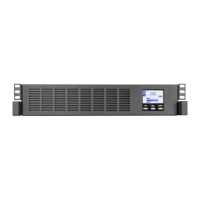
Guide for converting the UPS for installation in a standard 19-inch rack.

UPS Usage and Operation

Initial Setup and First Power-On

Steps for connecting and powering on the UPS for the very first time.

UPS Switching Operations

Procedures for starting and stopping the UPS from mains or battery power.

Display Panel Messages

Message Interpretation

Explains various icons, statuses, and messages shown on the UPS LCD display.

Measurement Display Area

Viewing UPS Measurements

Details on how to view UPS operating parameters like voltage, frequency, and load.

Operating Mode Configuration

Selecting Operating Modes

Guide to selecting and setting the UPS's operational modes (ON LINE, ECO, SMART ACTIVE).

Additional Functions

Manual Bypass Operation

How to use the manual bypass feature to power loads directly from mains.

Programmable Auxiliary Sockets

EnergyShare Socket Explanation

Explanation of EnergyShare sockets for automatic load disconnection based on events.

Remote Control Terminal Board

Remote Control Connections

Details on connecting the REPO and remote ON/OFF features via the terminal board.

Software and Connectivity

Monitoring and Control Software

Using PowerShield software for UPS management, monitoring, and automated operations.

Configuration Software

Utilizing UPStools for UPS configuration and status display via USB or RS232.

UPS Configuration Parameters

Configurable Functions Overview

Detailed table of configurable UPS functions and their available settings via UPStools.

Communication Ports and Options

RS232 Connector Details

Pinout and signal definitions for the RS232 communication port.

Communication Slot Expansion

Information on expansion cards for additional communication capabilities like Ethernet or Profibus.

Battery Pack Replacement

Battery Replacement Procedure

Step-by-step instructions for safely replacing the UPS battery pack.

Troubleshooting Common Issues

Problem Resolution Guide

Guide to identifying and resolving common problems with the UPS unit.

Alarm Codes and Faults

Fault and Alarm Code Interpretation

Comprehensive list of alarm codes, their meanings, and associated faults or anomalies.

Technical Specifications

UPS Model Specifications

Detailed technical data for all UPS models including input, output, and physical characteristics.

Battery Box Specifications

Battery Box Model Details

Technical details and dimensions for available Riello UPS Battery Box models.

Summary

Product Presentation

UPS Views

Visual overview of the UPS unit, detailing front and rear aspects.

Display Panel Overview

Panel Components and Indicators

Detailed view of the UPS front panel display, buttons, and indicators.

Battery Box Information

Battery Box Rear View

Illustration and labels for the rear view of the battery box accessory.

Installation

Initial Content Check

Verifying all components are present in the UPS package upon receipt.

Installation Environment

Specifies optimal environmental conditions for UPS and battery box placement.

Battery Box Installation

Steps and considerations for connecting additional battery boxes to the UPS.

Setting Nominal Battery Capacity

Procedure to configure the UPS with the correct battery capacity via software.

Tower Version Installation

Tower Configuration Steps

Instructions for configuring the UPS unit for vertical tower placement.

Tower Version with Battery Box

Tower Battery Box Configuration

Steps for installing the UPS and battery box together in a tower configuration.

Rack Version Installation

Rack Mounting Procedure

Guide for converting the UPS for installation in a standard 19-inch rack.

UPS Usage and Operation

Initial Setup and First Power-On

Steps for connecting and powering on the UPS for the very first time.

UPS Switching Operations

Procedures for starting and stopping the UPS from mains or battery power.

Display Panel Messages

Message Interpretation

Explains various icons, statuses, and messages shown on the UPS LCD display.

Measurement Display Area

Viewing UPS Measurements

Details on how to view UPS operating parameters like voltage, frequency, and load.

Operating Mode Configuration

Selecting Operating Modes

Guide to selecting and setting the UPS's operational modes (ON LINE, ECO, SMART ACTIVE).

Additional Functions

Manual Bypass Operation

How to use the manual bypass feature to power loads directly from mains.

Programmable Auxiliary Sockets

EnergyShare Socket Explanation

Explanation of EnergyShare sockets for automatic load disconnection based on events.

Remote Control Terminal Board

Remote Control Connections

Details on connecting the REPO and remote ON/OFF features via the terminal board.

Software and Connectivity

Monitoring and Control Software

Using PowerShield software for UPS management, monitoring, and automated operations.

Configuration Software

Utilizing UPStools for UPS configuration and status display via USB or RS232.

UPS Configuration Parameters

Configurable Functions Overview

Detailed table of configurable UPS functions and their available settings via UPStools.

Communication Ports and Options

RS232 Connector Details

Pinout and signal definitions for the RS232 communication port.

Communication Slot Expansion

Information on expansion cards for additional communication capabilities like Ethernet or Profibus.

Battery Pack Replacement

Battery Replacement Procedure

Step-by-step instructions for safely replacing the UPS battery pack.

Troubleshooting Common Issues

Problem Resolution Guide

Guide to identifying and resolving common problems with the UPS unit.

Alarm Codes and Faults

Fault and Alarm Code Interpretation

Comprehensive list of alarm codes, their meanings, and associated faults or anomalies.

Technical Specifications

UPS Model Specifications

Detailed technical data for all UPS models including input, output, and physical characteristics.

Battery Box Specifications

Battery Box Model Details

Technical details and dimensions for available Riello UPS Battery Box models.

Riello SDH 3000 Specifications

General IconGeneral
Power Rating3000 VA / 2700 W
TopologyOnline Double Conversion
Operating Temperature0-40°C
Output Voltage230 V
Output WaveformSinusoidal
Frequency Range50/60 Hz
Battery TypeSealed Lead Acid
Communication InterfaceUSB, RS232

Related product manuals