14
Shackmaster™ Power 500 DC Power Supply Instruction Manual
Operation
Touch Panel Usage
The device is equipped with a multifunctional color display with a touch panel.
The touch panel is used to turn the device on and off, as well as to control display modes.
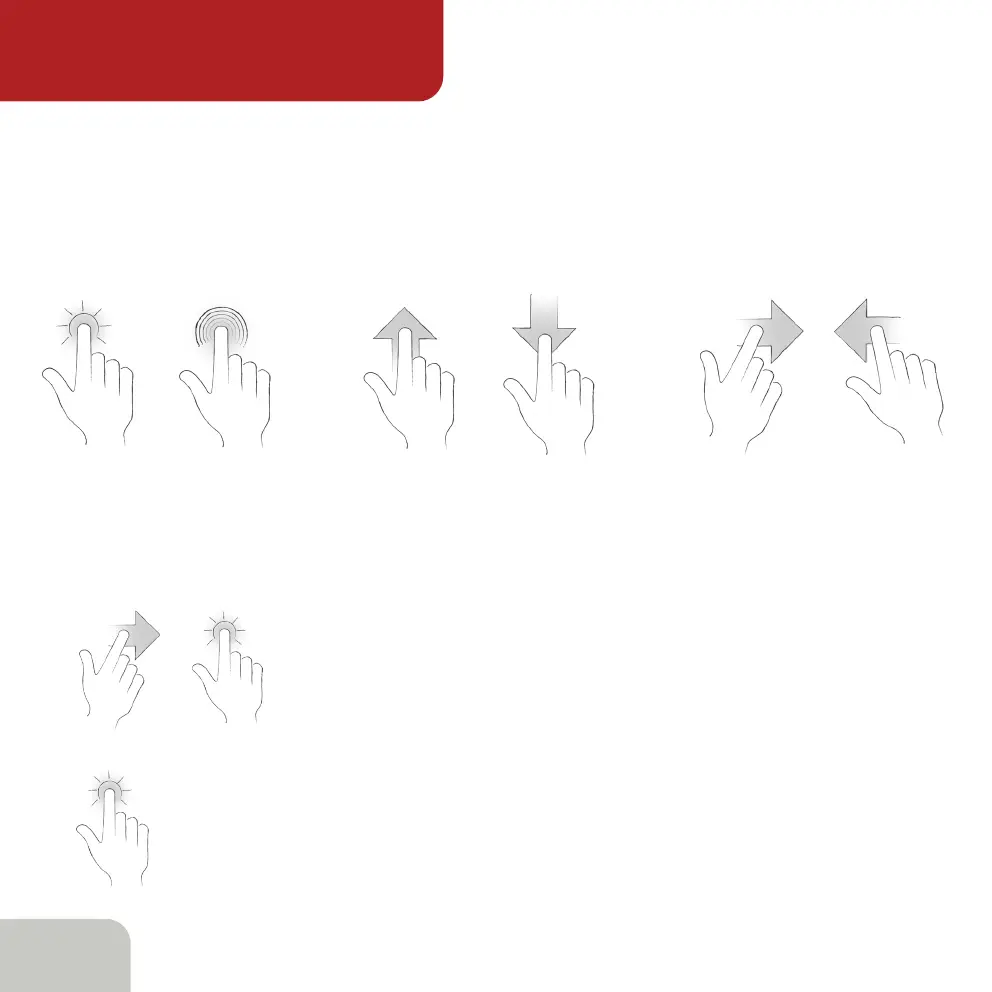
To interact with the touchpad, the so-called gestures are used:
Tap
Long Press
Swipe Up Swipe Down Swipe Right Swipe Left
The panel distinguishes several gestures: tap, long touch and swipe.
Some modes use a sequence of gestures.
For example, swipe and tap go sequentially one after another.
To tap, touch lightly the screen with the tip of your index finger
and lift it again, quickly. The touch lasts only a fraction of a second
for the screen to respond, no need to press it hard.



 To Next Page