RIGOL
© 2008 RIGOL Technologies, Inc.
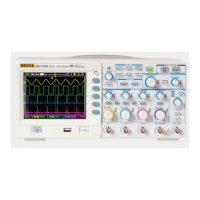
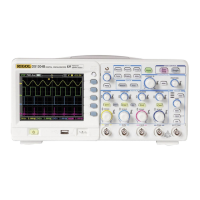
Quick Guide for DS1000B Series
6
How to Connect USB Devices
DS1000B series oscilloscope support the USB flash drive and
connections to PC or printer throught USB. The instrument provides
two USB Hosts and a USB Device.
Connect USB Host (Front Panel)
Connect USB Host (Rear Panel) Connect USB Device(Rear Panel)



 To Next Page