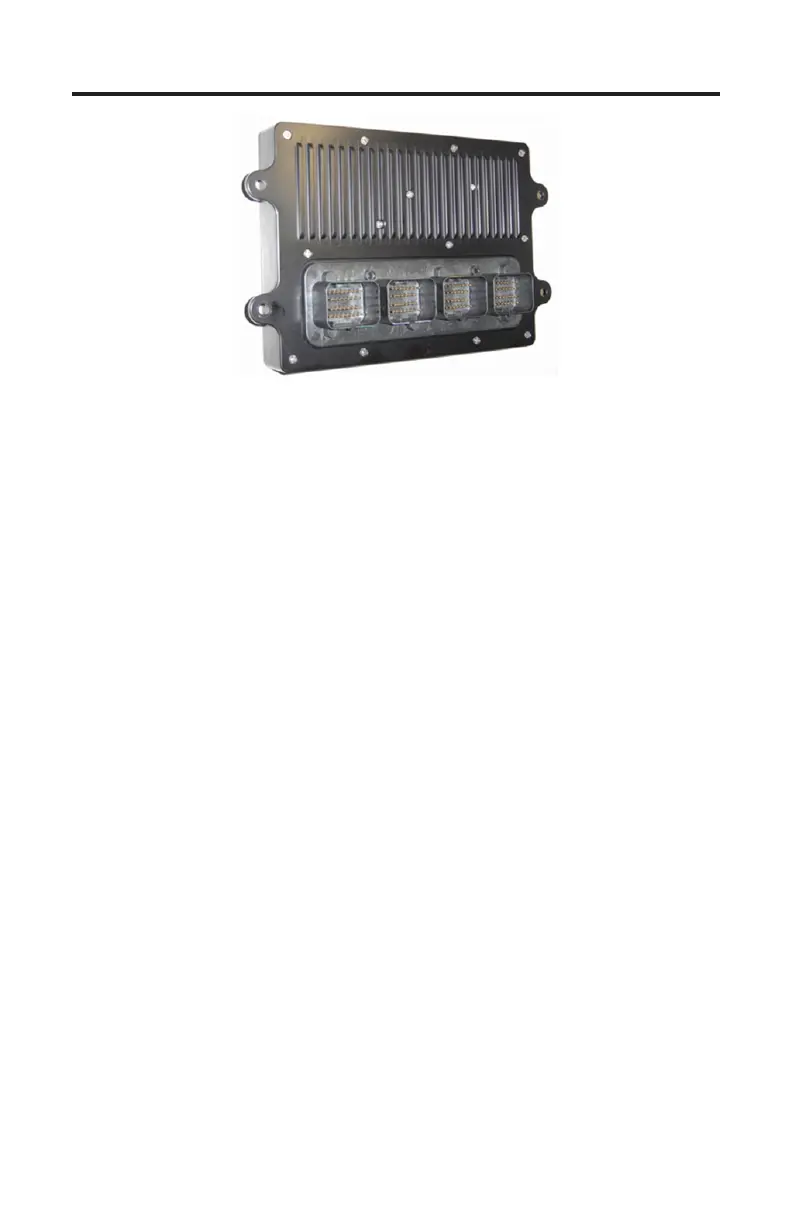
Ilmor MV10 ECM
Page 31
Figure 12 Ilmor MV10 ECM
e TechMate Pro scan tool supports 2009 and newer Ilmor MV10 engines
equipped with Ilmor’s proprietary EFI system. e scan tool displays both live
data and fault codes on this system.
Note: MV10 engine models prior to 2009 (Gen III engines and earlier) use a
Chrysler ECM and require an automotive OBD-II scanner for diagnosis.
MV10 live data
1) Locate the engine’s 6 pin diagnostic connector. e location of this connector
is specied in the engine manufacturer’s service manual.
2) With the engine’s ignition switch in the OFF position, plug the scan tool’s
communication cable into the diagnostic connector. Adapter #94029 (CAN
Network Adapter) is required for this application as shown on page 30.
3) Once the tool is connected, turn the ignition switch ON, start the engine or
simply leave the ignition switch ON and proceed.
4) Aer the scan tool displays its initial opening messages use the ▲ and ▼ keys
to select the “Sterndrive / Inboards” menu item then press the YES key.
5) Aer selecting the “Sterndrive / Inboards” function the scan tool will attempt
to communicate with the engine’s ECM and automatically identify it. To
obtain general diagnostic data select the “ECM Data” function. is menu
choice causes the scanner to begin reading information from the ECM mod-
ule. Follow the prompts on the scan tool display screen.
Fault Codes
To obtain engine fault codes select the “ECM Faults” menu item. A display of
active, pending and previously active faults will appear. Choose the category of
interest and the scan tool will retrieve and display the fault information.


 To Next Page