MerCruiser 7.3L D-Tronic Diesel
Page 60
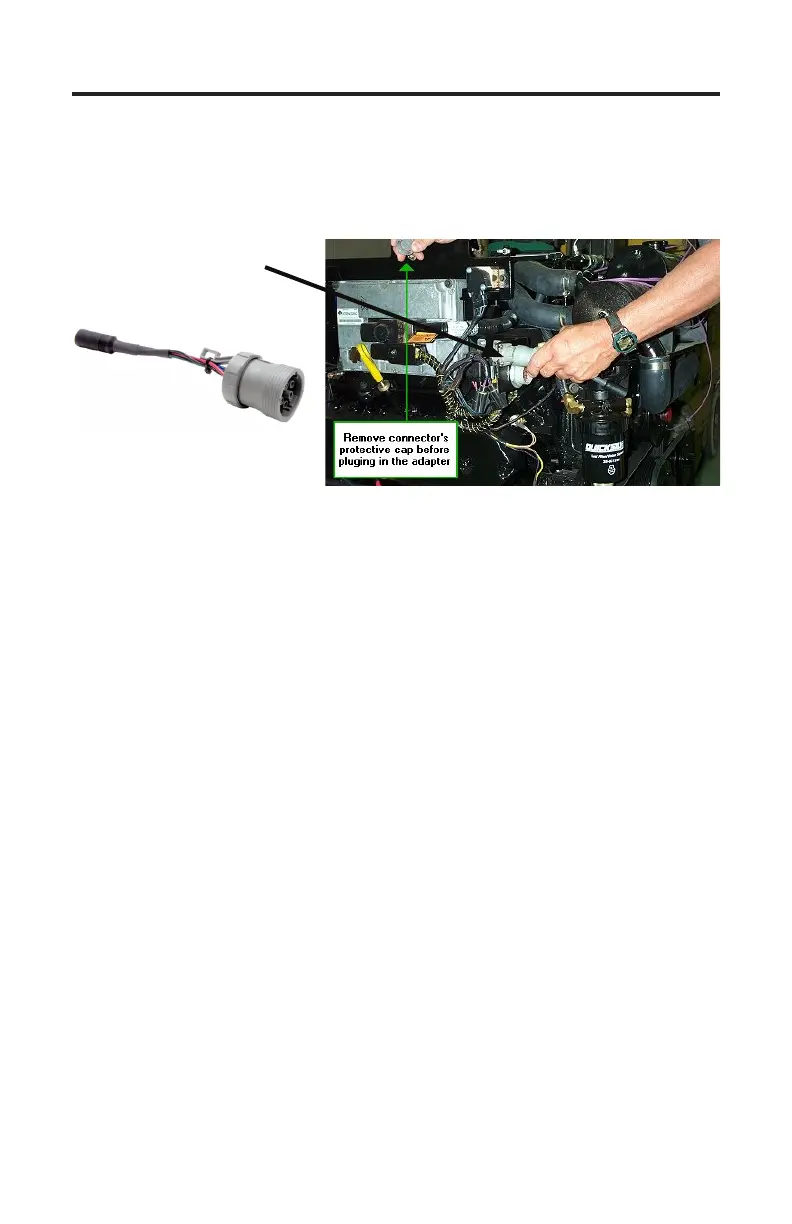
Figure 35
7.3L Data Connector Location
e TechMate scan tool fully supports the D-Tronic fuel injection system
found on 1997-Up 7.3L MerCruiser diesel engines. e 7.3L D-Tronic system is
equipped with a diagnostic data connector which is located near the rear of the
engine as shown in Figure 33.
7.3L D-tronic Adapter
Rinda Tech P/N 94021
Connecting to the 7.3L D-Tronic System
Connection of the TechMate Pro scan tool to the 7.3L D-Tronic system requires
the use of adapter #94021 .
• Be sure the Engine’s Ignition Switch is in the OFF position.
1) Locate the D-Tronic data connector as shown in Figure 33. Remove the data
connector’s protective cover.
2) Connect the 94021 adapter to the data connector. Turn the adapter’s locking
ring clockwise to lock the connector rmly in place.
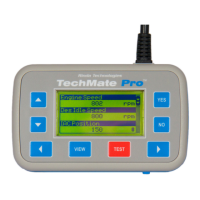
3) Connect the scan tool to the adapter’s round DIN connector.
4) Standing clear of all engine components, turn the engine’s ignition switch
ON. You may also start and run the engine if necessary.
Obtaining Data
Select the “Merc D-Tronic” option from the scan tool’s main menu. e scan
tool will present a list of engine types. Select the correct engine and follow the
prompts on the scan tool’s display to read fault codes and live data.
Disconnecting the Scan Tool
Shut the engine’s ignition switch OFF. Disconnect the scan tool adapter from the
data connector. Be sure to replace the data connector’s protective cover.
Data Connector


 To Next Page