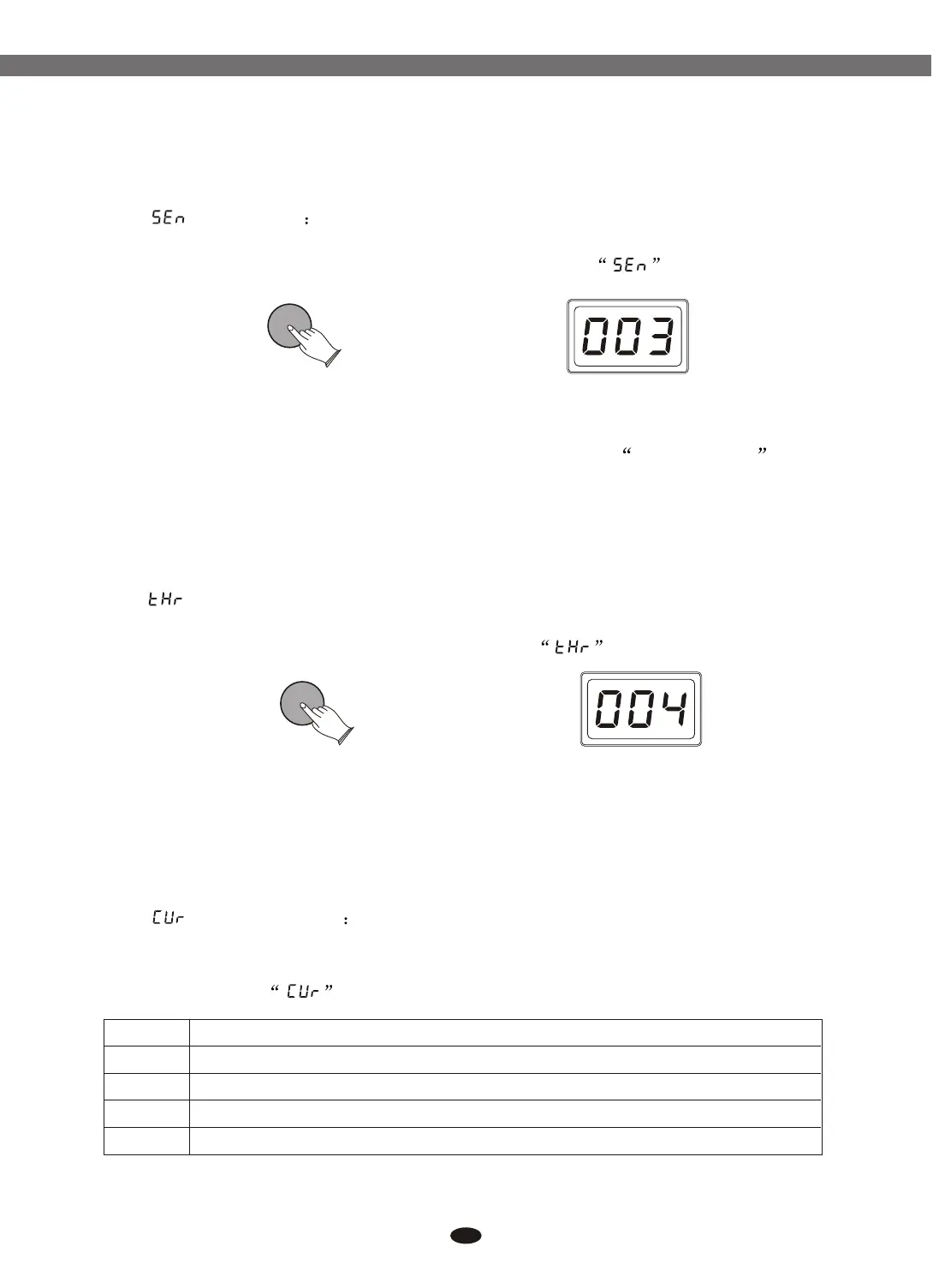
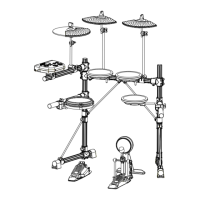
(Sensitivity) Press [ENTER] button, use data dial or buttons
to set pad sensitivity. Range: 001-008.To confirm this selection, press [ENTER]
again, and the content of LED-display will return to the mode.
When playing a kick trigger the beater can bounce back and hit the head a
second time immediately after the intended note with acoustic drums sometimes
the beater stays against the head this causes a single hit to double trigger (two
sounds instead of one). The sensitivity setting helps to prevent this.
When we set the sensitivity to a low value, it will be difficult to play very
quickly.
() : Press [ENTER] button, use data dial or button
to set threshold. Range: 000-050. To confirm this selection, press [ENTER] again,
and the content of LED-display will return to the mode.
This setting allows a trigger signal to be received only when the force struck
on the pad is above a determined force level(velocity). This can be used to prevent
a pad from sounding because of vibrations from other pads.
[+] and [-]
[+] and [-]Threshold
ENTERENTER
When this value is too high, no sound is produced when the pad is struck lightly.
(Velocity ) Press [ENTER] button, use data dial or
buttons to select 4 velocity curves(normal, easy, dynamic, fixed).
To confirm this selection, press [ENTER] again, and the content of LED-display
will return to the mode.
Curve [+] and [-]
ENTERENTER
17
6.1.2.4 Pad Sensitivity
6.1.2.5 Pad Threshold
6.1.2.6 Pad Velocity Curve
Name Description
Normal
Easy
Dynamic
Fixed
Is defined as a curve which will be mid-way between the other two.
Is defined as a curve which makes it easier to play loudly. The curve generates higher velocities
for the same force.
Is defined as a curve which makes it easier to play quietly. The curve generates lower velocities
for the same force.
Means that regardless of how hard you play, the pad will transmit a velocity value of 100.
Electronic Drum


 To Next Page