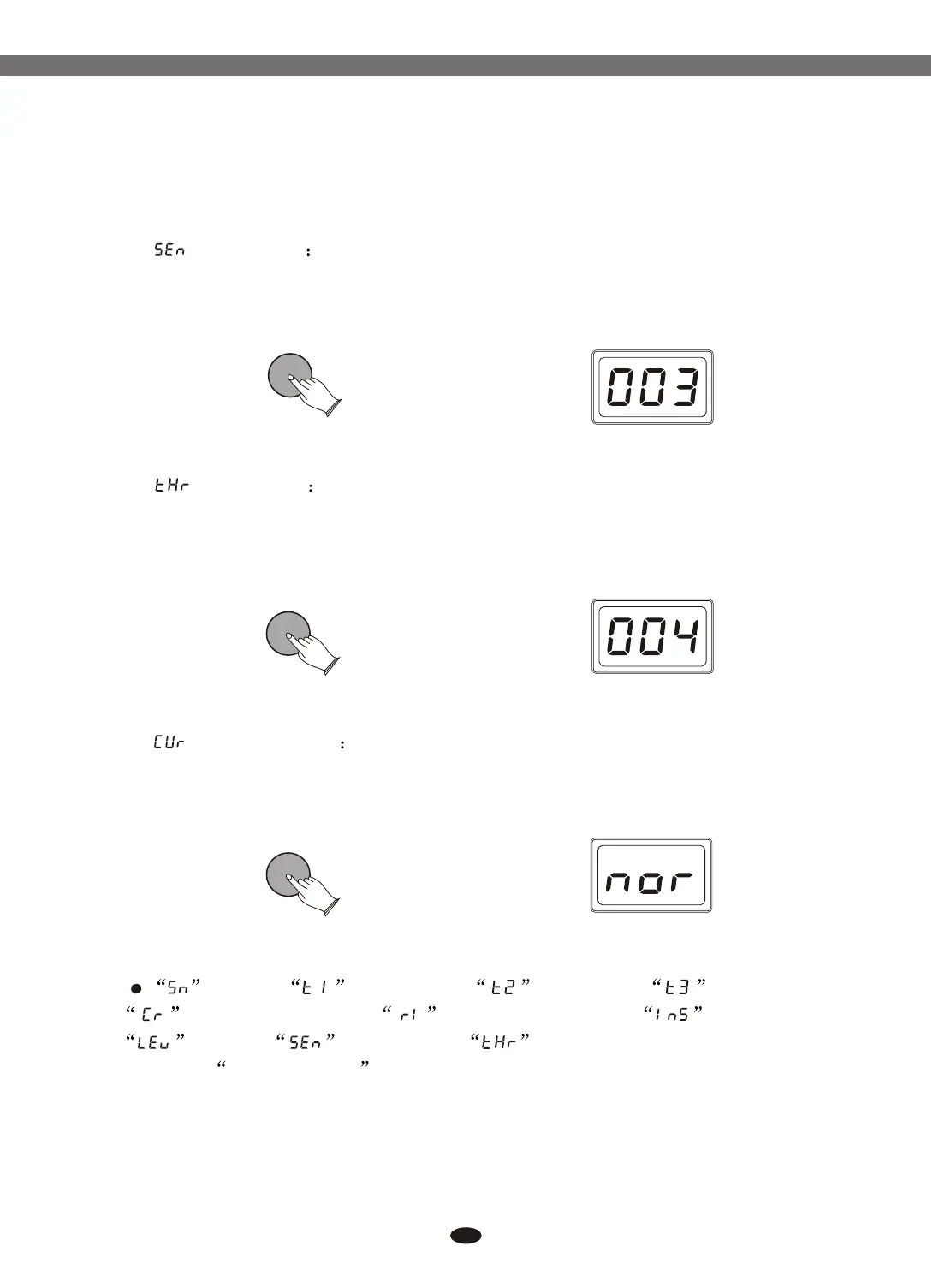
( ) Press [ENTER] button, use data dial or buttons
to set pad sensitivity. Range: 001-008.
Reference: 6.1.2.4 Pad Sensitivity.
Sensitivity [+] and [-]
( ) Press [ENTER] button, use data dial or ] buttons
to set threshold. Range: 000-050.
Reference: 6.1.2.5 Pad Threshold.
Threshold [+] and [-]
(Velocity ) Press [ENTER] button, use data dial or
buttons to select 4 velocity curves (normal, easy, dynamic, fixed).
Reference: 6.1.2.6 Pad Velocity Curve.
Curve [+] and [-]
19
6.1.3.3 BD/Kick Sensitivity
6.1.3.4 BD/Kick Threshold
6.1.3.5 BD/Kick Velocity Curve
ENTERENTER
ENTERENTER
ENTERENTER
Note:
(Snare), (High Tom), (Mid Tom), (Low Tom),
(Crash Cymbal), and (Ride Cymbal), to set ( ),
(Level), (Sensitivity), (Threshold), please see the
details in 6.1.3 BD/Kick .
Instrument
Electronic Drum


 To Next Page