ENTERENTER
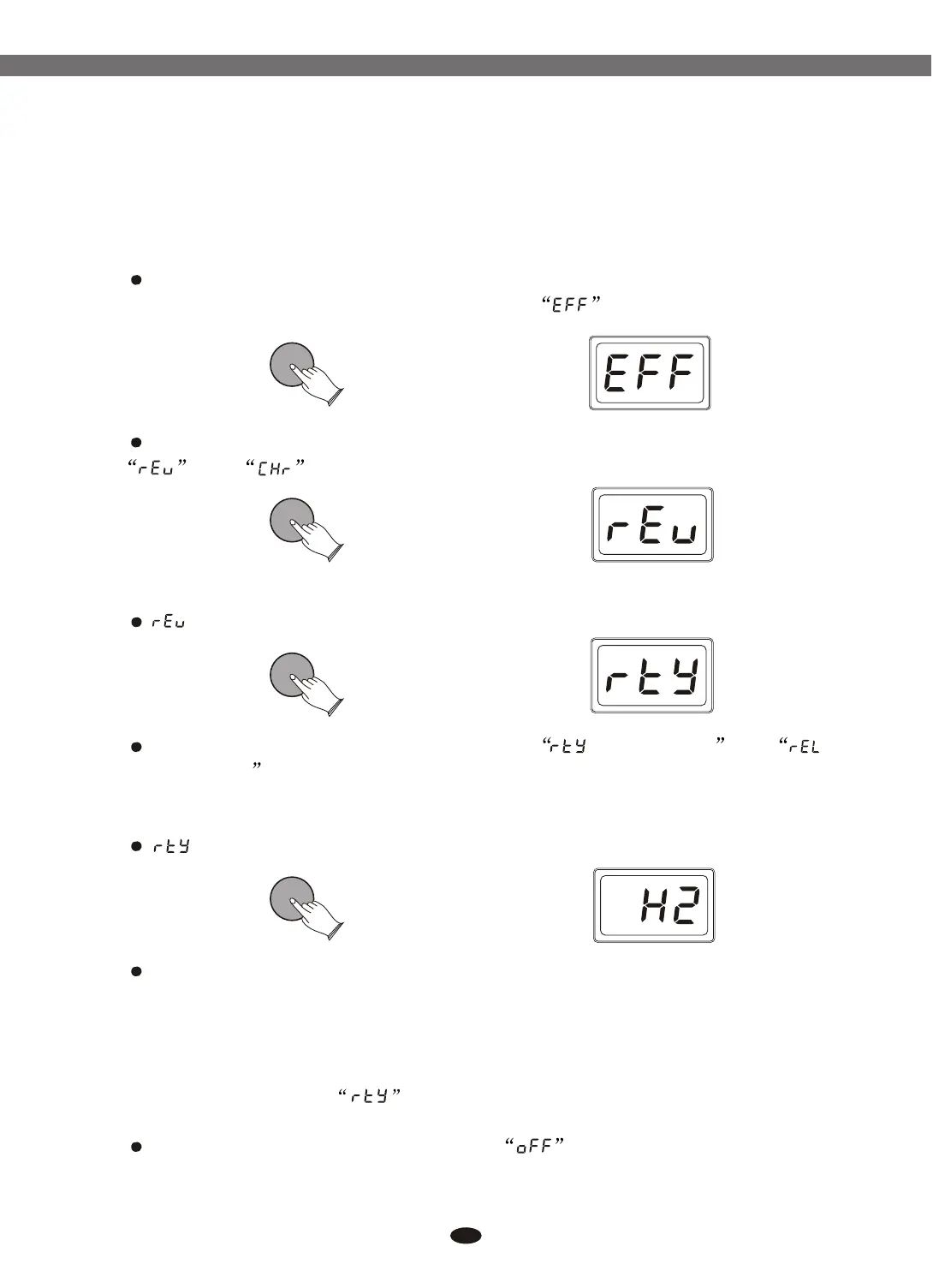
In kit mode, Press [ENTER] button
Use data dial or buttons to select
Press [ENTER] button, then use data dial or buttons to select
and .
In this function you can set reverb and chorus effect for drum kit.
[+] and [-]
[+] and [-]
ENTERENTER
(Reverb): Press [ENTER]:
Use data dial or buttons to select (Reverb Type) and
(Reverb Level) .
(Reverb Type): Press [ENTER] button:
Use data dial or buttons to select reverb type.
(Room1, Room2, Room3, Hall1, Hall2, Plate, Delay, PanDelay).
Reference: "Content of LED-display" on Page 31.
To confirm this selection, press [ENTER] again, and the content of LED-
display will return to the mode.
To close the reverb effect, please select and press [ENTER] to confirm.
[+] and [-]
[+] and [-]
ENTERENTER
ENTERENTER
20
6.2 Effect
6.2.1 Reverb
6.2.1.1 Reverb Type
Electronic Drum


 To Next Page