47
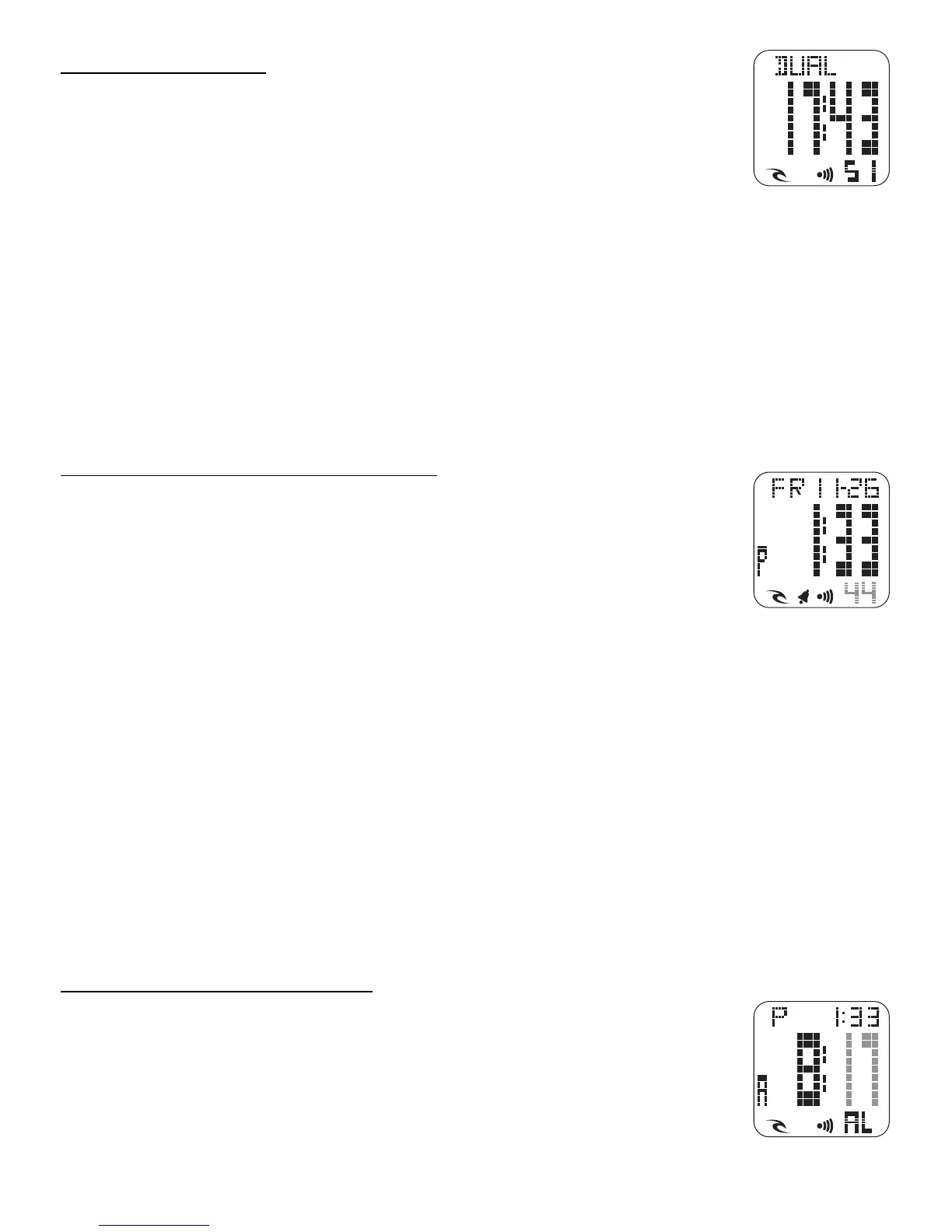
[ DUAL ] Dual Time:
This function is very useful should you travel away from home
to another time zone.
LIGHT FUNCTION:
In any MODE you can simply push the LIGHT button and the
whole screen will light up and stay on for 3 seconds.
SETTING INSTRUCTIONS
All instructions start from Normal Time mode. Use the MODE button to find
the function you wish.(Note: You have 60 seconds to complete each setting,
if longer is taken the watch automatically returns to the prior setting and
you must start again.)
SETTING NORMAL TIME AND DATE:
• Press and hold the MODE. The Seconds will flash. Return
the Seconds to 00 by hitting the LAP/RESET.
• Push START/STOP the Minute will flash. Advance the Minute
with LAP/RESET until correct. (For quick advance hold in the
LAP/RESET button)
• Push START/STOP the Hour will flash. Advance the Hour with LAP/RESET
until correct.
• Push START/STOP the Month will flash. Advance the Month with LAP/
RESET until correct.
• Push START/STOP the Date will flash. Advance the Date with LAP/RESET
until correct.
• Push START/STOP the Year will flash. Advance the Year with LAP/RESET
until correct (Notice that the correct Day will automatically advance).
When all new settings are done, you must push the MODE button to save.
[ AL ] SETTING ALARM TIME:
From Normal Time mode push the MODE button once. [ AL ]
is displayed
• Press and hold the MODE. The minute will flash. Advance
the minute with LAP/RESET until correct (For quick advance
hold in the LAP/RESET button)













 To Next Page