09/2020 Page 4 5IN2907
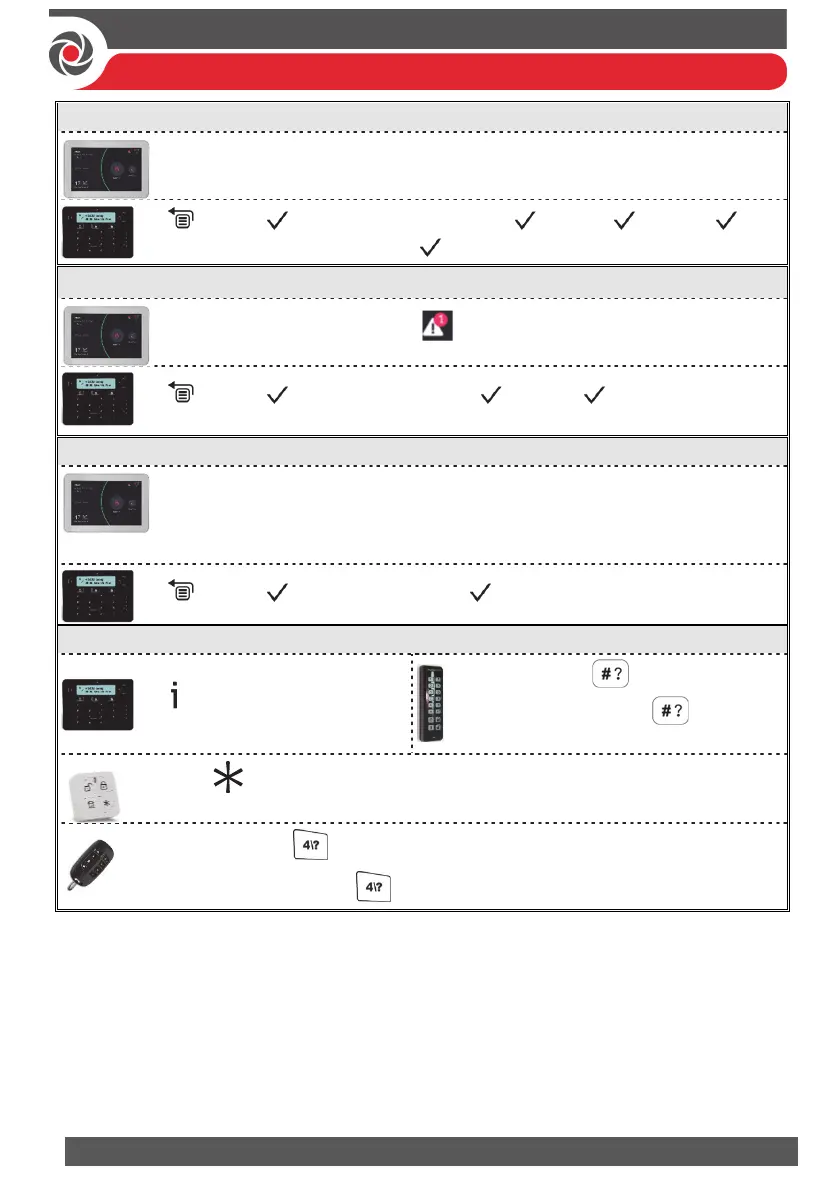
Omitting & Un-Omitting Zones
Code “Security” menu “Detectors” tab select a detector (zone)
slide switch to the right to omit
code, scroll to Activities menu, Omit, Zones,
scroll to select a omit option, .
Viewing System Faults
Code from the Top Bar, press to view faults
code, scroll to View menu, Fault , scroll to view
faults
Viewing Last Alarm / Event Log
Code “History” menu press “All” to view all events, or search an event
Note: You can filter the search according to specific types of events:
All / Alarms / Faults / Smart Home / Media Events
code, scroll to Event Log, scroll to view events
Viewing System Status
for 2 seconds
Quick mode: for 2 seconds
High Security mode: for 2
seconds code or use Proximity tag
Press
Quick mode: for 2 seconds
High Security mode: for 2 seconds code



 To Next Page