Installation and Programming Manual 3-79
ACCESSORIES: ADD/DELETE MODULE (cont’d)
Quick Key Item Default Explanation
ADD/DELETE
MODULE (cont’d)
---
7 1 4 Power Supply Module NONE at this display:
using either the UP- or DOWN-arrow keys, position
the cursor over the Power Supply Module’s I.D.
number for which you wish to assign (or delete) such
a unit
the first PS must be assigned to the first I.D.
number, which is “1”
be sure that the PS’s physical I.D. number has
been “DIP-switch” programmed, accordingly, per the
instructions on page 2-5
with the cursor positioned over the “TYPE” field,
press [STAY] to choose either “NONE” or PS01 (the
only Power Supply Module)
once the proper selection is made, press [ENTER] to
store your choice; if “NONE” was selected, skip the
next step
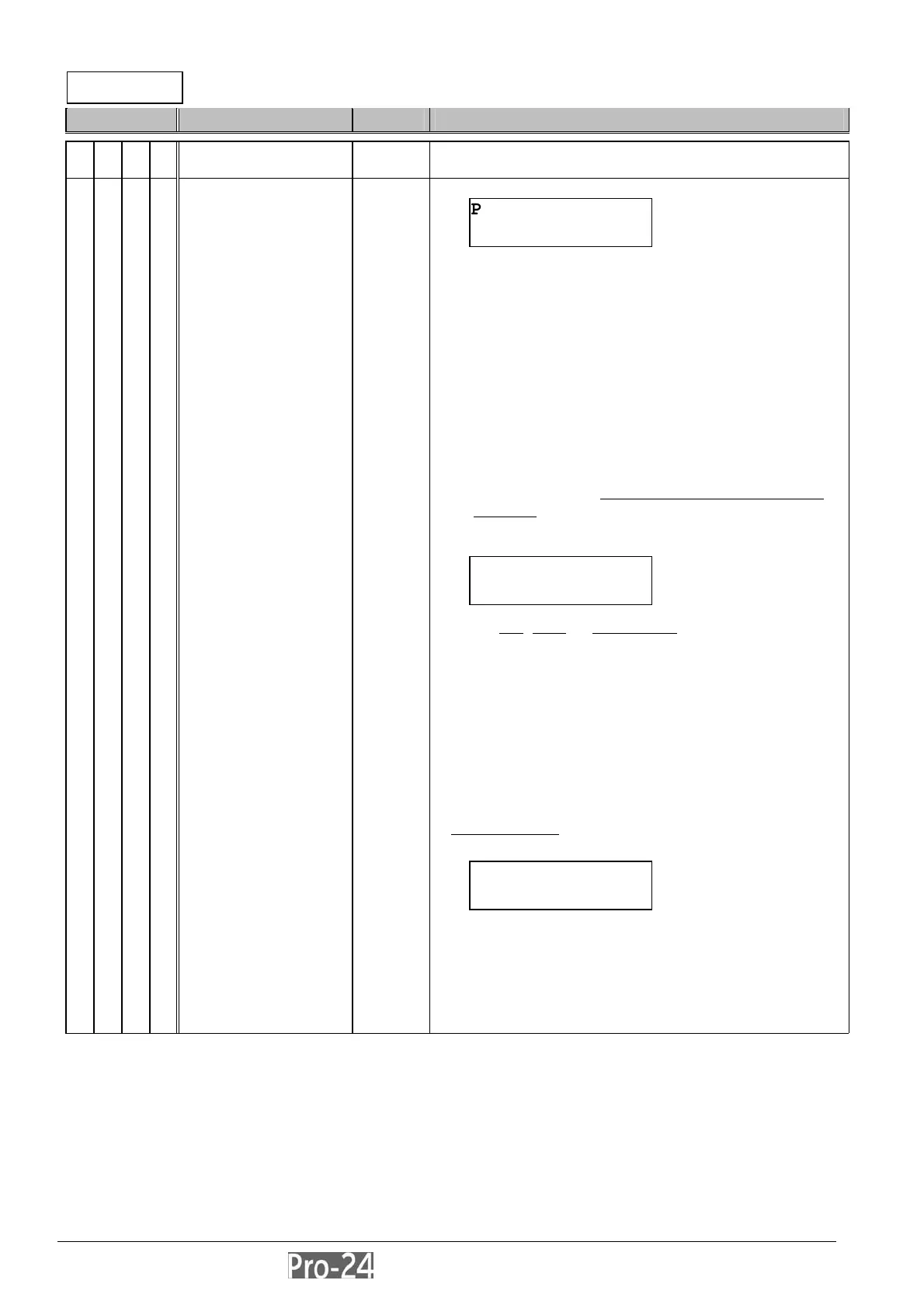
if “PS01” was selected, the following display will
appear:
if a bell
, siren, or loudspeaker will be connected to
the Power Supply Module, press [STAY] to select
“Y”; otherwise, press [ENTER]
NOTE: If “Yes” is chosen, the system will look for, detect,
and annunciate any problems in the sounder circuit.
repeat the process for any other Power Supply
Modules in the system; up to the system’s maximum
of 8
once done, press [.] to return to the previous
programming level
PLEASE NOTE
:
the following display will appear if a
Power Supply Module is found and “NONE” has been
selected; if so:
press [ENTER] to return to the prior display
OR
press [STAY] to select “Y”, and press [ENTER] to
confirm the delete
POWER SUPPLY:
ID=1 TYPE=NONE
INSTALLER PROG:
7)ACCESSORIES
↓
SELECTED PS HAS
BELL/L.SPEAK? N
..DELETE..
RE YOU SURE? N



 To Next Page