Installation and Programming Manual
3-86
Exiting Programming
Any changes you make to the programmed parameters are not saved until you properly exit the Installer
Programming Mode. This category allows you to quickly save or discard the changes made during any
programming session.
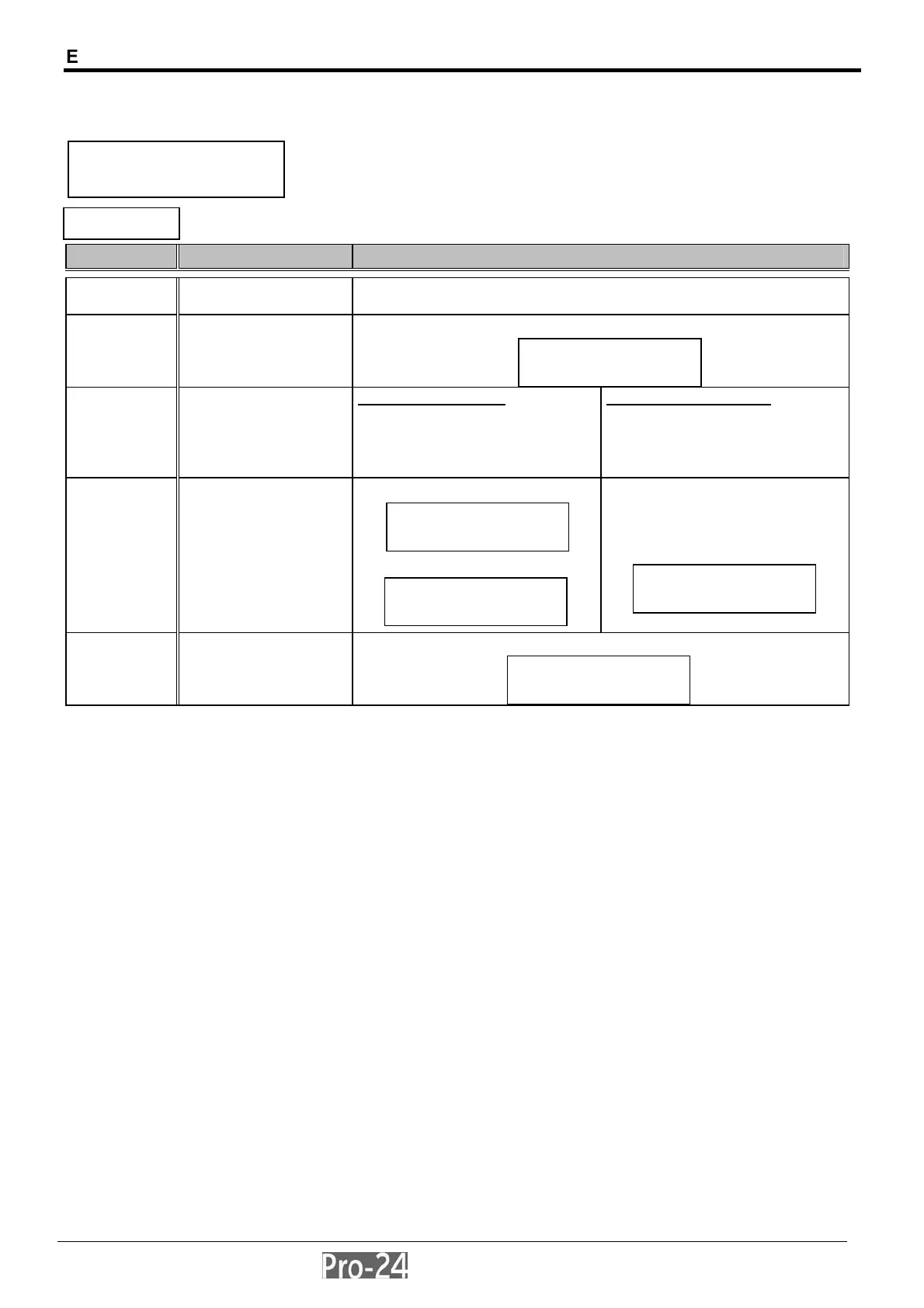
EXIT PROGRAMMING
Quick Key Item Explanation
0 EXIT PROGRAMMING
allows you to save or discard any programming
changes made during the current session
with the display showing:
to save your changes:
press [ENTER]
to discard your changes:
use the [STAY] key to
change the Y to N on the
display
press [ENTER]
the keypad will display:
and then:
the keypad will display:
in either case, the keypad will produce the normal user display:
INSTALLER PROG:
0)EXIT PROGRAM ↑
INSTALLER PROG:
0)EXIT PROGRAM
↓
DO YOU WANT TO
SAVE THE DATA? Y
PLEASE, WAIT
DATA SAVING..
DATA IS SAVED
READY
RELOAD...
PLEASE,WAIT...
The Jones’s
20:32 FEB 15 MON



 To Next Page