Installation and Programming Manual 3-23
2) Zones
The following parameters are used for programming the characteristics of each of the system’s protective zones.
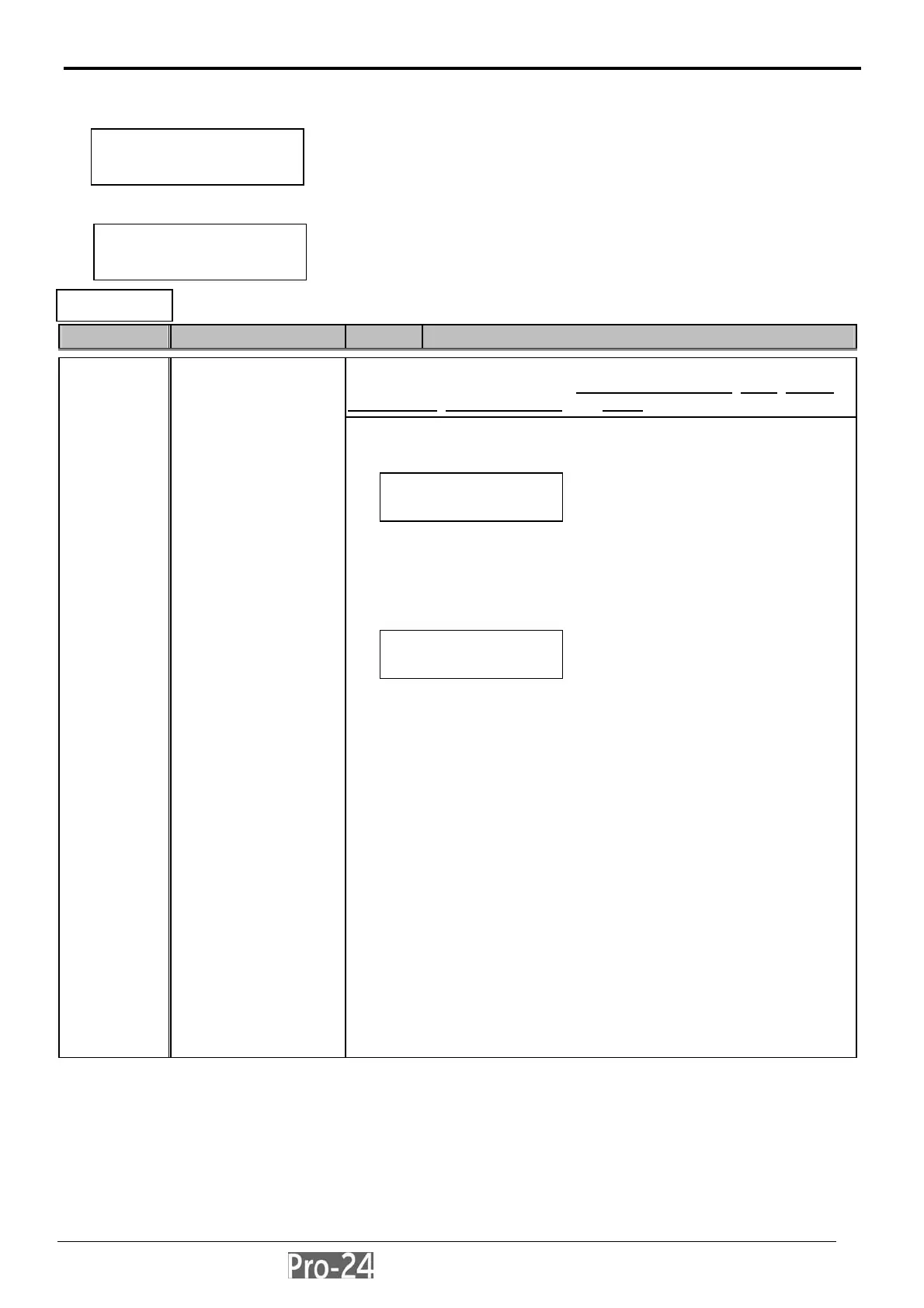
With the display showing:
press [ENTER] to begin. The first sub-category, ONE BY ONE,
Quick Key Item Default Explanation
permits the sequential programming of the set of a Zone’s
Parameters, which include its: Partition Assignment
, Type, Sound,
Termination
, Loop Response, and Label
to program the full complement of parameters for each zone–on a
one-by-one basis–follow these steps:
from this display, press [ENTER]
a) specify the two-digit Zone Number from which you wish to start your
programming (e.g. 01)
b) press [ENTER] again to access the category on
Partition Assignments
the “xx” in the Z=xx designation refers the number of the zone
currently eligible for a partition assignment(s)
use the [STAY] key to toggle between YES (Y) or NO (N), as to
whether the currently-selected zone is to be assigned to the
designated partition
a system “without” partitions is regarded as having a single partition
(i.e. Partition 1)
use either the [STAT] or [BYP] keys to move the cursor left or right,
respectively
keep in mind that in a multi-partitioned system, a zone may be
assigned to more than one partition.
when done, press [ENTER] to proceed to the next category–Zone
Types for instructions on programming Zone Types, as well as the
remaining four zone categories, refer to the following pages:
For Zone Types:
For Zone Sounds:
For Zone Terminations:
For Loop Response:
For Zone Labeling:
page 3-25
page 3-28
page 3-29
page 3-29
page 3-31
2
ONE-BY-ONE
includes programming
for each of the following
zone parameters:
Partitions
Zone Type
Zone Sound
Zone Termination
Zone Response
Zone Label
INSTALLER PROG:
2)ZONES ¤
SUBJECT: ZONES
1)ONE BY ONE ↓
SUBJECT: ZONES
1)ONE BY ONE ↓
P=12345678 Z=xx
Y.......
INSTALLER PROG:
2)ZONES
↓



 To Next Page