Installation and Programming Manual 3-33
ZONES: MAINTENANCE (cont’d)
Quick Key Item Explanation
MAINTENANCE
(cont’d)
the following material relates to the assignment of zone
attributes (e.g. Zone I.D., Partition, Type, Sound, etc.) to any
(NOVA) wireless detectors used in the system
the capability to receive data from wireless detectors requires
that the Pro-24 be equipped with at least one Wireless Zone
Expander
wireless background information for the Pro-24 is provided in
the instructions furnished with the Wireless Expansion Module
and the system’s individual transmitters
2 9 5 Wireless Zone
Allocation
Not for UL
Installations
allows for the “learning in” of data from the system’s wireless
transmitters; consult the individual transmitter’s instructions
from this display:
press [ENTER]
using either the UP- or DOWN-
arrow keys, position the cursor
and select the zone number
intended for the first wireless
transmitter
note that the first eight zones are
reserved for the hardwired zones
on the panel’s Main Board
press [ENTER]
at this display, pressing [ENTER]
allows skipping to the next
transmitter assignment
to write (or overwrite) data into the
selected location, press [ENTER]
to erase the data in the selected
location, press [ENTER]
2
9 5
xx
+
E
N
T
E
R
confirm your choice by pressing
[STAY] and [ENTER]
to chose supervision (YES/NO)
press [ENTER]
allows to perform communication
test between the transmitters and
the receiver.
to perform the test, press
[ENTER]
the first wireless assigned zone
will show. To proceed, initiate a
transmission from the selected
zone, and allow for a few seconds
for the receiver to react. The
result will show in “percentage” as
an indicator of the quality of the
communication.
2 9 6 Wireless
Communication Test
using either the UP or DOWN
arrow keys, select the zone
number for the next wireless
transmitter to be tested, if so
desired.
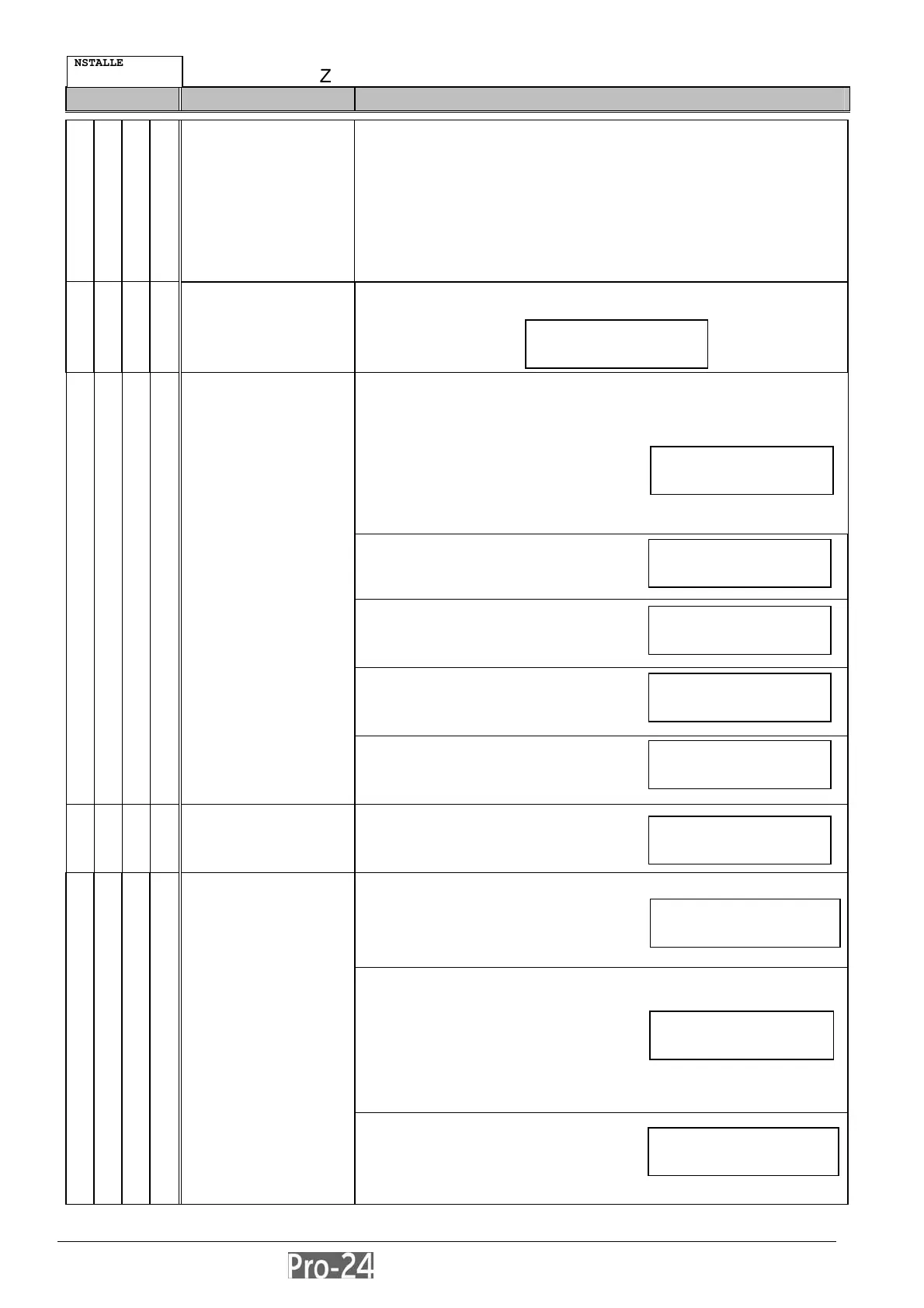
INSTALLER PROG:
2)SYSTEM ↓
ZONE MAINTENANCE
5)WL ZONE ALLOC¤
ZONE ALLOCAT:
ZONE#=09 (1:01)
ZONE=09 (ALLOC):
1) SKIP ↓
ZONE=09 (ALLOC):
2) (RE)WRITE ¤
ZONE=09 (ALLOC):
3) ERASE ¤
ERASE LOCATION
ARE YOU SURE? N
ZONE=09 (ALLOC):
4) SUPERVISION ↑
ZONE MAINTENANCE
06)WL COMM TEST¤
COMMUN. QUALITY:
01)ZONE 09:100%↓
COMMUN. QUALITY:
02)ZONE 10:000% ¤



 To Next Page