Installation and Programming Manual
3-32
ZONES: MAINTENANCE
Quick Key Item Explanation
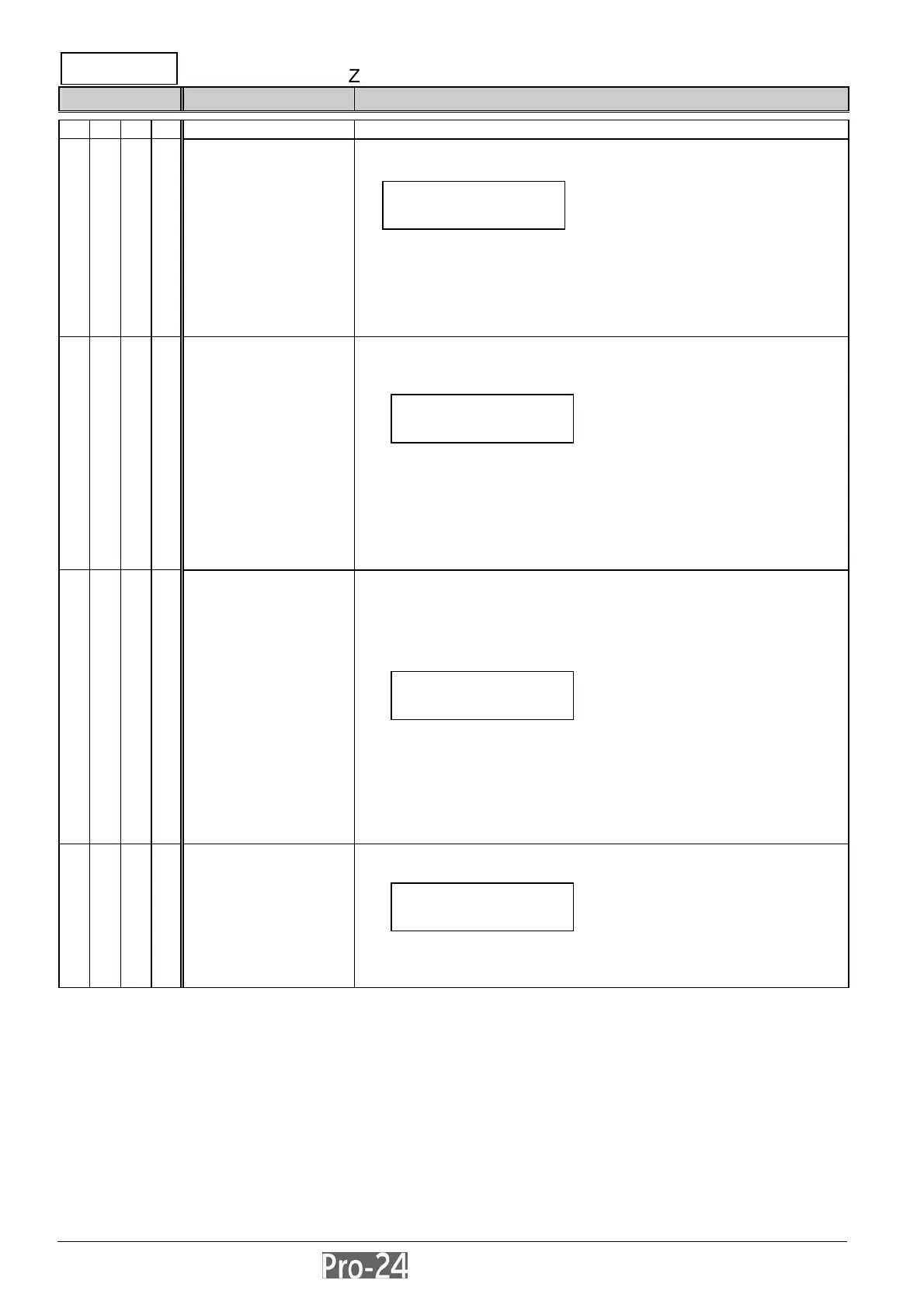
2 9 MAINTENANCE provides some useful tools to perform system maintenance
2 9 1 Copy a Zone copies, to a designated zone, all the parameters belonging to a
specified zone, except the “Label” parameter
use the cursor keys to select the zone from which a copy is to be
made and the zone to which the copy is intended
using this function provides no confirmation before advancing to
another “Copy Zone” opportunity
use the [.] key to “back out” of the display
the process will be executed as soon as the display is changed
2 9 2 Delete a Zone used to “de-activate” a designated zone by setting its Zone Type
to “Not Used”–while maintaining all previously-programmed
parameters
use the cursor keys to select the zone which is to be deleted
this process can also be used to temporarily disable a zone from
the protection scheme
using this function provides no confirmation before advancing to
another “Delete Zone” opportunity
use the [.] key to “back out” of the display
the process will be executed as soon as the display is changed
2 9 3 Add/Copy Partition assigns, to a designated partition, all the zones (and
their respective parameters) belonging to a specified partition,
while keeping the original partition intact
thus, copying “Partition 1” to “Partition 2” simply duplicates all
Partition 1’s zones in “Partition 2
use the cursor keys to select the “source” and “destination”
partitions
using this function provides no confirmation before advancing to
another “Delete Zone” opportunity
use the [.] key to “back out” of the display
the process will be executed as soon as the display is changed
2 9 4 Delete a Partition deleting a designated partition removes all zones assigned to it,
effectively removing the partition from the system
you will be asked to confirm your choice by selecting either “Y” or
“N” with the [STAY] key and pressing [ENTER]
use the [.] key to “back out” of the display
COPY ZONES:
FROM :01 TO:01
DELETE ZONES:
ZONE:01
DD/COPY PAR:
DD:1 TO:1
DELETE PAR:
PARTITION:1
INSTALLER PROG:
2)ZONES ↓



 To Next Page