ProSYS Installation and Programming Manual 161
Accessories: Add Delete Module
Quick Keys Parameter Default Range
3. Place the cursor over the TYPE field, and press / to choose
either NONE or WBT8 (the only such module).
4. Press
/ .
5. Repeat the process for any other Wireless Button modules and Wireless
Buttons.
6. Press
to return to the previous programming level.
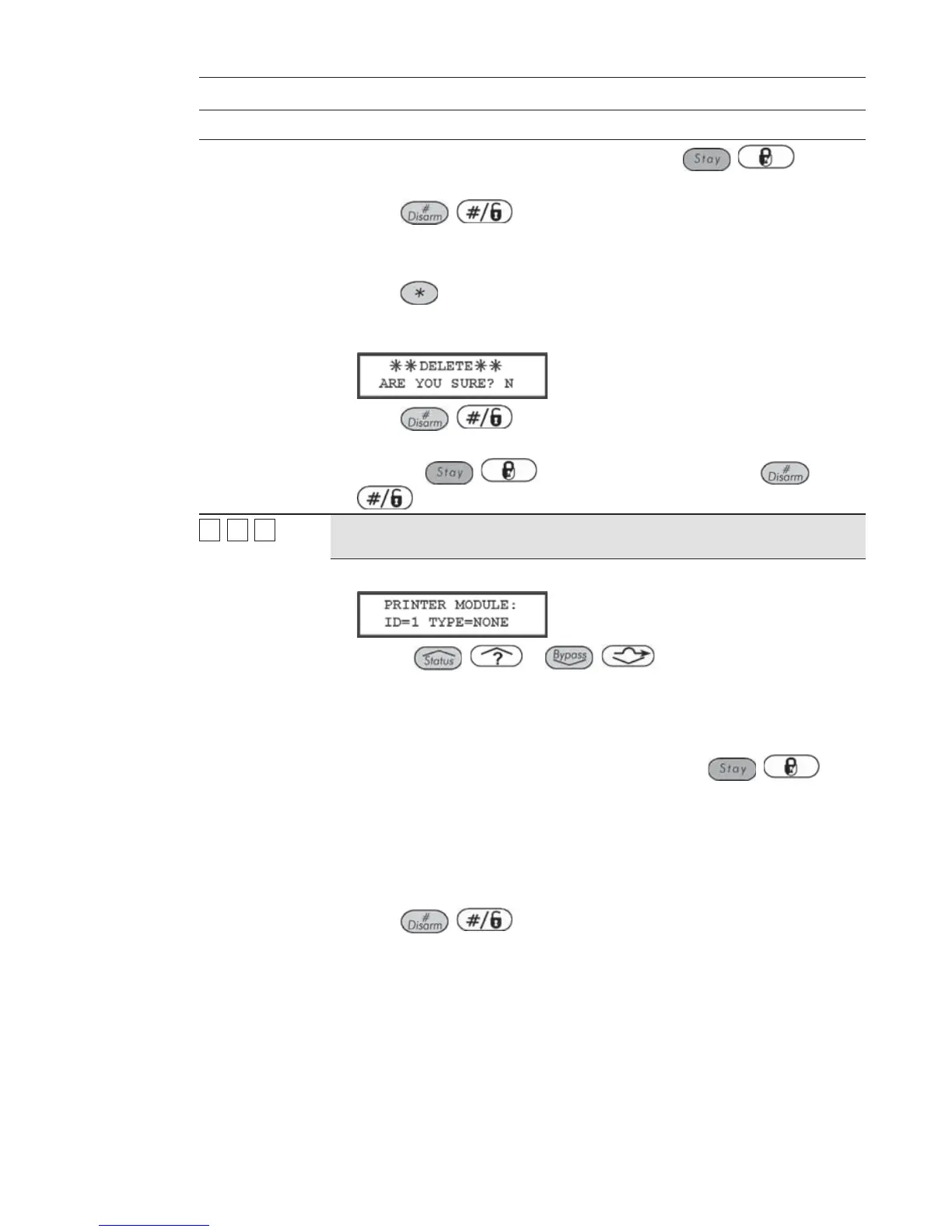
If a Wireless Button module is found and NONE has been selected, the
following display appears:
7. Press / to return to the prior display,
-OR-
Press the
/ key to select [Y] YES and press /
to confirm the delete.
77
11
77
Printer Module
NONE NONE, PRNE, PRNA,
PRN2
1. Press [7]. The following display appears:
2. Use the / or / keys to position the cursor over
ID=1 and type in the Printer module's ID number that you are assigning or
deleting.
The first (or only) Printer module must be assigned the first ID number,
which is 1 (the system can support two such modules).
3. Place the cursor over the TYPE field, and press the
/ key to
toggle and choose from the 4 options provided, as follows:
NONE
PRNE (prints Main Panel events)
PRNA (prints Access Control events)
PRN2 (prints both of the above) (If you use this option, you
cannot define a second printer.)
4. Press / to store your choice and to repeat the process if
there is a second Printer module in the system.



 To Next Page