Touching on SYSTEM PARAMETER will open the system parameters list screen.Then these
touching the “ key” and in decremental order by touching “ key” on given touch screen.
screens from particular parameter may be scrolled through one at a time in incremental order by
3.2.1 System Parameters Selection
After entering in the “SYSTEM PARAMETERS”, List of following parameters will be displayed :-
3.2.1.1 SYSTEM TYPE
3.2.1.2 PT PRIMARY
3.2.1.3 CT PRIMARY
3.2.1.4 CT SECONDARY
3.2.1.5 AUTO SCROLL
3.2.1.6 LOW CURRENT NOISE CUTOFF
3.2.3 RESET PARAMETERS
3.2.4 OUTPUT OPTIONS
3.2.5 BRIGHTNESS & CONTRAST
3.2.1.1 System Type
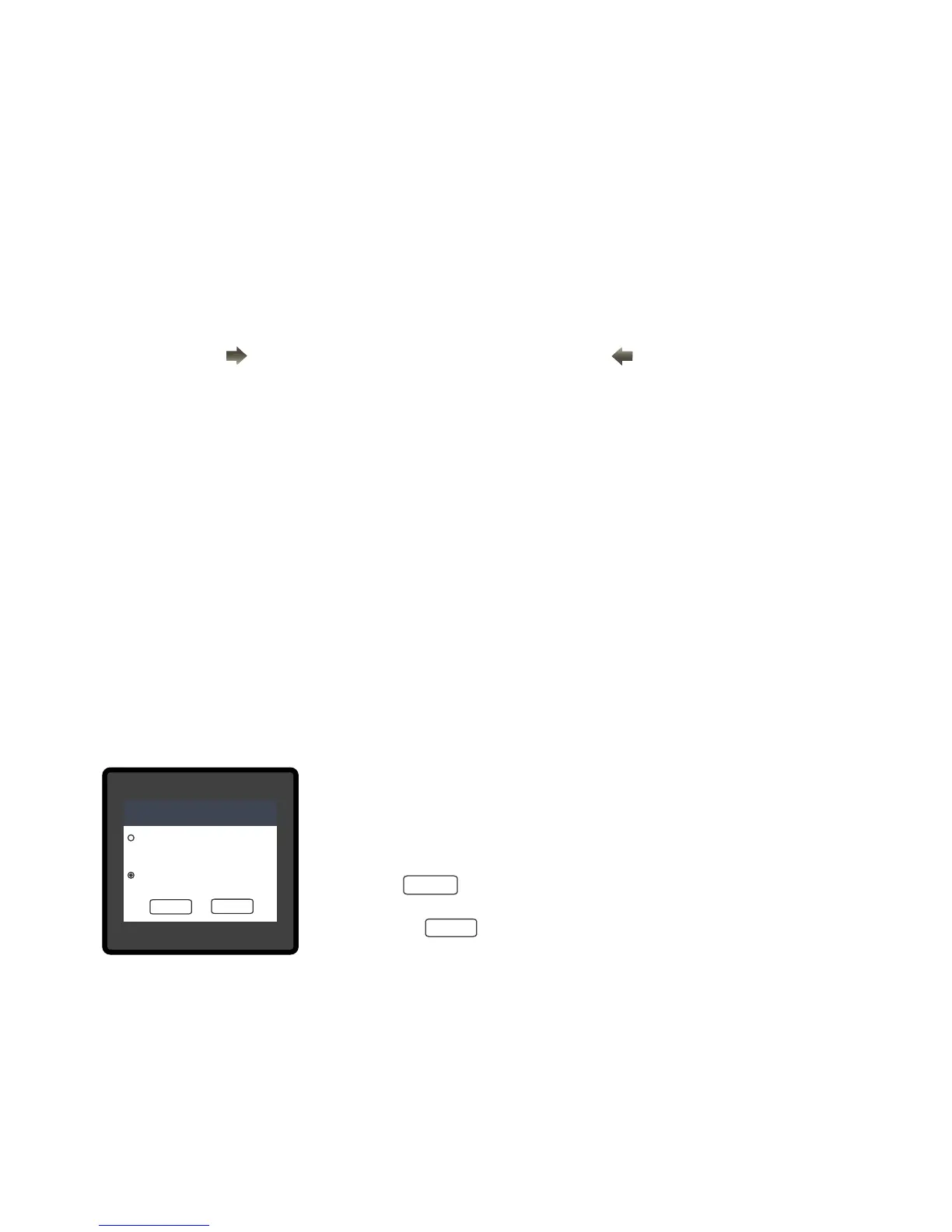
on screen. Touching radio button in front of particular type will select
This screen is used to set the system type .
Two types: 3 phase 3 wire & 3 phase 4 wire system are displayed
that type.
Touch on “ key” will conrm the system type.
return to previous menu.
Touching the “ key” will keep the old selected setting and will
Note : If system type is changed, relay parameter selection & analog output selection
will be set to NONE.
3.2.1.7 ENERGY RESOLUTION
3.2.1.8 ENERGY DIGIT RESET COUNT
3.2.1.9 ENERGY UPDATE RATE
SYSTEM TYPE
3-PHASE 4 WIRE
FOR 3 PHASE STAR CONNECTED LOAD
3-PHASE 3 WIRE
FOR 3 PHASE DELTA CONNECTED LOAD
OK
BACK
OK
BACK
11


 To Next Page