V1.1 2018-10-9
www.risinghf.com
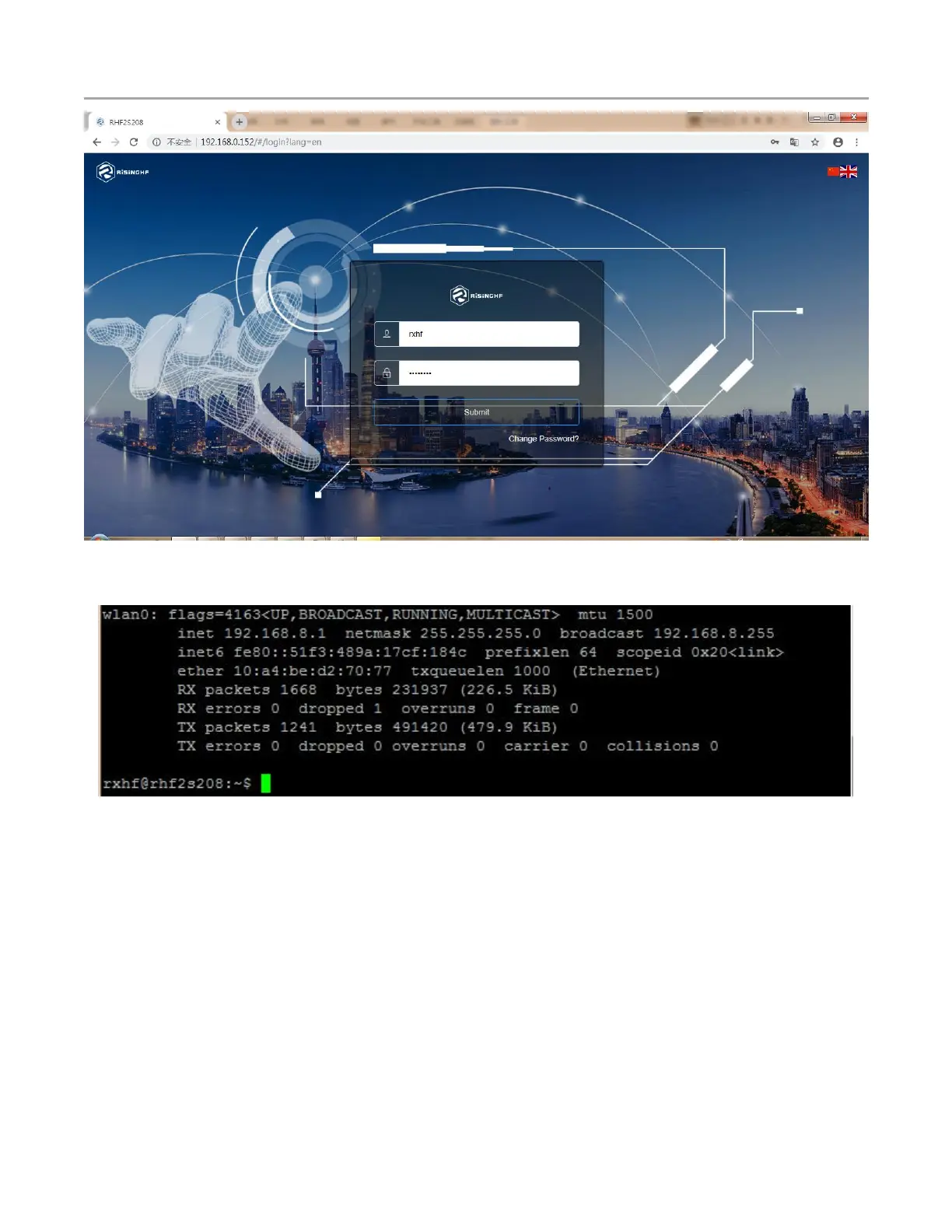
Figure 6-5 login page with wifi
You could also use command ifconfig to check the interface Wlan0.
Figure 6-6 Use command to check interface Wlan0
RHF2S208 embedded on board GPS module (MAX-7Q), which is necessary for LoRaWAN Class B
network.
Access gps module through /dev/serial1 device, default baud rate 9600.
Simply test GPS module by executing below commands:
sudo stty -F /dev/serial1 9600 -raw
cat /dev/serial1
It returns below messages:
$GPRMC,095521.00,V,,,,,,,100417,,,N*74


 To Next Page