74
Printing Barcode Originals
Adjust the barcode print density for a nish suitable for
barcode reading. By specifying the barcode print area, you
can print using dierent print densities for barcodes and
other images.
You can specify the barcode area in the attached printer
driver’s “the barcode area denition application”. See
“Using the Barcode Area Denition Application” (p.101) for
information about the process of printing barcodes, the
setting of barcode area denition application, and the
registration of barcode area denition les.
• In an area specied using the barcode print function,
regardless of the color of the original, the base color is
white, and the barcode color is black.
• If you print using dierent resolutions for the
application that has created the original and the printer,
barcodes may not be able to be read correctly even
using this function.
• The type of targeted barcodes is one-dimensional. If the
barcodes are two-dimensional (e.g., QR code), you do
not need to perform this setting.
• It is recommended to create barcode original data using
black (only K). If the original data include other colors,
barcode processing may not be performed.
• If you cannot print black barcode original data, the
application may automatically perform color transform
processing. Check the setting of the application’s “Color
management”.
1
Click [Properties] (or [Preferences]) in the printing
dialog box of the source application.
2
Check [Barcode area denition] in the [Image] tab.
3
Select the area denition information you want to
print in the [Barcode area denition] pull-down
menu.
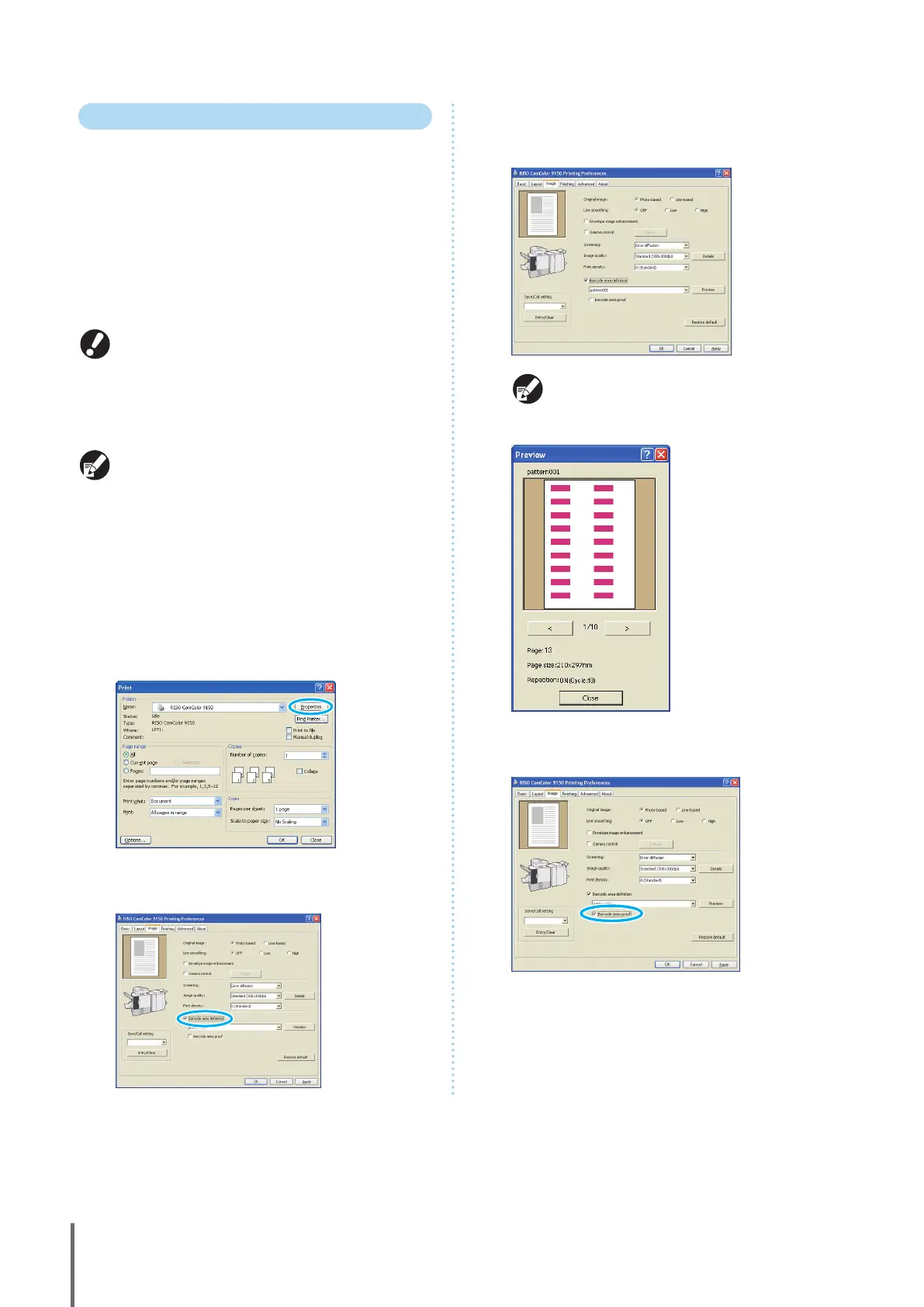
If you click [Preview], you can check the content of
the barcode area denition le that you have
selected.
4
Check [Barcode area proof], and click [OK].
The barcode area in a printout will be shaded.
ComColor Series Basic Guide 06


 To Next Page
 Loading...






