6
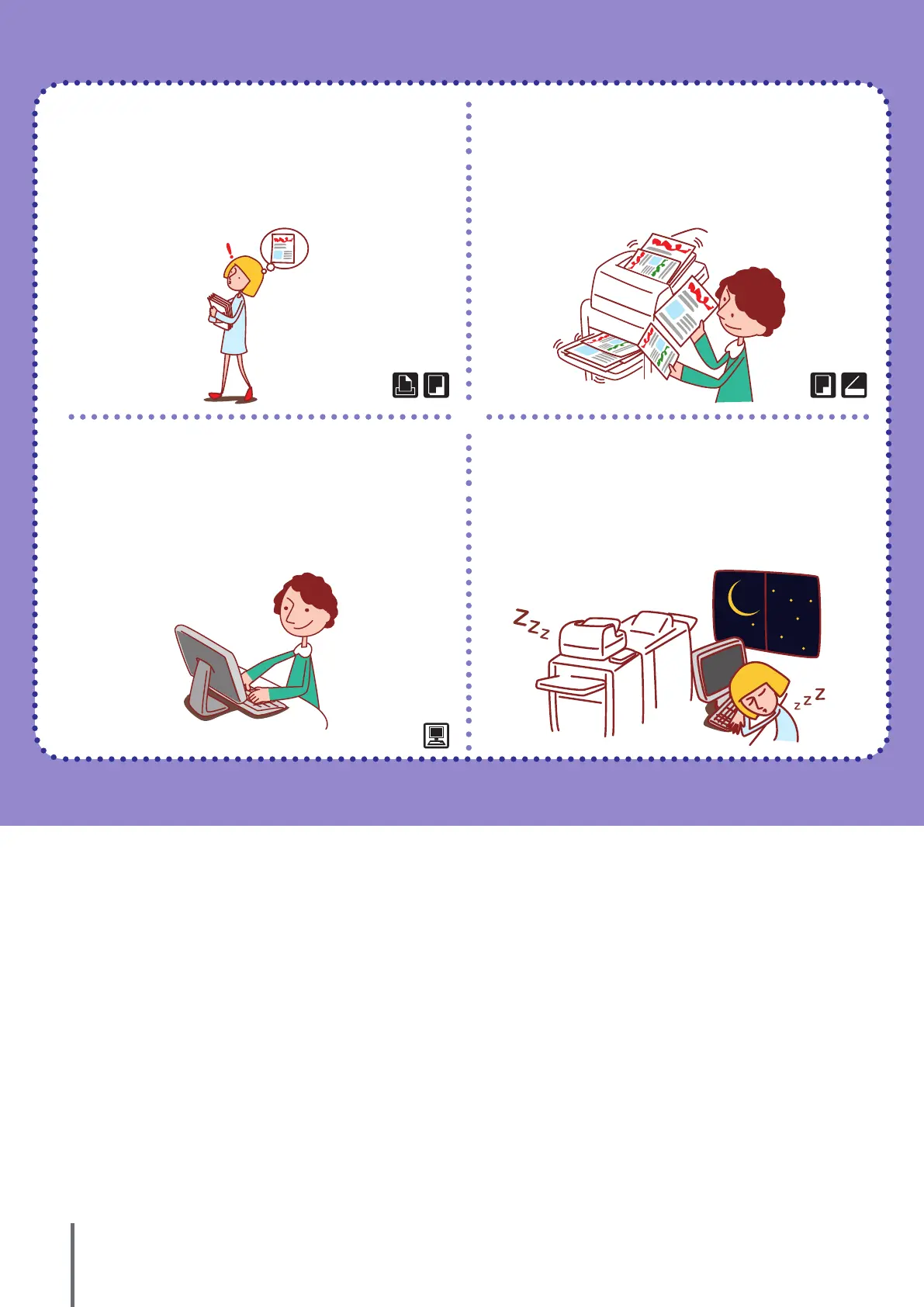
I’d like more copies of a completed copy
job!
I’d like to copy dierent sizes of originals
in one job!
Additional copies (See p.53.) Mixed size (See p.54.)
If you want more copies of the previous copy job, you can make
them. You can also change the image position, feed tray, and
print density settings.
The ADF can read dierent sizes of originals (e.g., A4/Letter and
A3/Ledger) if they have the same length on one of their sides.
I want to check the machine’s status from
a dierent location.
I’d like to save power consumption during
standby!
RISO Console (See p.93.)
Power save setting (See p.20.)
You can check the machine’s status and settings from your
computer and perform job operations without having to actually
go to the machine.
The machine can save power by consuming less power during
standby. You can congure the duration of power saving status,
sleep status, backlight OFF, and the power consumption during
the sleep status.
ComColor Series Basic Guide 06









 To Next Page